
Adobe Trainer (Korean)
Adobe Certified Trainer

필수 사운드 패널
Adobe Premiere Pro에서 오디오 트랜지션 및 효과를 적용하는 방법을 알아봅니다. 타이밍을 조정하고 오디오 트랙에 다양한 편집을 적용하는 방법을 알아봅니다.
This summary is AI generated
Learning Outcomes:
- Edit audio using the basic sound panel.
- Adjust volume levels for different audio types.
Level: Intermediate
Skills you'll gain:
Premiere Pro, Audio Editing, Volume Adjustment, Sound Design
Key Insights
- Use the sound panel for intuitive audio editing.
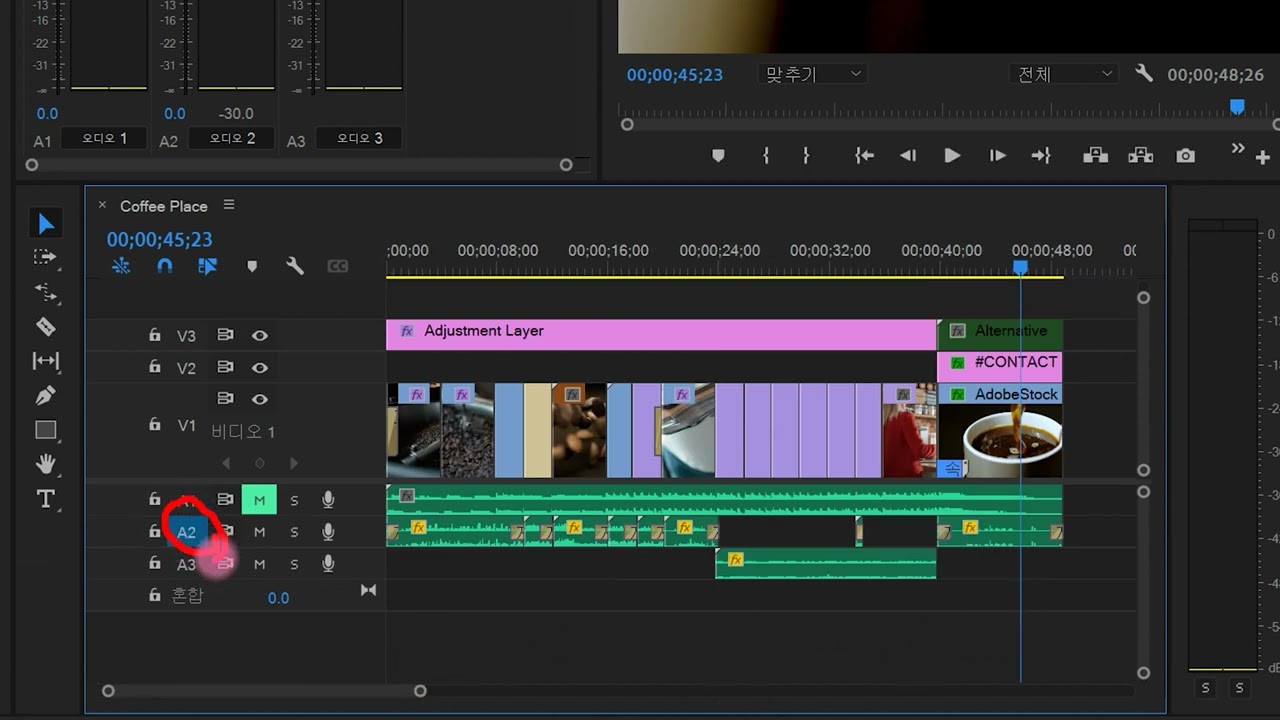
- Rename audio tracks for better organization.
- Select audio types to apply specific settings.
- Utilize automatic volume matching for consistency.
- Explore presets for quick audio adjustments.
- Adjust background noise levels effectively.
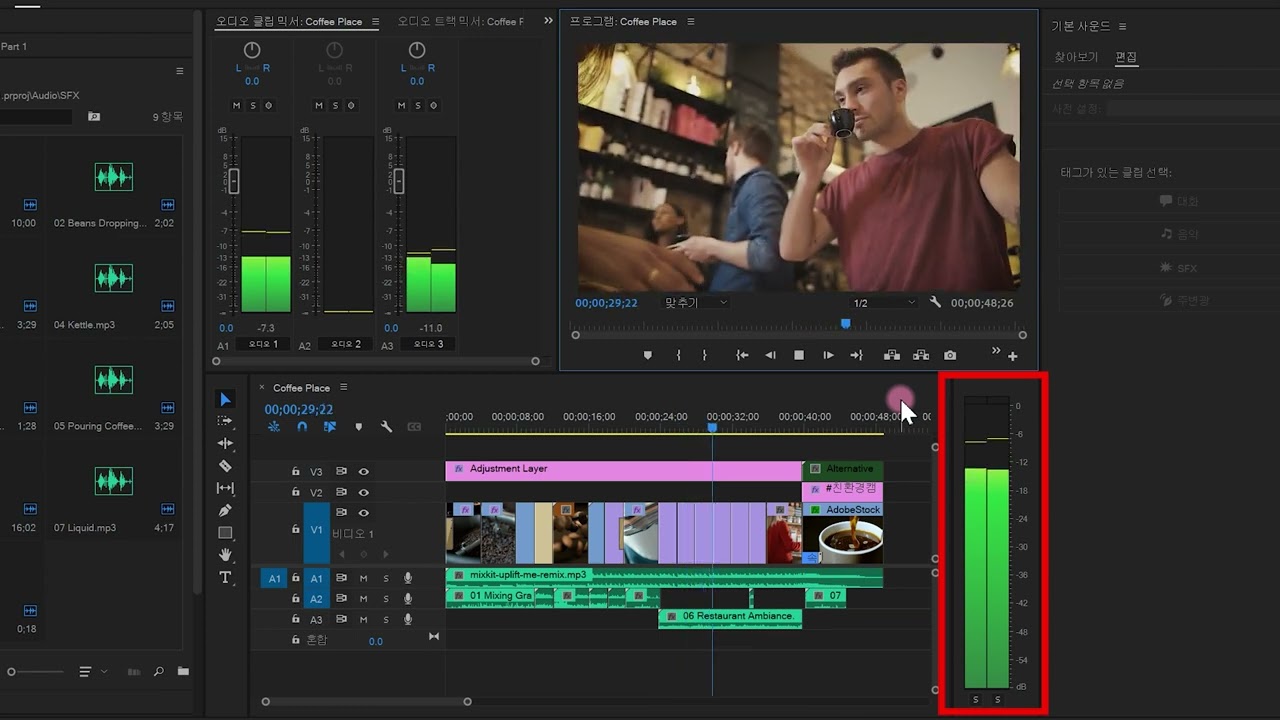
- Check audio levels using LUFS measurements.
- Save custom presets for future use.
- Undo changes easily with keyboard shortcuts.













 AdChoice