
Adobe Trainer (Korean)
Adobe Certified Trainer

키 입력
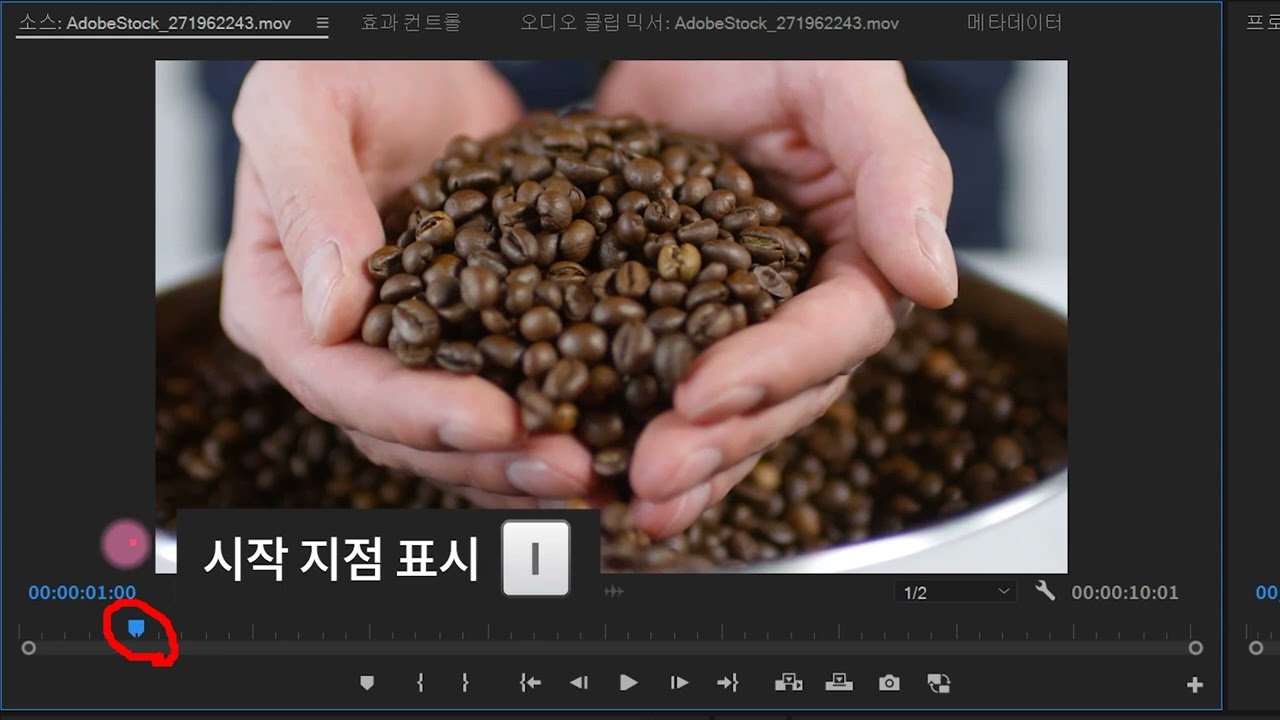
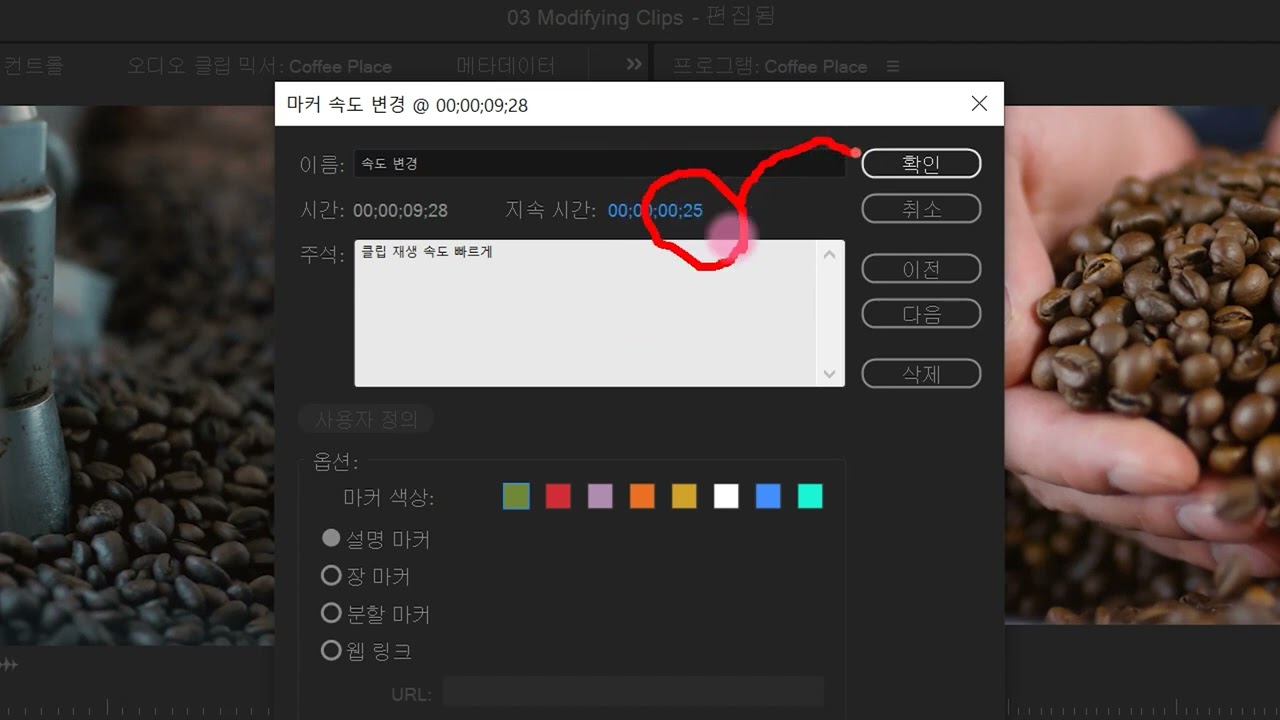
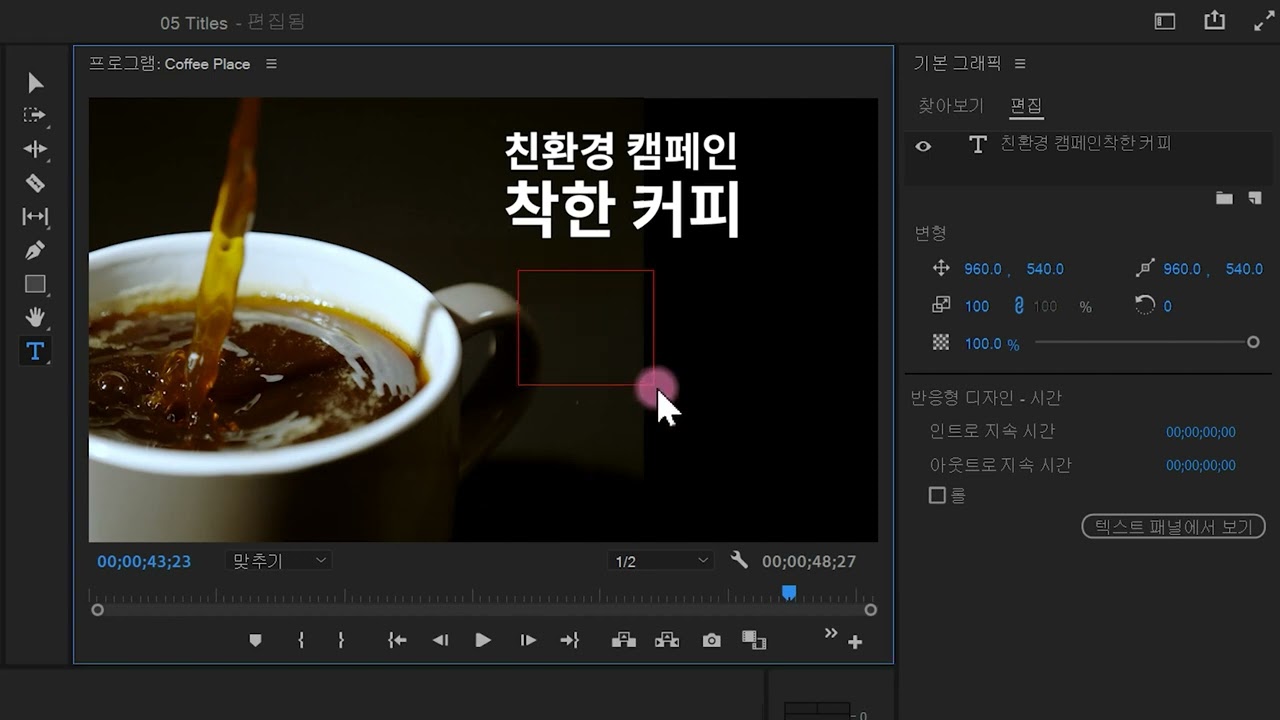
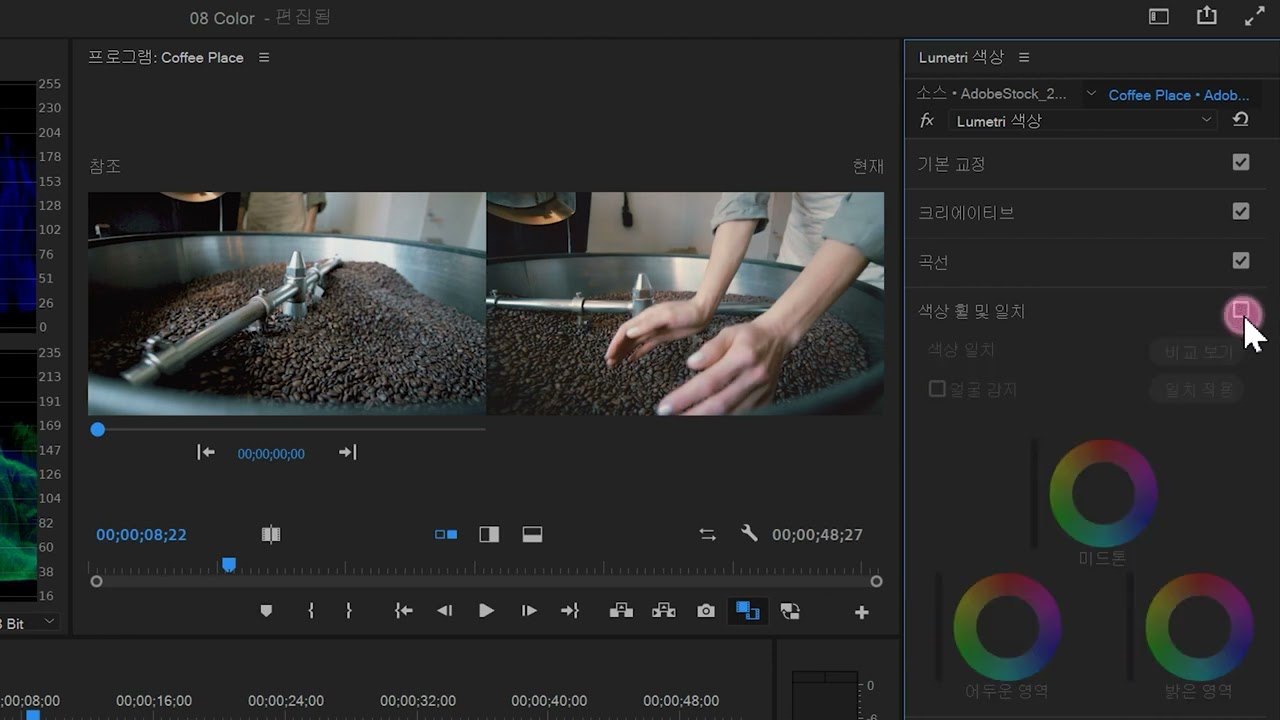
루메트리 색상 패널을 사용하여 동영상 클립의 색상을 보정하는 방법을 알아보세요. 파형 모니터, 벡터스코프, RGB 퍼레이드를 사용하는 방법을 알아보세요.
This summary is AI generated
Learning Outcomes:
- Create a sequence in Premiere Pro
- Remove green screen using Ultra Key
- Adjust video properties for better compositing
Level: Intermediate
Skills you'll gain:
Premiere Pro, Keying, Compositing, Video Editing
Key Insights
- Import media files into Premiere Pro project.
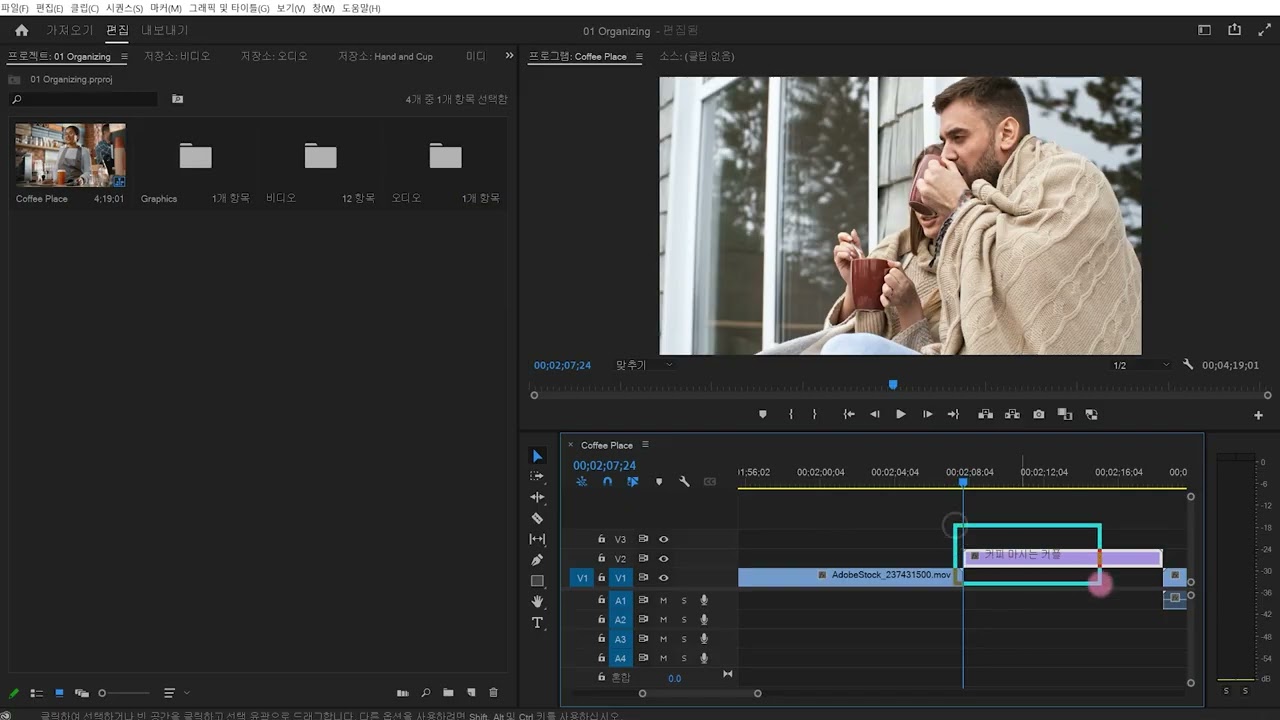
- Use the timeline to arrange video clips accurately.
- Utilize the Ultra Key effect to remove backgrounds.
- Adjust opacity and color settings for better compositing.
- Employ mask tools for precise video editing.
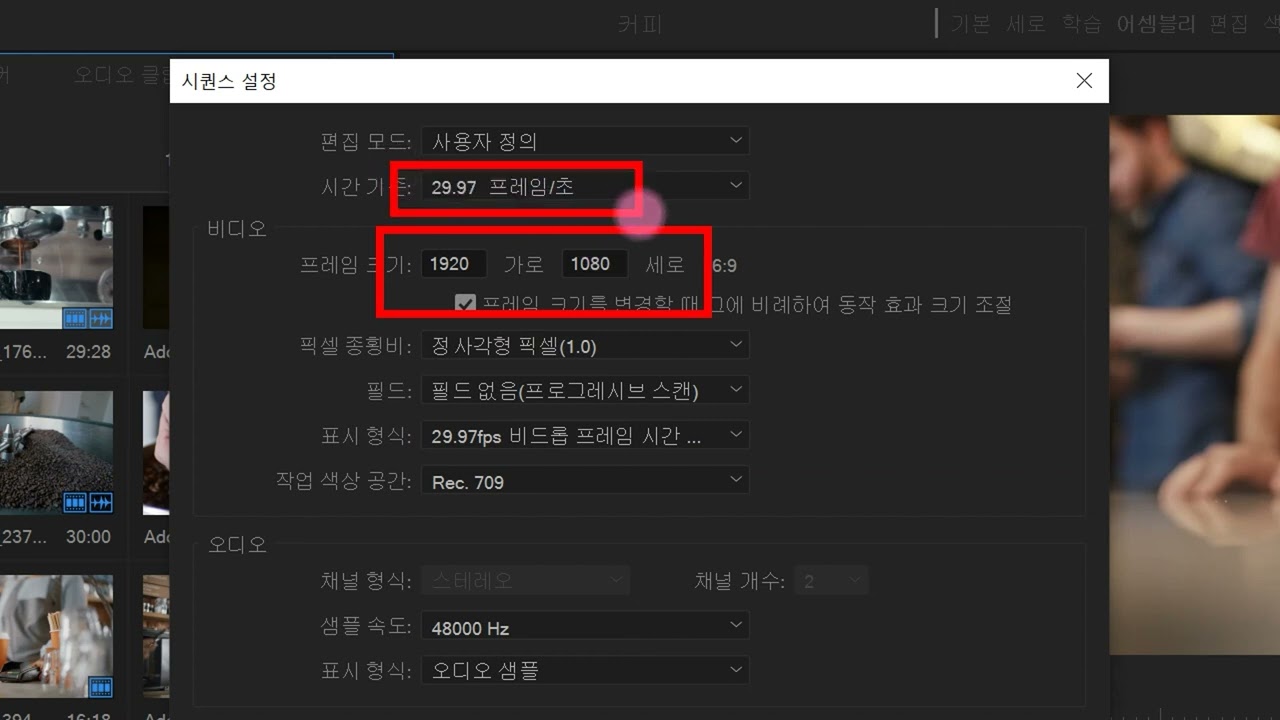
- Modify sequence settings to match project requirements.
- Use alpha channels for transparent backgrounds.
- Fine-tune keying settings to eliminate color spill.
- Nest sequences for organized project management.
- Compare clips by toggling visibility in the timeline.












 AdChoice