
워크플로 편집
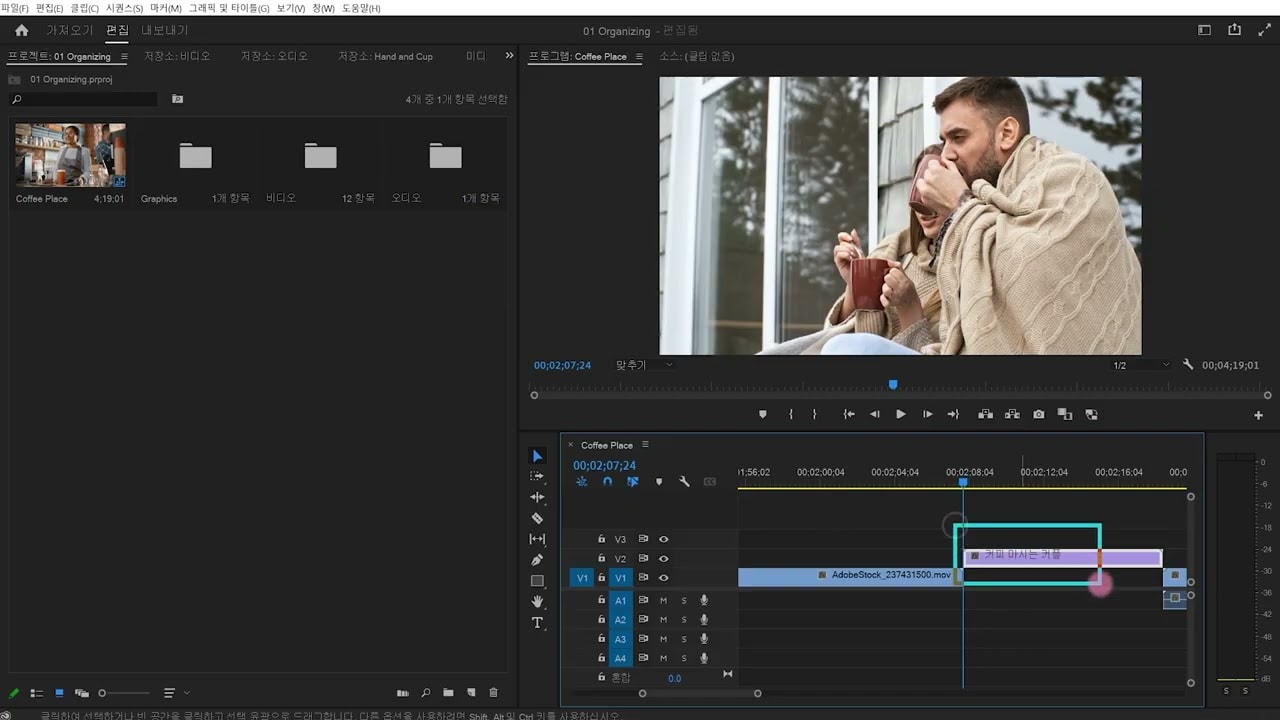
프로젝트를 설정하고, 비디오를 가져오고, 인터페이스에 익숙해져 효율적인 편집을 위한 작업 공간을 맞춤 설정할 수 있습니다.
This summary is AI generated
Learning Outcomes:
- Understand basic editing processes in Premiere Pro
- Utilize shortcuts for efficient timeline management
- Import and arrange media clips effectively
Level: Intermediate
Skills you'll gain:
Editing, Premiere Pro, Shortcuts, Media Management
Key Insights
- Reset workspace layout for better organization.
- Use the tilde key to maximize panels.
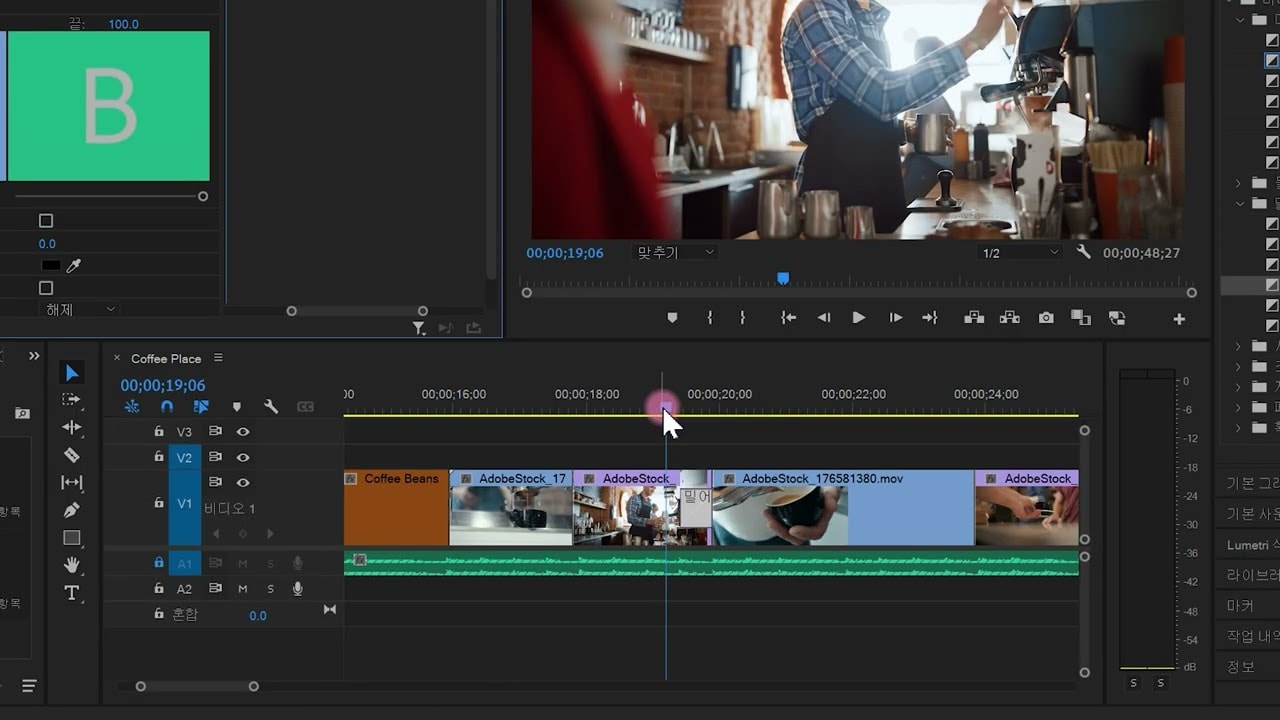
- Drag clips to rearrange their order in the timeline.
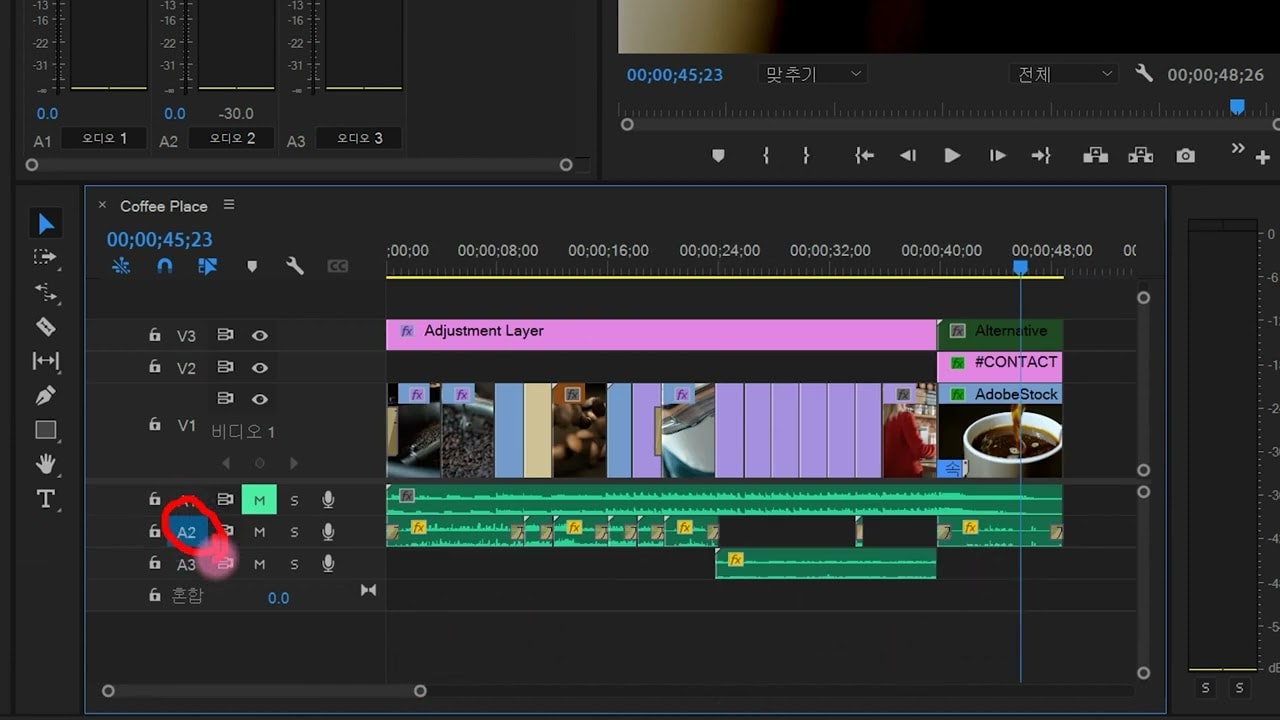
- Lock audio tracks to prevent accidental movement.
- Utilize keyboard shortcuts for timeline zooming.
- Set in and out points for precise editing.
- Differentiate between insert and overwrite editing.
- Use the X key to mark clips for removal.
- Apply the semicolon key to delete selected sections.
- Employ the home key to quickly navigate to the start.