

Intermediate Animation Techniques
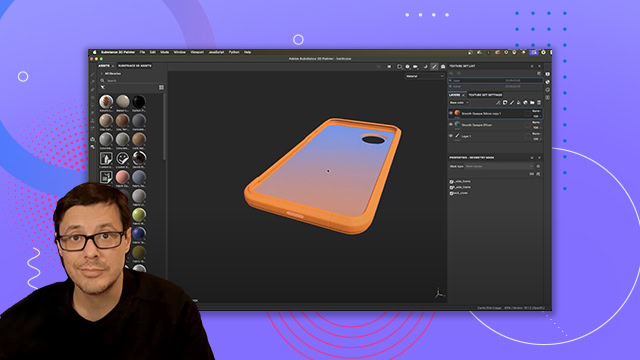
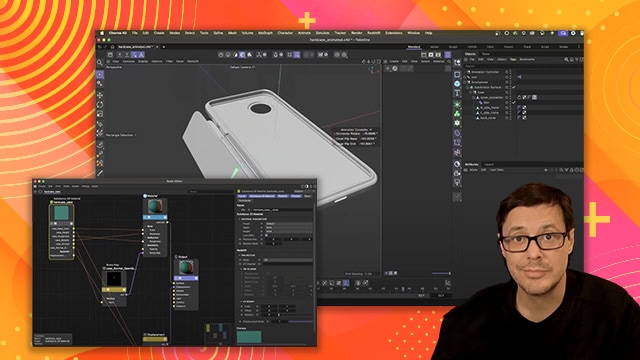
Learn to smooth and refine your animations, building upon all you've learned to create a stylish animated product ad. This section includes a 3D model to take your work to a whole new dimension!
This summary is AI generated
Learning Outcomes:
- Understand motion's impact on communication
- Apply keyframe techniques for dynamic animations
- Utilize 3D layers for enhanced visuals
Level: Beginner
Skills you'll gain:
After Effects, Animation, 3D Design, Keyframes
Key Insights
- Motion conveys context and meaning effectively.
- Use overshoot and anticipation for energetic animations.
- Control keyframe behavior with interpolation methods.
- Utilize the graph editor for precise timing adjustments.
- Separate dimensions for more control over movement.
- Experiment with 3D objects to enhance creativity.
- Lighting can significantly improve the realism of 3D models.
- Easing keyframes adds smoothness to animations.
- Contrast in movement helps direct viewer attention.
- Be intentional with animation choices for stronger impact.