
Adobe Media Encoder로 작업하기
Adobe Premiere Pro에서 출력에 영향을 줄 수 있는 편집 영역을 게시하고 수정하는 방법을 알아봅니다.
This summary is AI generated
Learning Outcomes:
- Export videos using Adobe Media Encoder
- Select presets for video output
- Render specific video segments
Level: Intermediate
Skills you'll gain:
Adobe, Media, Encoder, Export
Key Insights
- Open project files to begin exporting.
- Use the export button to access media settings.
- Choose the appropriate preset for your output.
- Set the output location before rendering.
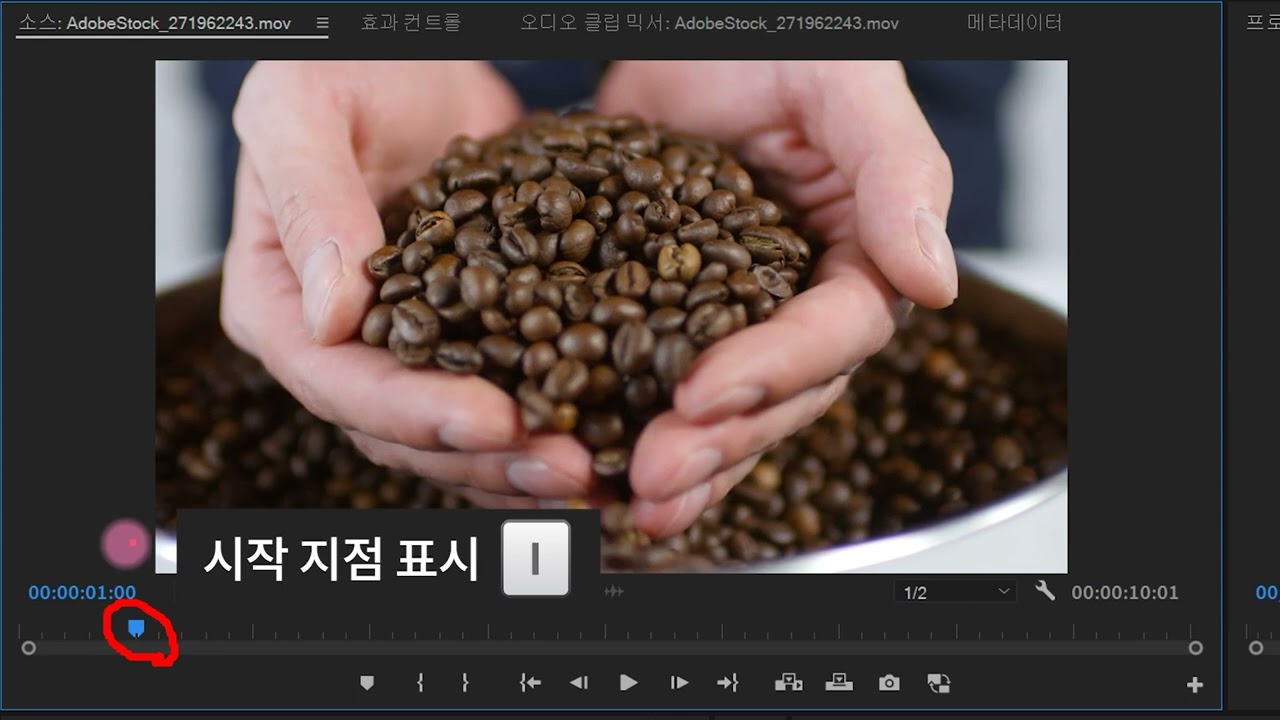
- Adjust start and end points for specific segments.
- Use Adobe Media Encoder for batch processing.
- Preview outputs in the encoding panel.
- Change formats and presets as needed.
- Ensure proper naming and location for files.