
클립 수정하기
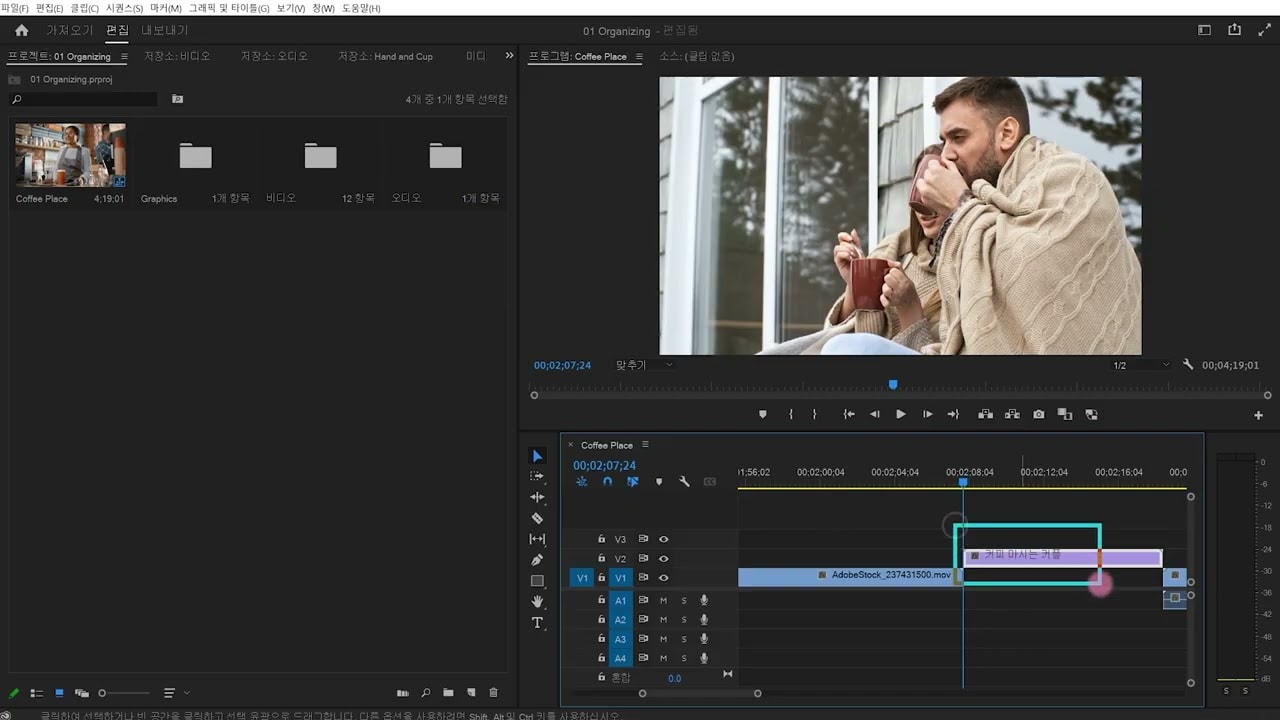
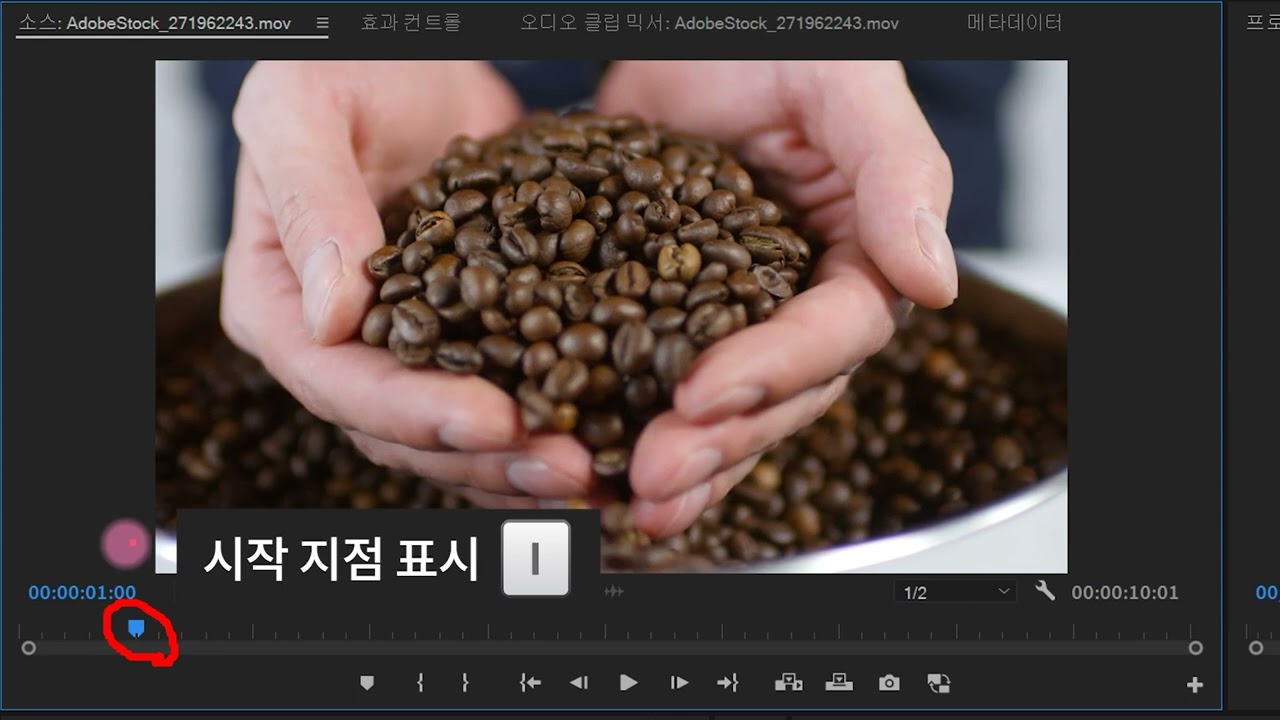
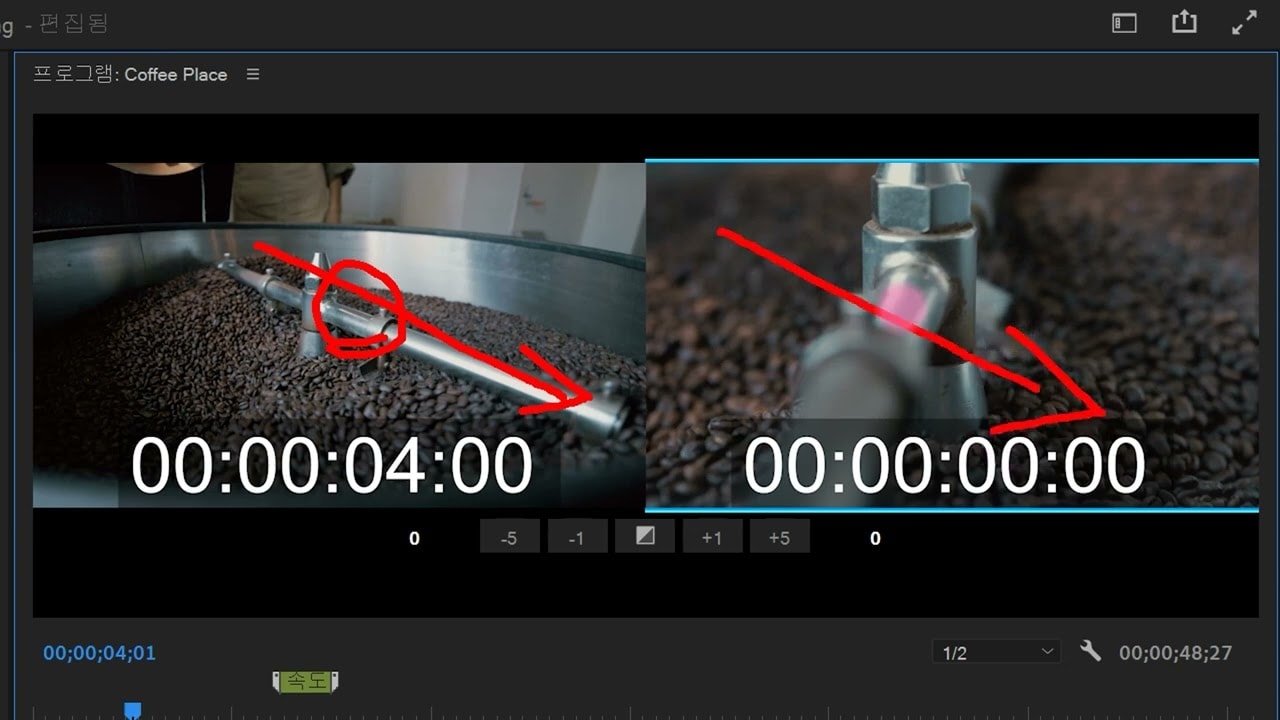
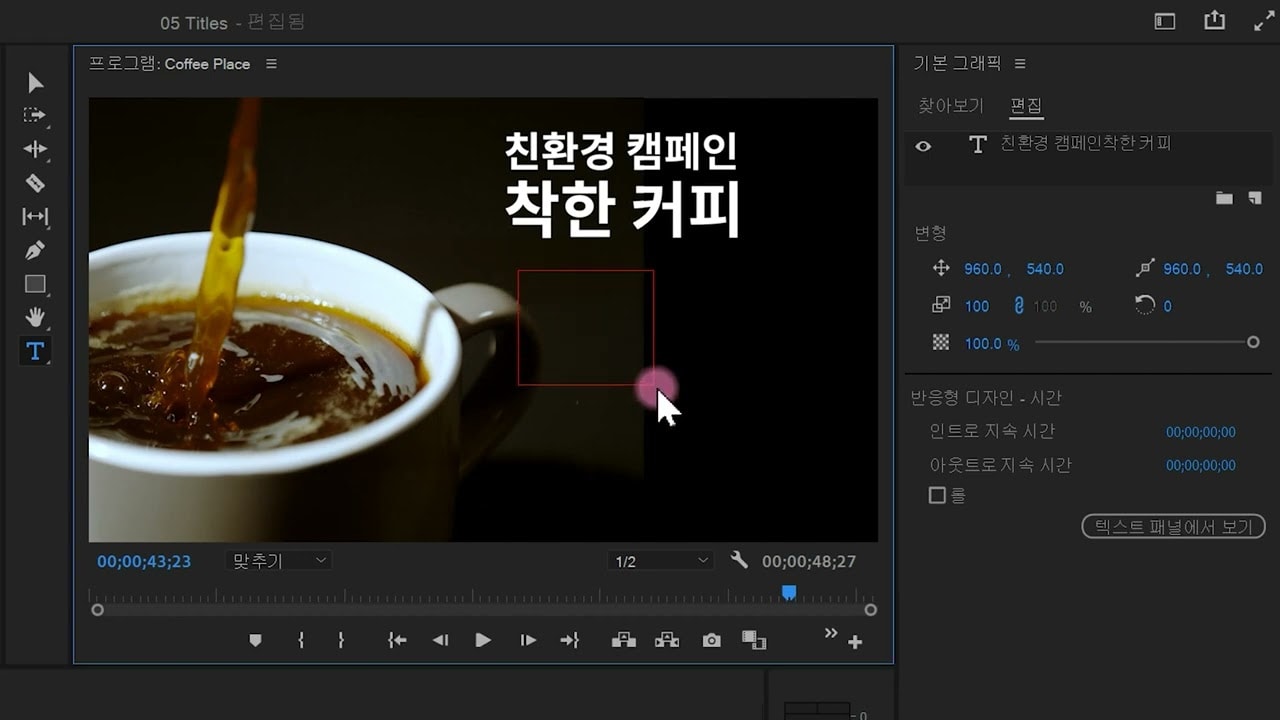
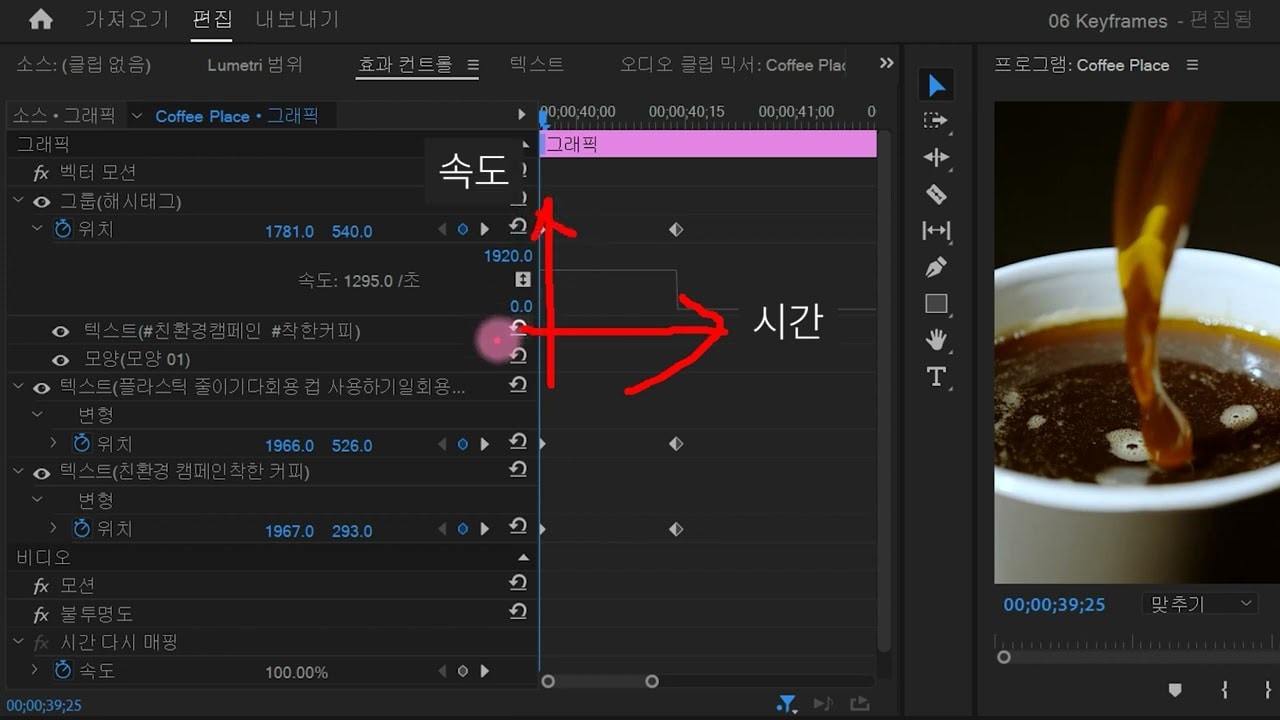
Adobe Premiere Pro에서 클립을 수정하는 방법을 알아봅니다. 비디오 클립의 속도를 늦추거나 높이는 등 편집 결정을 내리는 데 마커가 어떻게 도움이 되는지 알아보십시오.
This summary is AI generated
Learning Outcomes:
- Modify clips using Premiere Pro tools.
- Utilize markers for efficient editing.
- Adjust clip speed and duration.
Level: Intermediate
Skills you'll gain:
Premiere Pro, Editing, Markers, Speed Adjustment
Key Insights
- Open projects using the file menu.
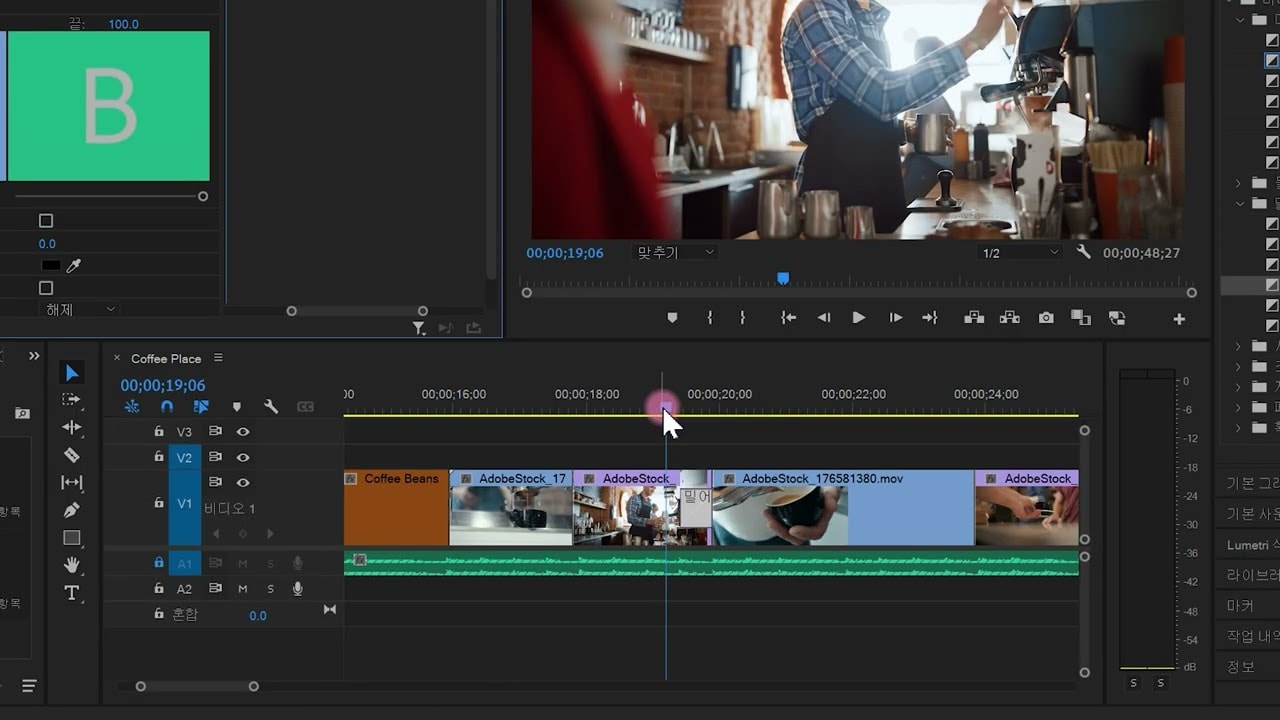
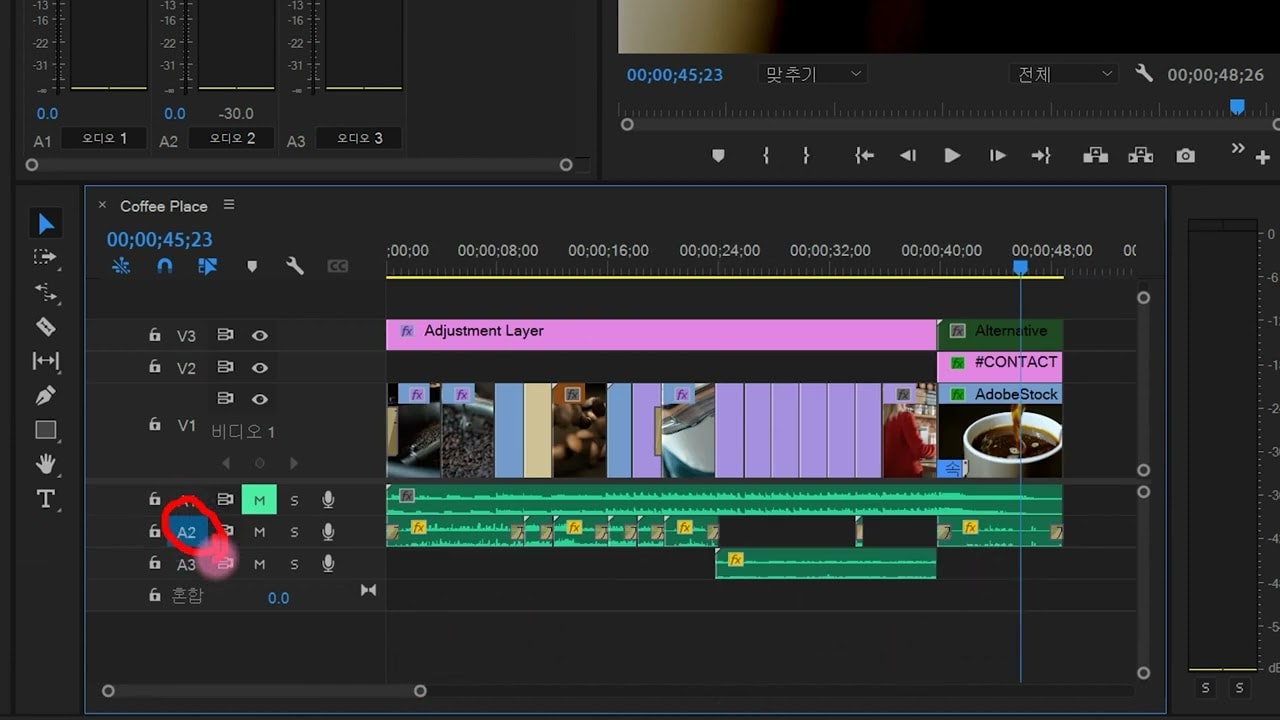
- Lock audio tracks to prevent movement.
- Create timeline markers with 'M' key.
- Delete markers via right-click options.
- Expand tracks for detailed editing.
- Change clip speed to enhance transitions.
- Rename clips for better organization.
- Use marker panels for easy access.
- Adjust marker lengths for clarity.
- Share editing notes through markers.