
제목
필수 그래픽 패널을 사용하여 Adobe Premiere Pro에서 타이틀을 제작하는 방법을 알아봅니다. 템플릿을 사용하여 타이틀을 만들거나 직접 타이틀을 만드는 방법에 대해 알아봅니다.
This summary is AI generated
Learning Outcomes:
- Create subtitles in Premiere Pro
- Customize text and templates
- Use Adobe Stock for templates
Level: Intermediate
Skills you'll gain:
Premiere Pro, Subtitles, Templates, Text Editing
Key Insights
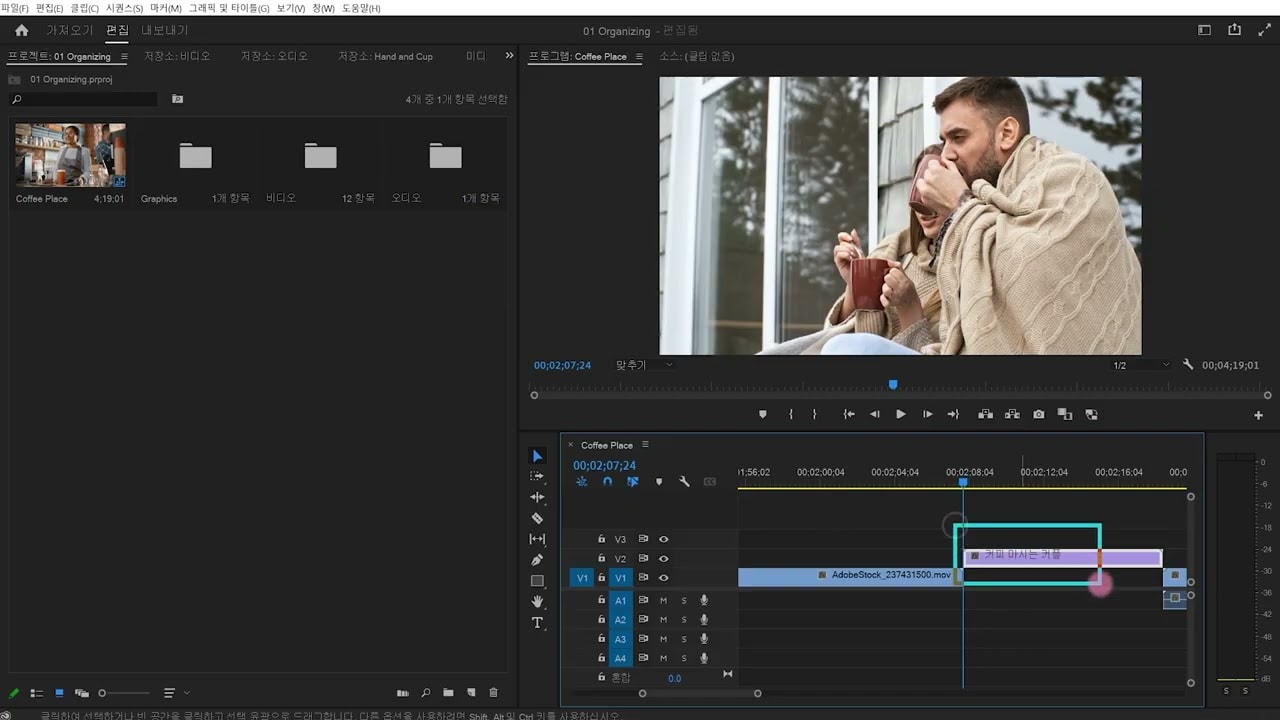
- Open project files to start editing subtitles.
- Access the Essential Graphics panel for subtitle creation.
- Download templates from Adobe Stock for quick use.
- Modify text properties like font, size, and color.
- Use the text tool to create and edit subtitles.
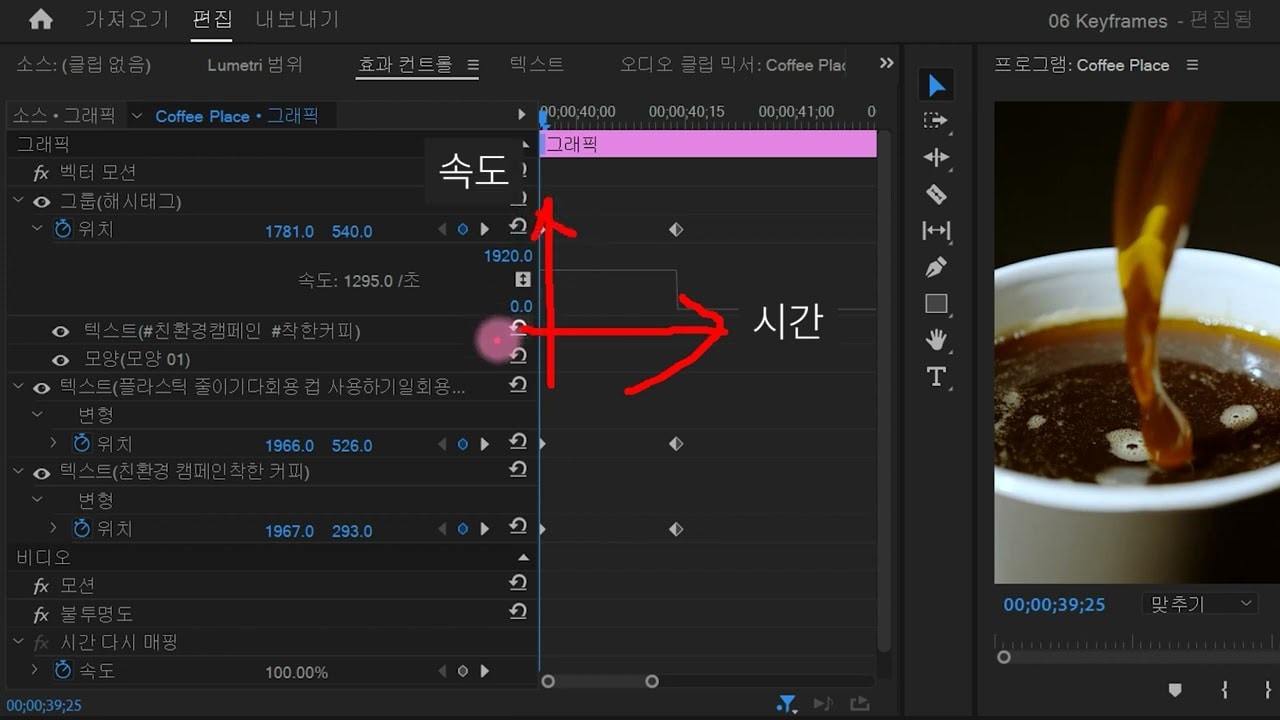
- Group elements for better organization in the timeline.
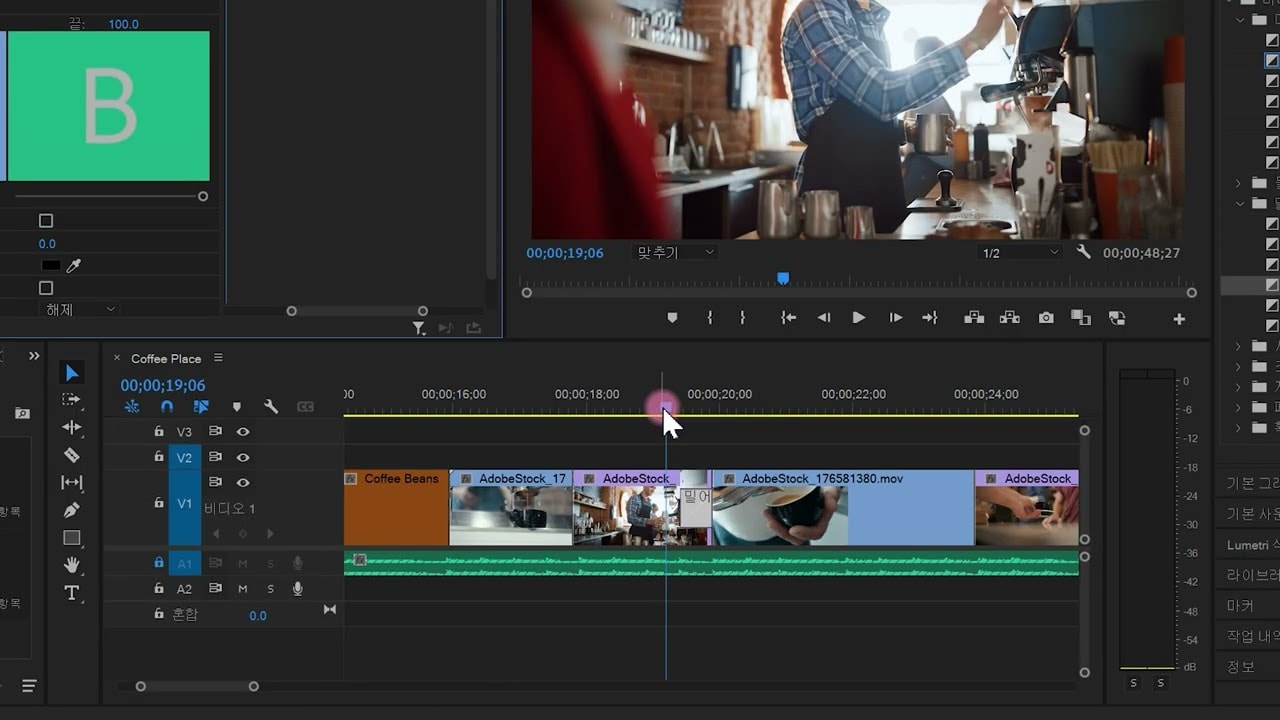
- Adjust subtitle length to match video clips.
- Utilize the shape tool for background designs.
- Align text elements for a polished look.
- Activate fonts through Adobe Creative Cloud for use.