
효과
자르기 또는 전환과 같은 다양한 효과를 적용할 수 있는 Adobe Premiere Pro에서 비디오 클립에 효과를 적용하는 방법을 알아봅니다.
This summary is AI generated
Learning Outcomes:
- Apply effects in Premiere Pro
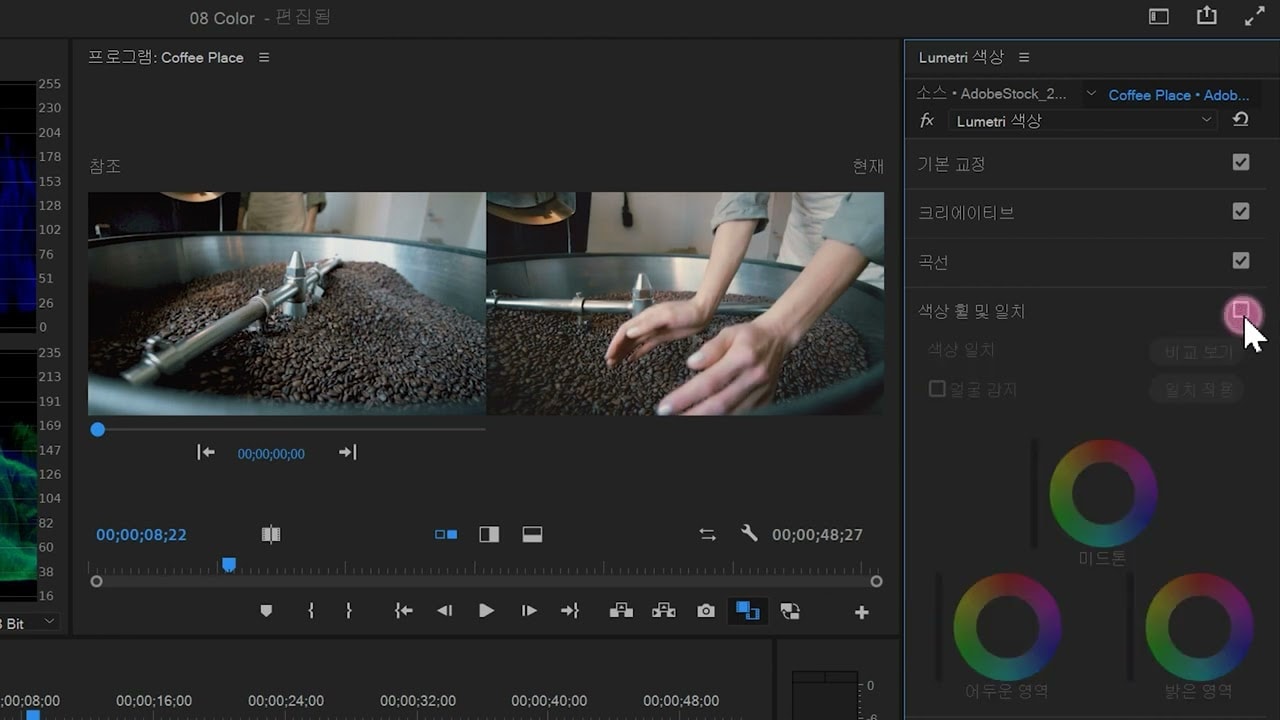
- Use adjustment layers for color correction
- Modify transition durations effectively
Level: Intermediate
Skills you'll gain:
Premiere Pro, Effects, Transitions, Color Correction
Key Insights
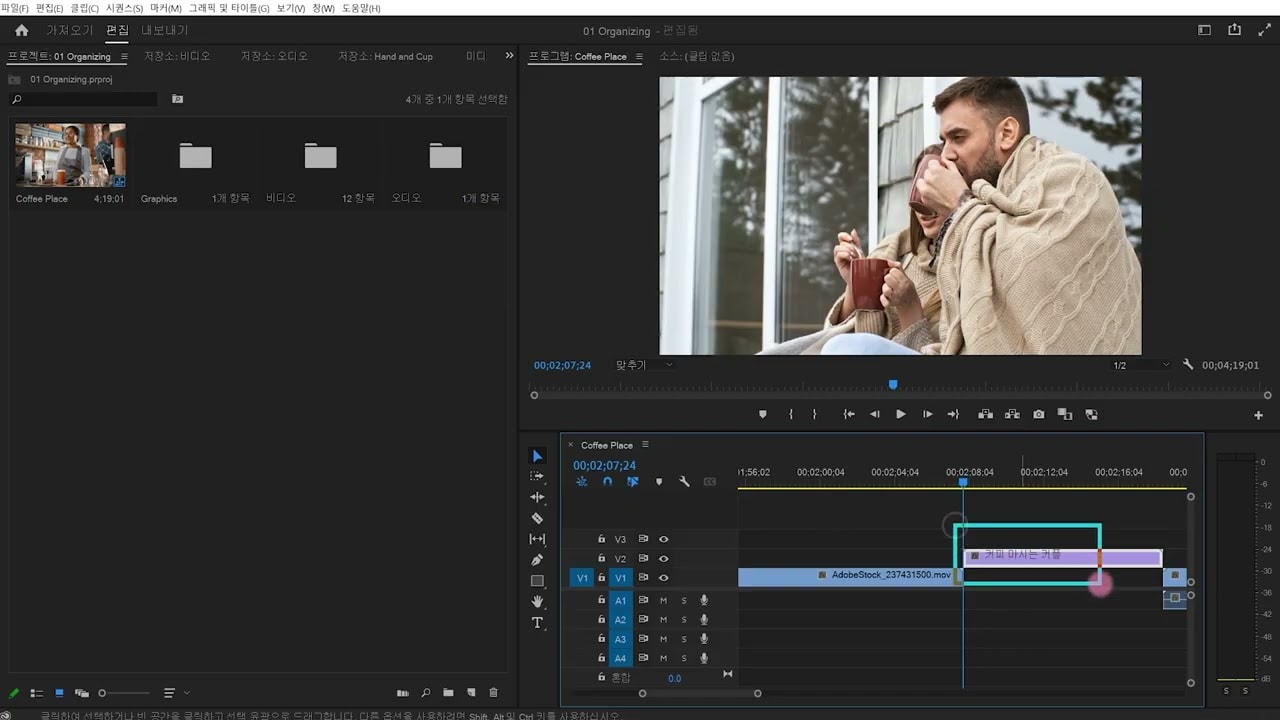
- Open project files to start editing.
- Use the effects panel to find and apply effects.
- Drag effects onto clips or double-click to apply.
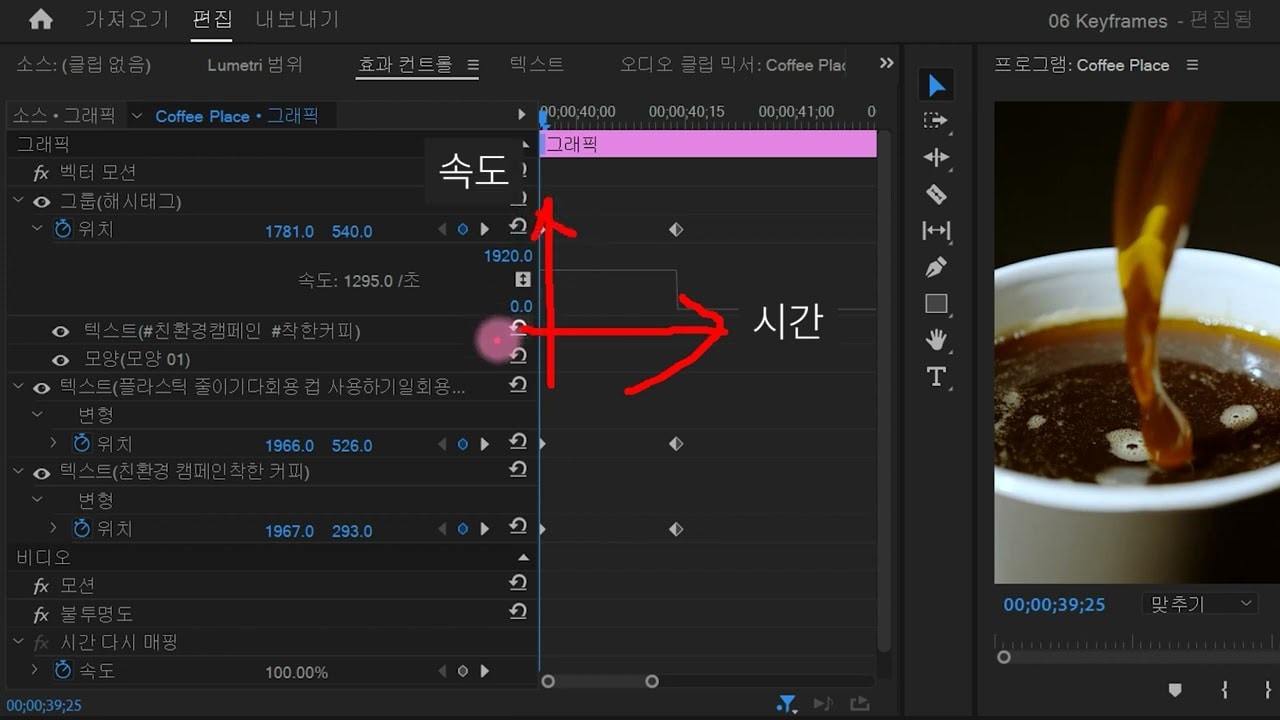
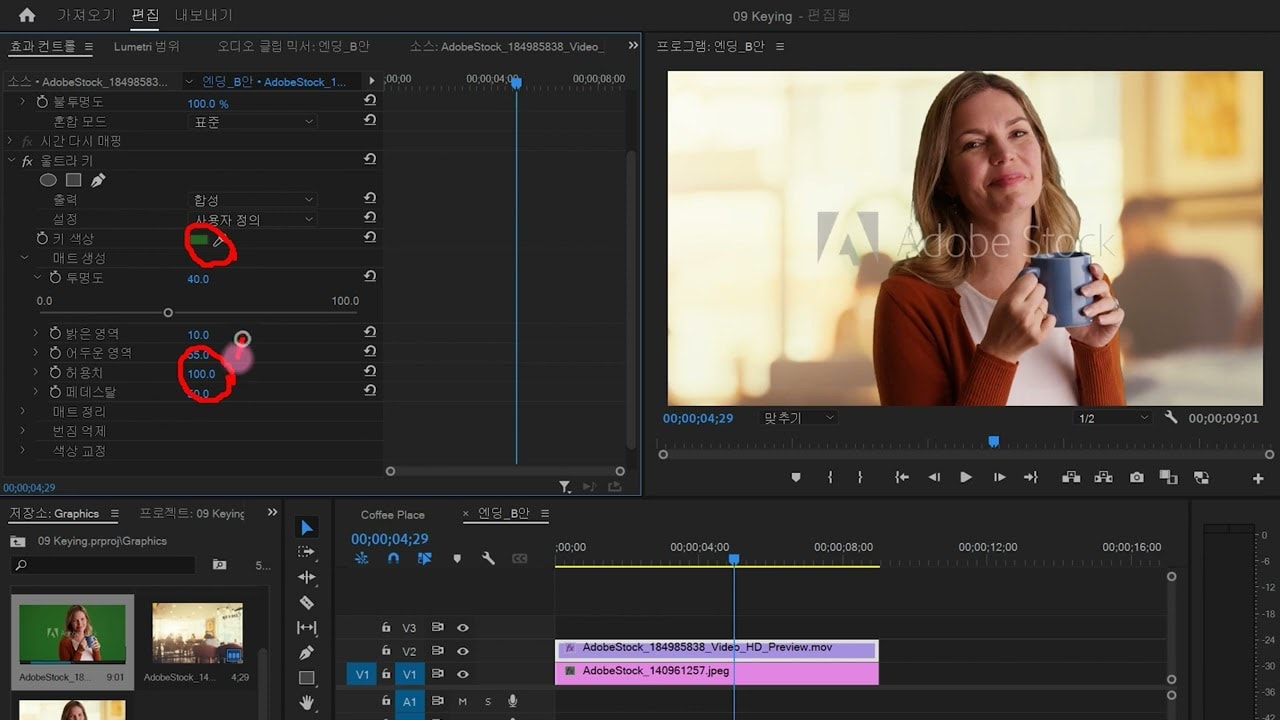
- Adjust effect parameters in the Effect Controls panel.
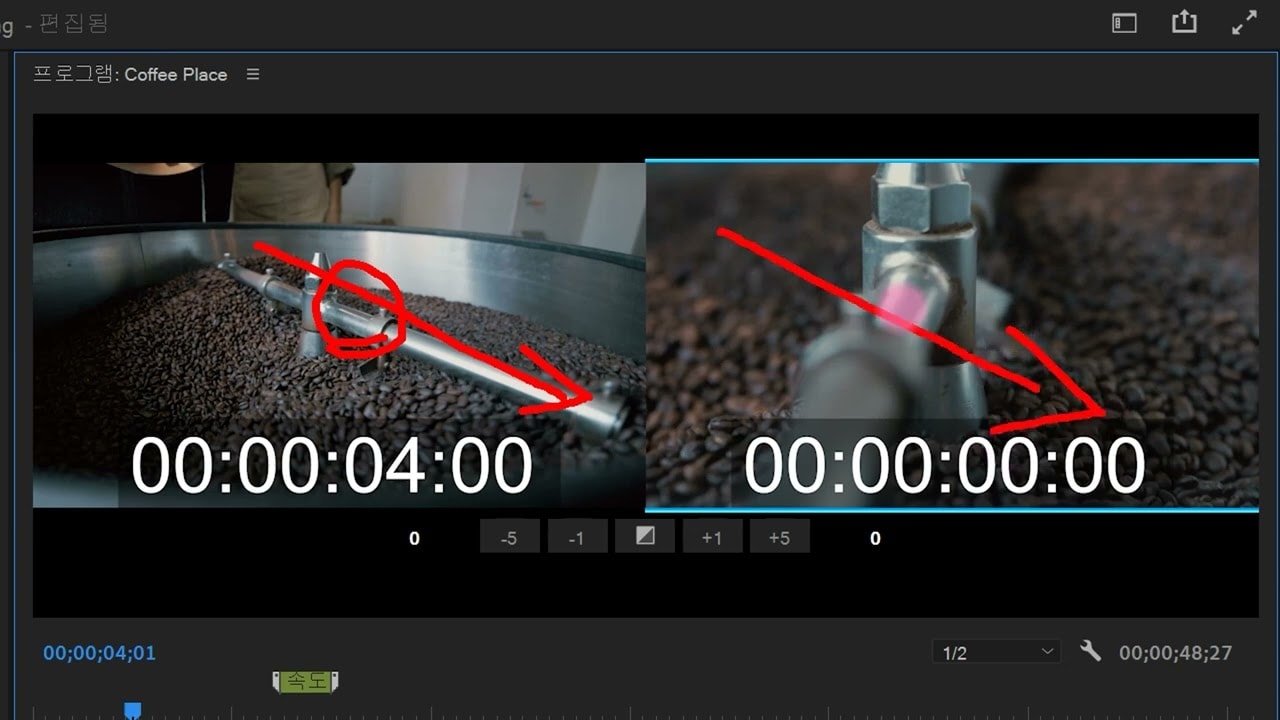
- Utilize transition effects for smoother cuts.
- Modify transition duration for faster or slower effects.
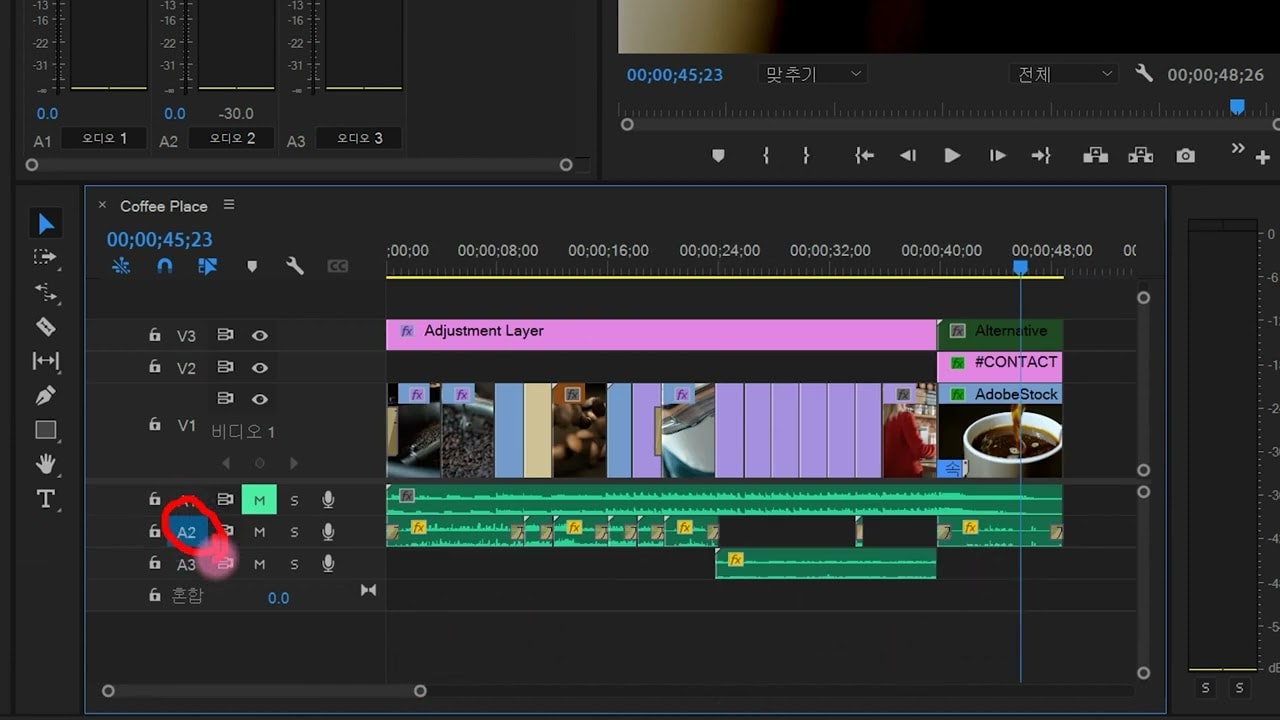
- Create adjustment layers for applying effects to multiple clips.
- Use Lumetri presets for color correction.
- Toggle FX button to compare effects easily.
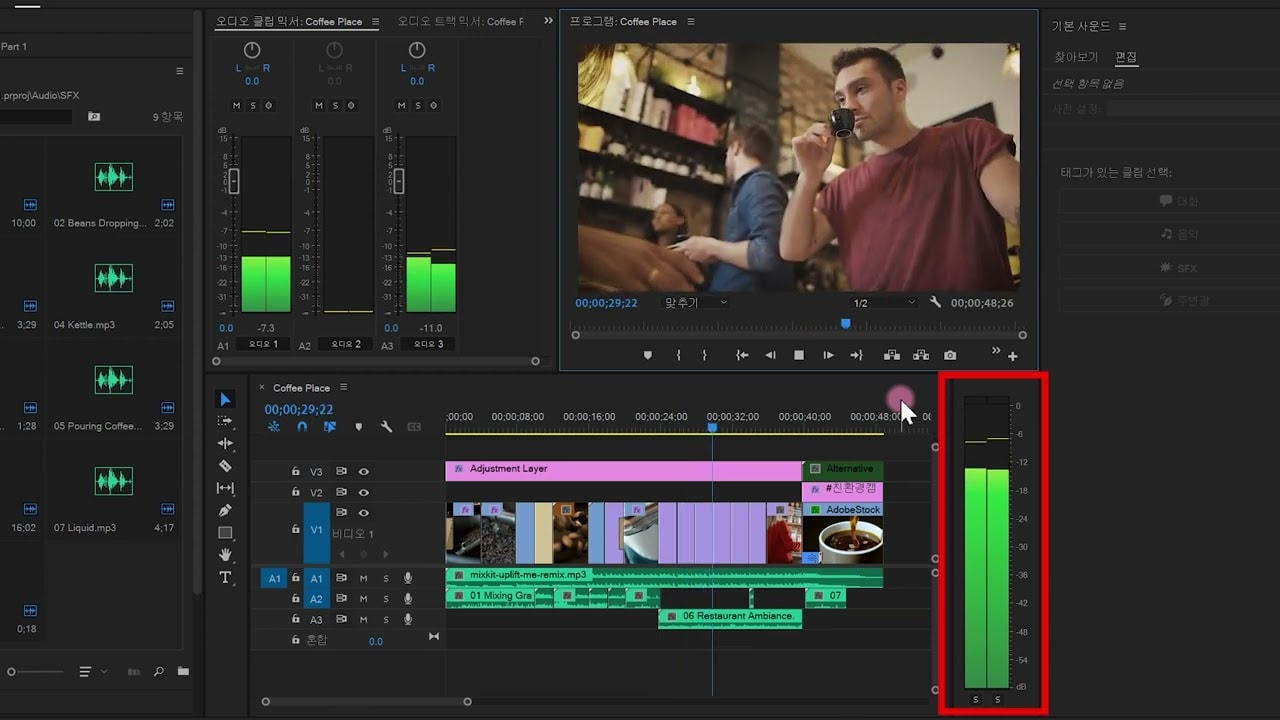
- Organize project panels for better workflow.