
키프레임
타임라인에서 모션 타이틀을 마스터할 수 있도록 Adobe Premiere Pro에서 타이틀의 키프레임을 만드는 방법을 알아봅니다.
This summary is AI generated
Learning Outcomes:
- Create animations using keyframes in Premiere Pro.
- Adjust keyframe timing for smoother animations.
Level: Intermediate
Skills you'll gain:
Premiere Pro, Keyframes, Animation, Effect Controls
Key Insights
- Select text clips to set keyframes in Effect Controls.
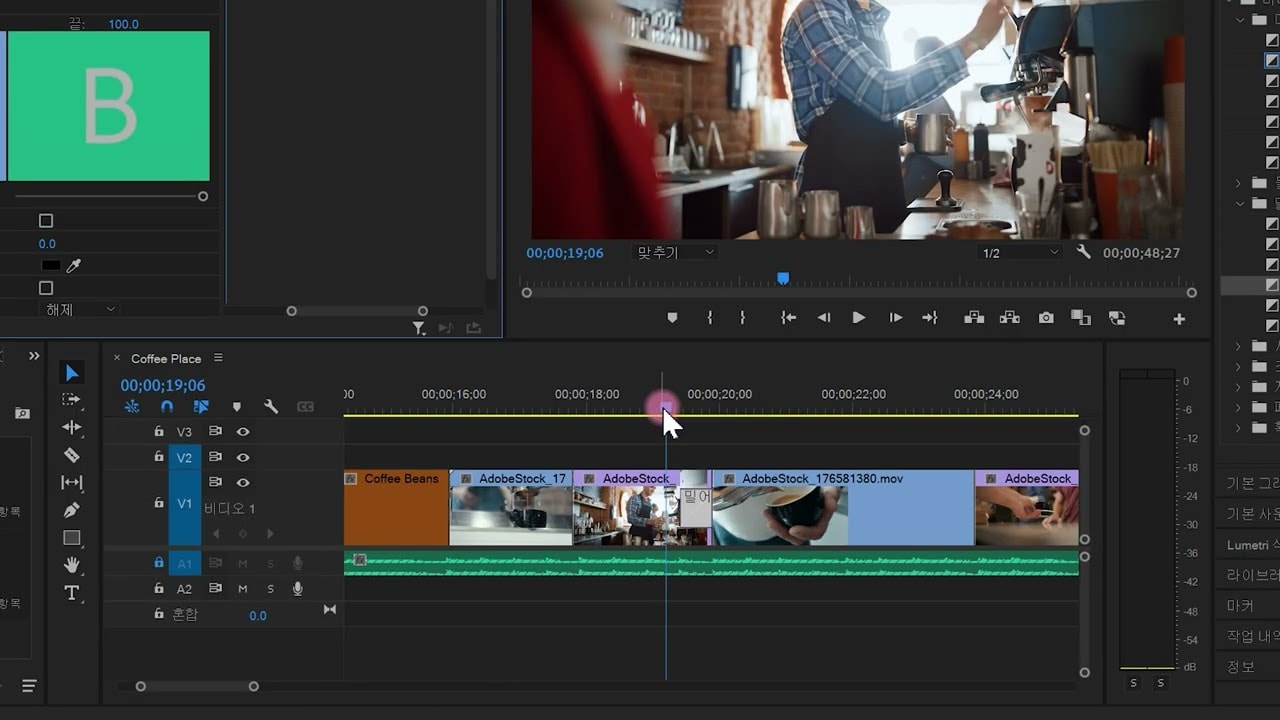
- Use the timeline to navigate and position keyframes accurately.
- Enable keyframe animation by clicking the stopwatch icon.
- Filter keyframe properties for easier editing.
- Adjust keyframe positions to create staggered animations.
- Modify speed graphs for natural animation transitions.
- Utilize time remapping for dynamic animation effects.
- Preview animations to ensure smooth transitions.