
Adobe Trainer (Korean)
Adobe Certified Trainer

오디오 전환 및 효과
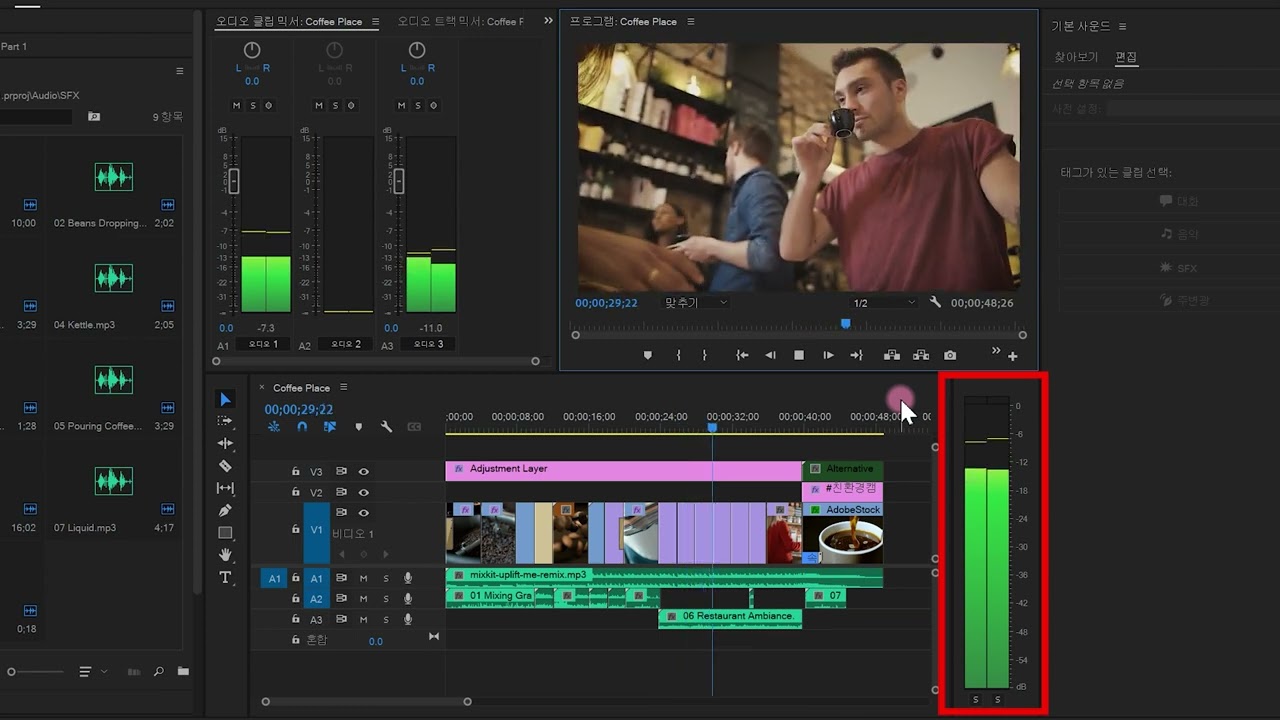
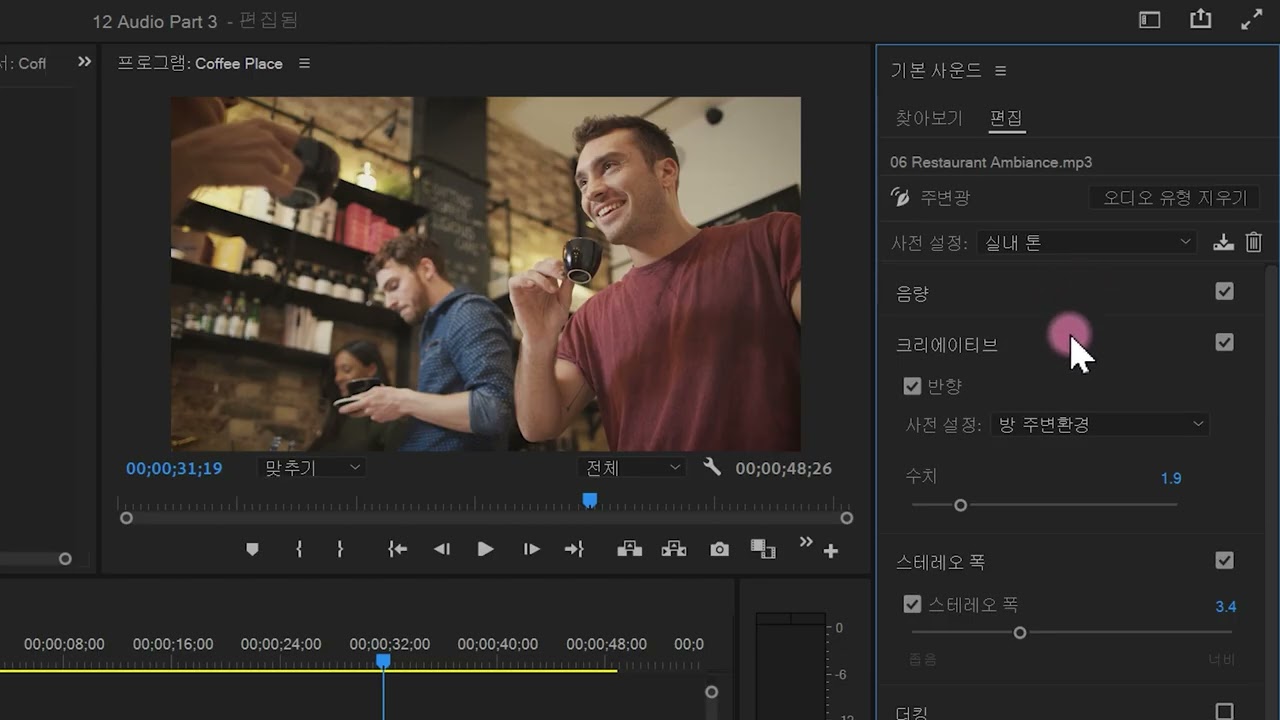
Adobe Premiere Pro에서 오디오를 추가하고 수정하는 방법을 알아봅니다. 사운드 효과와 주변 클립을 추가하여 오디오를 향상시키는 방법을 알아봅니다.
This summary is AI generated
Learning Outcomes:
- Apply audio transition effects in Premiere Pro
- Adjust audio keyframes for smoother transitions
- Use speed adjustment tool for audio clips
Level: Intermediate
Skills you'll gain:
Premiere Pro, Audio, Keyframes, Transitions
Key Insights
- Select all audio clips to apply transitions easily.
- Use shortcut Ctrl+Shift+D for audio transitions on Windows.
- Adjust audio clip length with the speed adjustment tool.
- Display audio names and waveforms in the timeline settings.
- Add keyframes to control audio volume changes.
- Create smooth volume transitions by adjusting keyframe handles.














 AdChoice