
Adobe Trainer (Korean)
Adobe Certified Trainer

프로젝트 설정 및 인터페이스
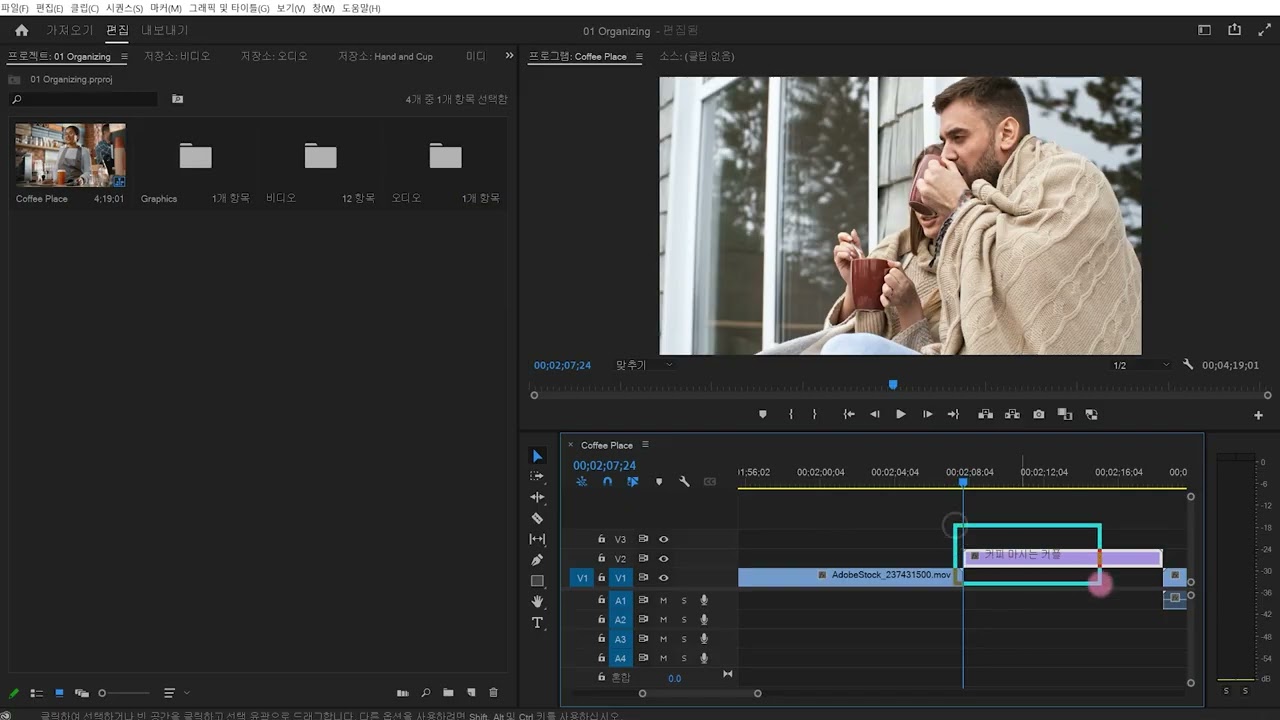
Premiere Pro 시작하기: 프로젝트를 만들고, 클립을 가져오고, 워크플로우를 보완하는 작업 공간의 인터페이스를 탐색합니다.
This summary is AI generated
Learning Outcomes:
- Explore Premiere Pro interface features
- Create and manage projects effectively
- Adjust sequence settings for editing
Level: Intermediate
Skills you'll gain:
Premiere Pro, Editing, Media Management, Workspace Customization
Key Insights
- Use Alt or Option key to reset preferences.
- Specify project name and location upon creation.
- Access media directly from the project panel.
- Utilize sequence settings for frame size adjustments.
- Drag and drop panels to customize workspace.
- Save custom workspace layouts for future use.
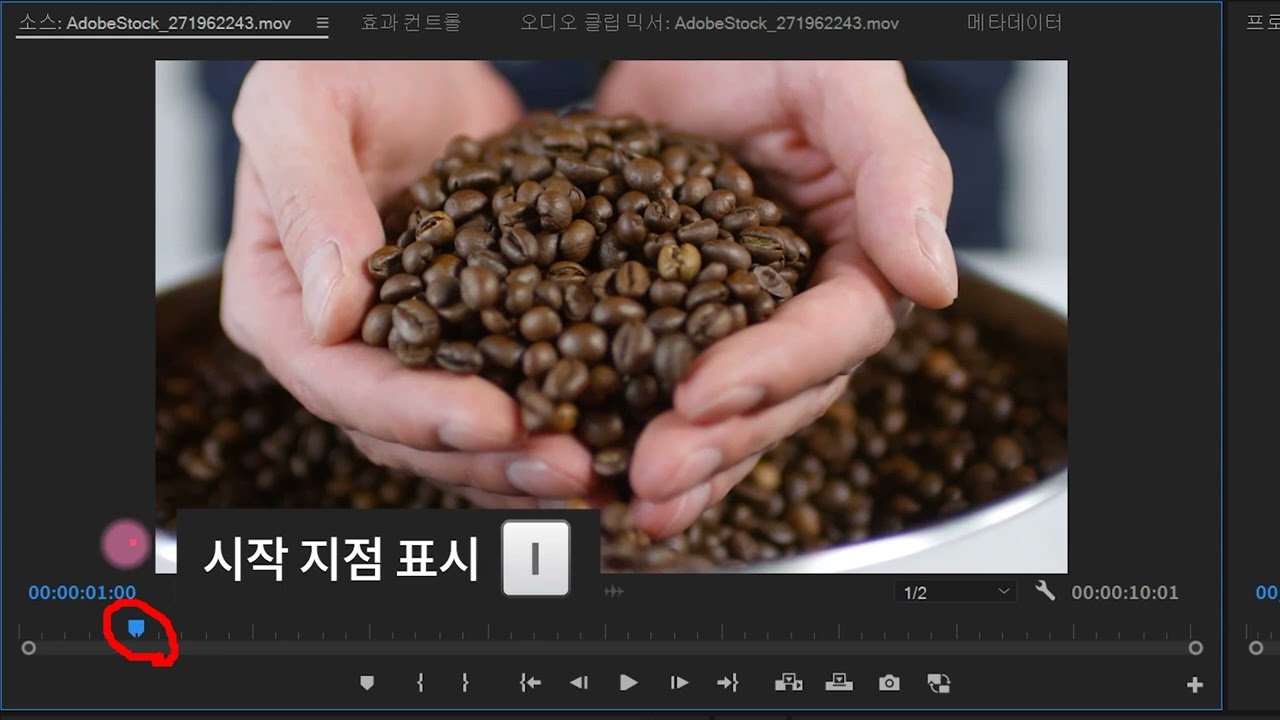
- Use keyboard shortcuts for efficient navigation.
- Import media files easily from various sources.
- Adjust clip sizes to fit sequence dimensions.
- Utilize the button editor for layout customization.








 AdChoice