
Adobe Trainer (German)
Adobe Certified Trainer

Der Schnitt-Workflow
Lerne, mit Adobe Premiere Pro zu schneiden. Hier erfährst du, wie du Musik unter deine Videos legen kannst und Clips zur Timeline hinzufügst. Wir zeigen dir auch, wie du Videoclips mit In- und Out-Punkten bearbeiten kannst.
This summary is AI generated
Learning Outcomes:
- Open and organize clips in Premiere Pro
- Set in and out points for editing
- Use keyboard shortcuts for efficient editing
Level: Intermediate
Skills you'll gain:
Premiere Pro, Editing, Organization, Shortcuts
Key Insights
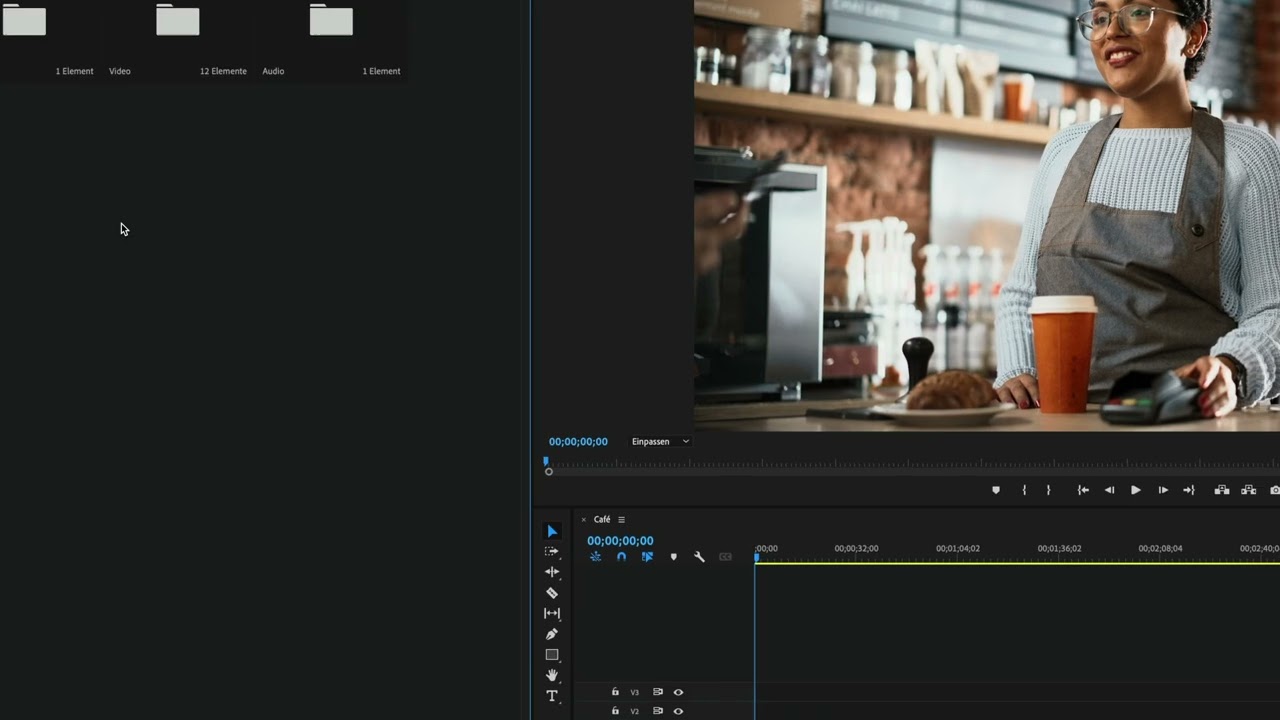
- Switch to the Assembly workspace for clip organization.
- Maximize panels for better visibility and efficiency.
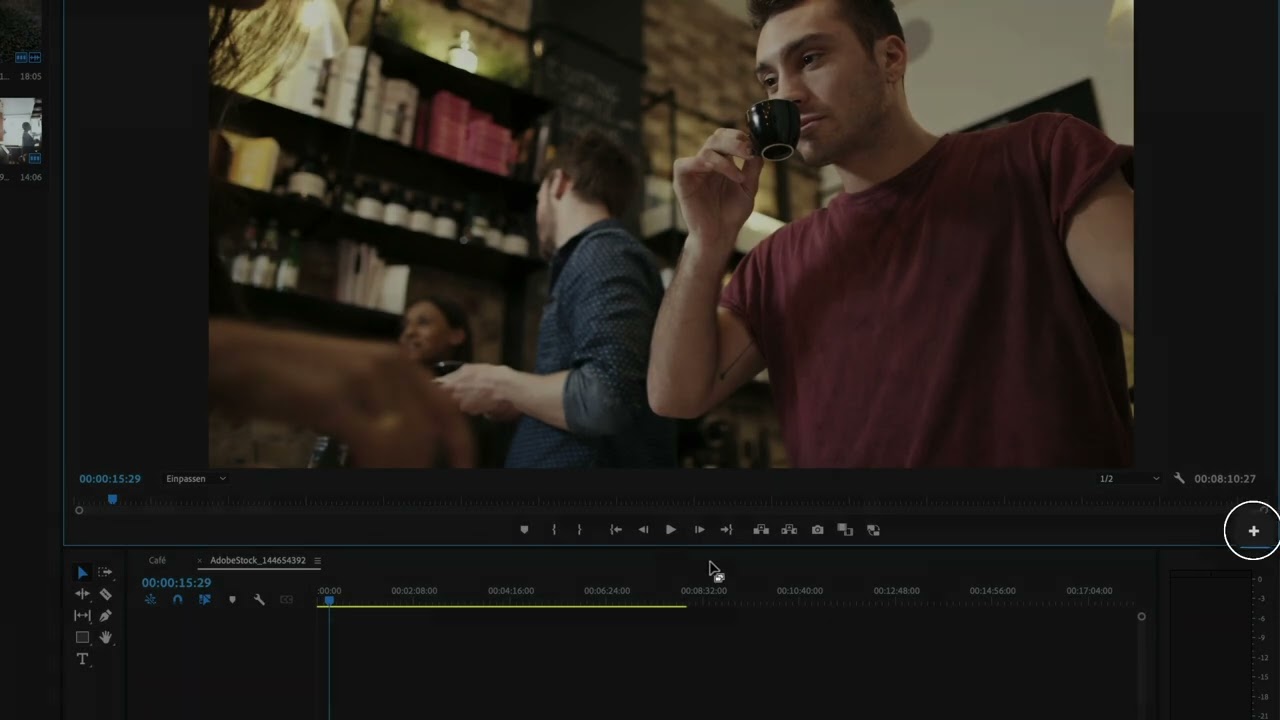
- Use the 'I' and 'O' keys to set in and out points.
- Understand the difference between insert and overwrite edits.
- Lock audio tracks to prevent accidental changes.
- Utilize keyboard shortcuts to speed up the editing process.
- Use the '#' key to zoom in on the sequence.
- Extract or remove clips using keyboard shortcuts.
- Undo actions with Command (Ctrl) + Z.
- Preview the timeline to assess the edit.













 AdChoice