
Adobe Trainer (German)
Adobe Certified Trainer

Trimmen
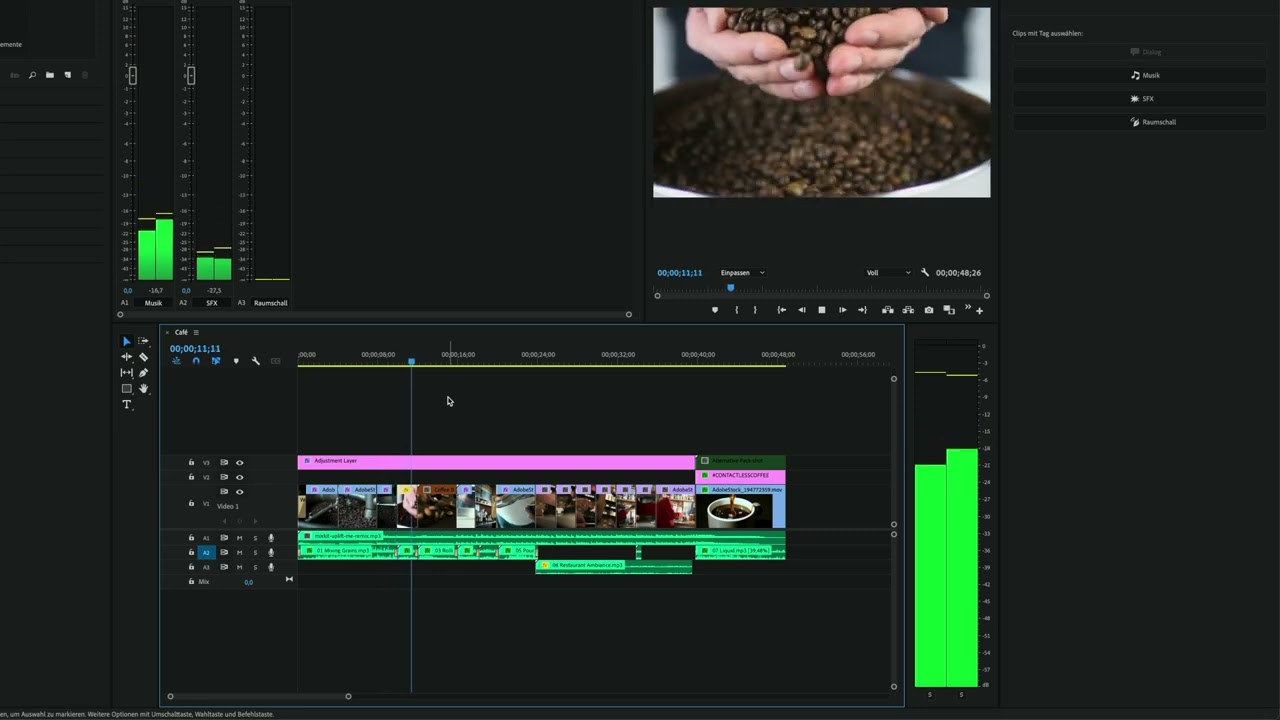
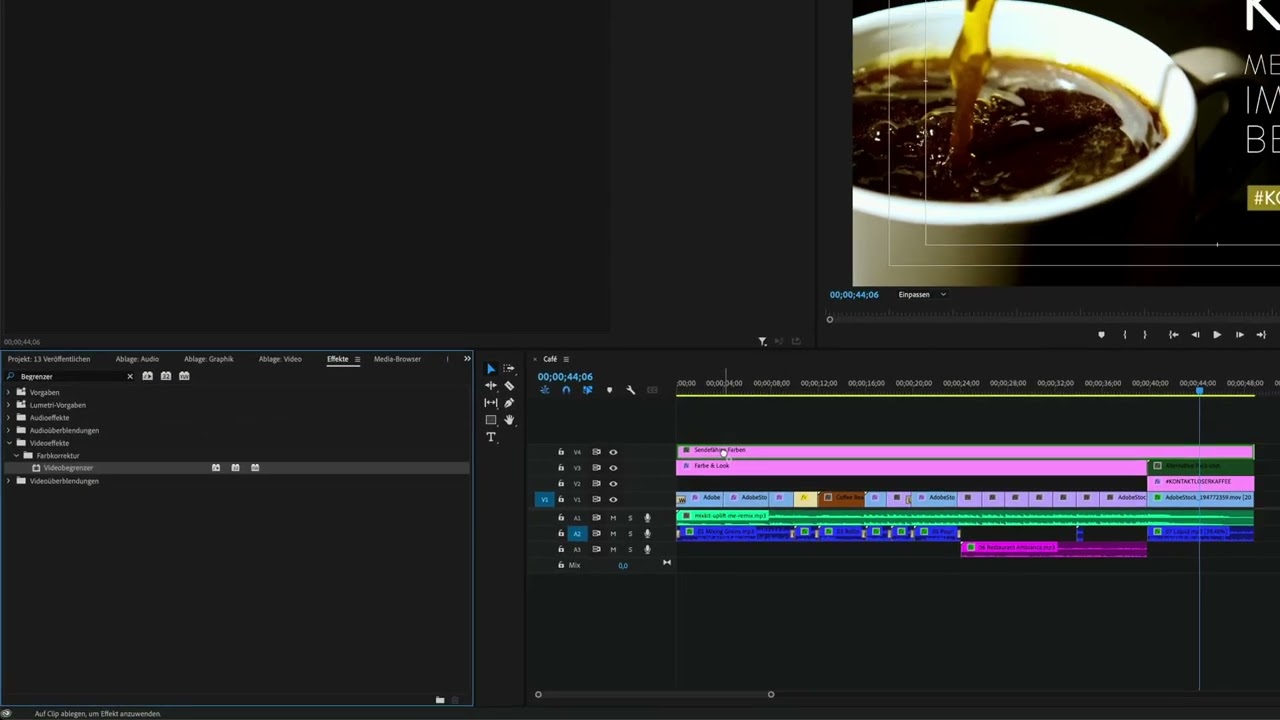
Lerne, wie du Clips in Adobe Premiere Pro verkürzen und verlängern kannst.
This summary is AI generated
Learning Outcomes:
- Trim clips effectively in Premiere Pro
- Utilize ripple and roll edit tools
- Adjust clip content without changing duration
Level: Intermediate
Skills you'll gain:
Premiere Pro, Trimming, Editing, Clip Management
Key Insights
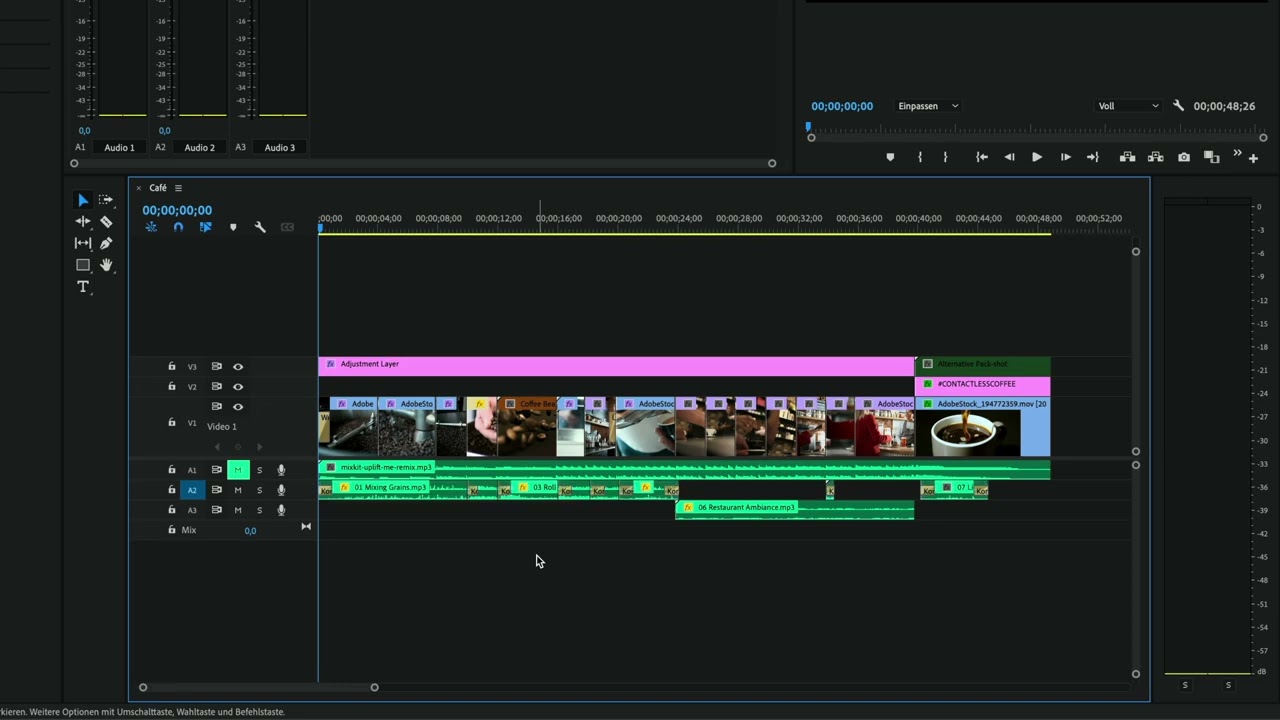
- Trimming adjusts the in and out points of clips.
- Ripple edits shorten clips and affect the entire timeline.
- Roll edits change adjacent clips without altering overall duration.
- Slip tool shifts clip content without changing its timeline position.
- Use keyboard shortcuts for efficient editing.
- Undo changes easily with Command Z or Control Z.
- Adjust clip position and size directly in the program monitor.
- Maintain continuity between clips for smoother transitions.
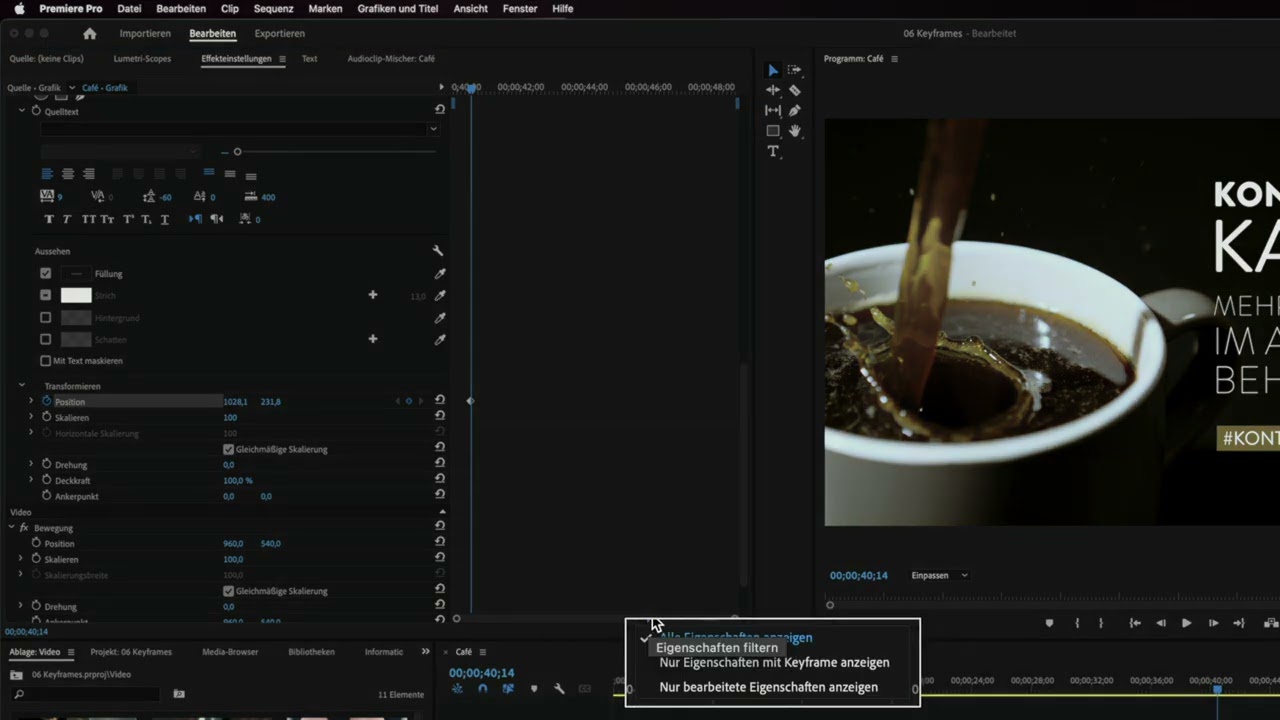
- Use effect controls to fine-tune clip positioning.














 AdChoice