
Adobe Trainer (German)
Adobe Certified Trainer

Clips bearbeiten
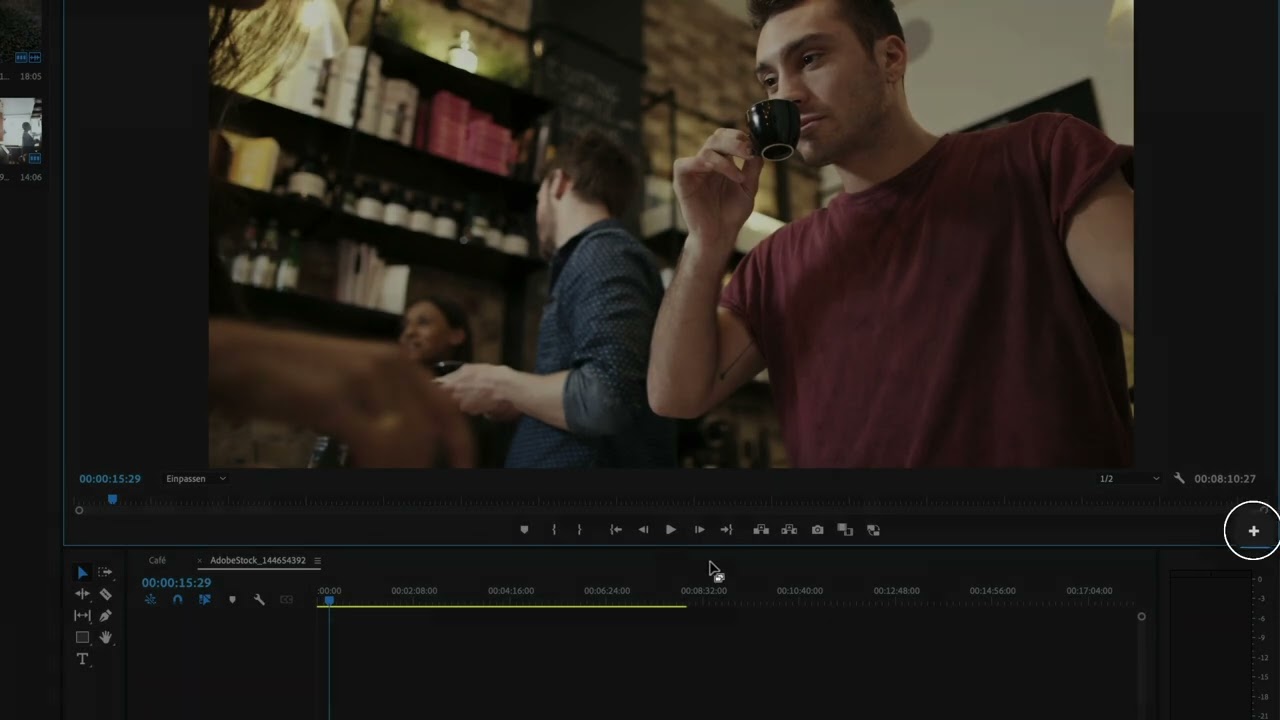
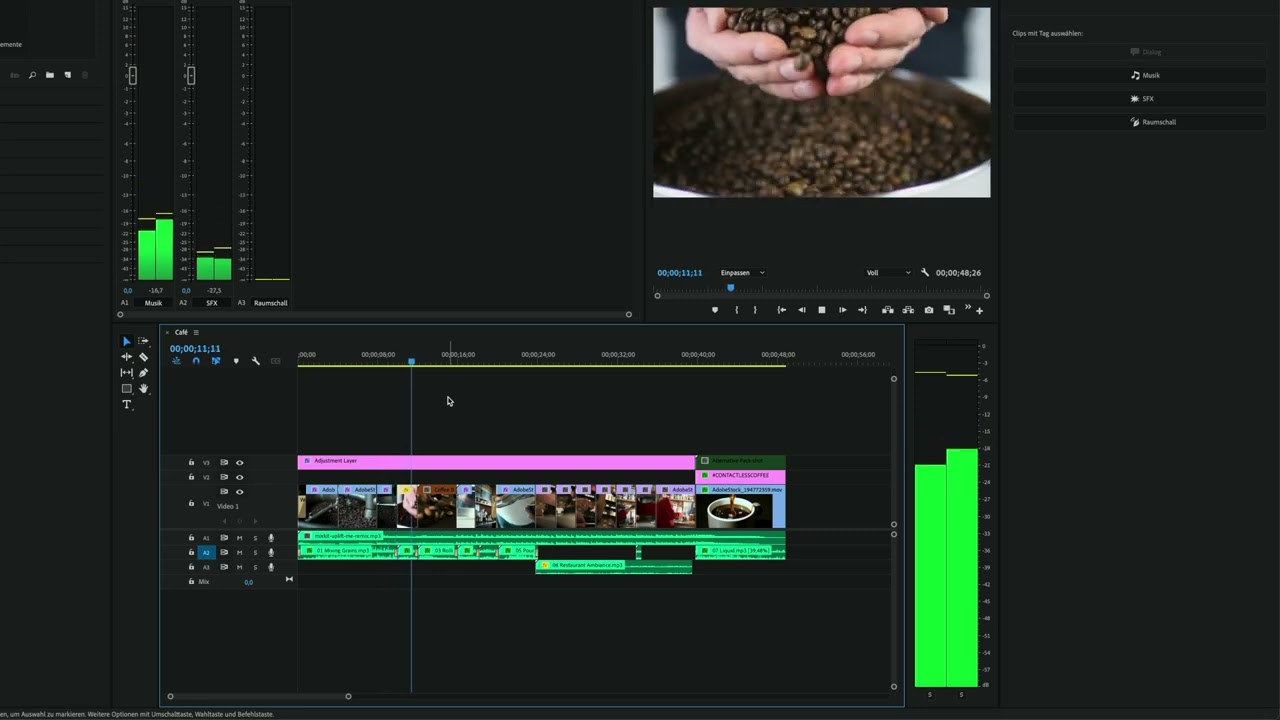
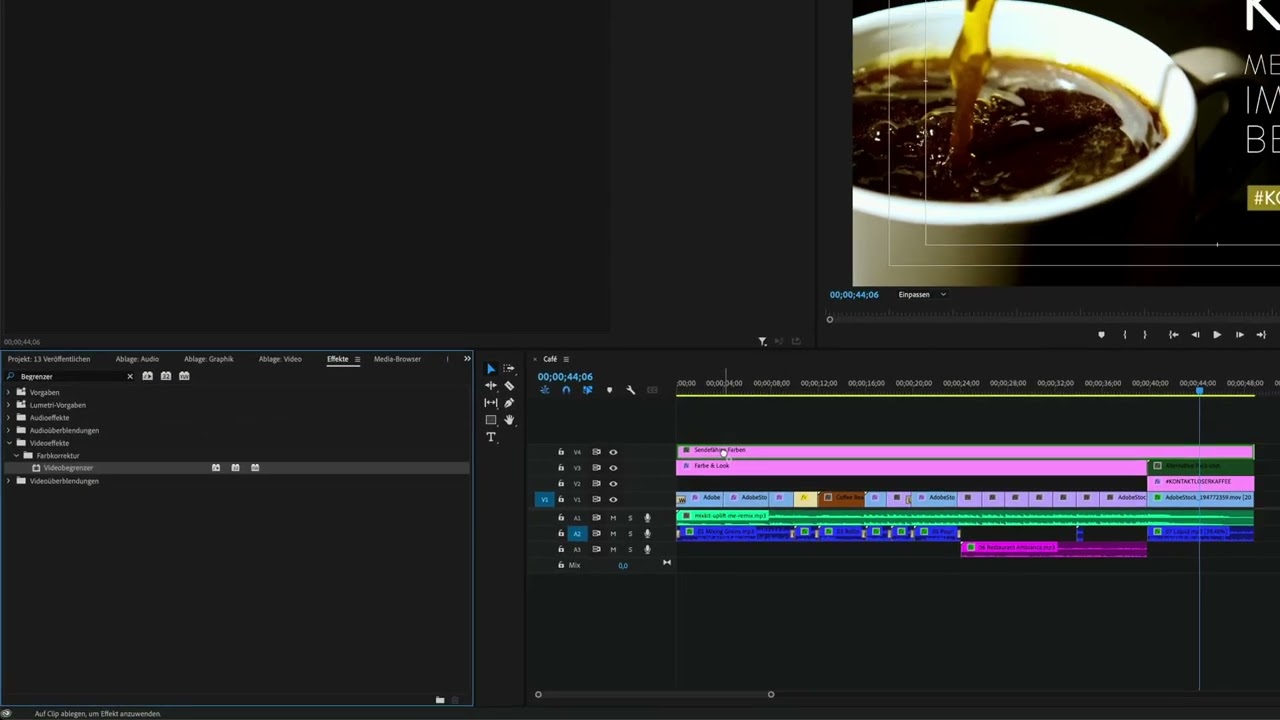
Erfahre, wie du Clips in Adobe Premiere Pro bearbeiten kannst. Du wirst lernen, wie Marker dir bei Entscheidungen im Schnitt helfen können, etwa bei der Verlangsamung oder Beschleunigung von Videoclips.
This summary is AI generated
Learning Outcomes:
- Modify clip speed and duration effectively.
- Utilize markers for better project organization.
Level: Intermediate
Skills you'll gain:
Premiere Pro, Editing, Markers, Speed Adjustment
Key Insights
- Switch to the editing workspace for modifications.
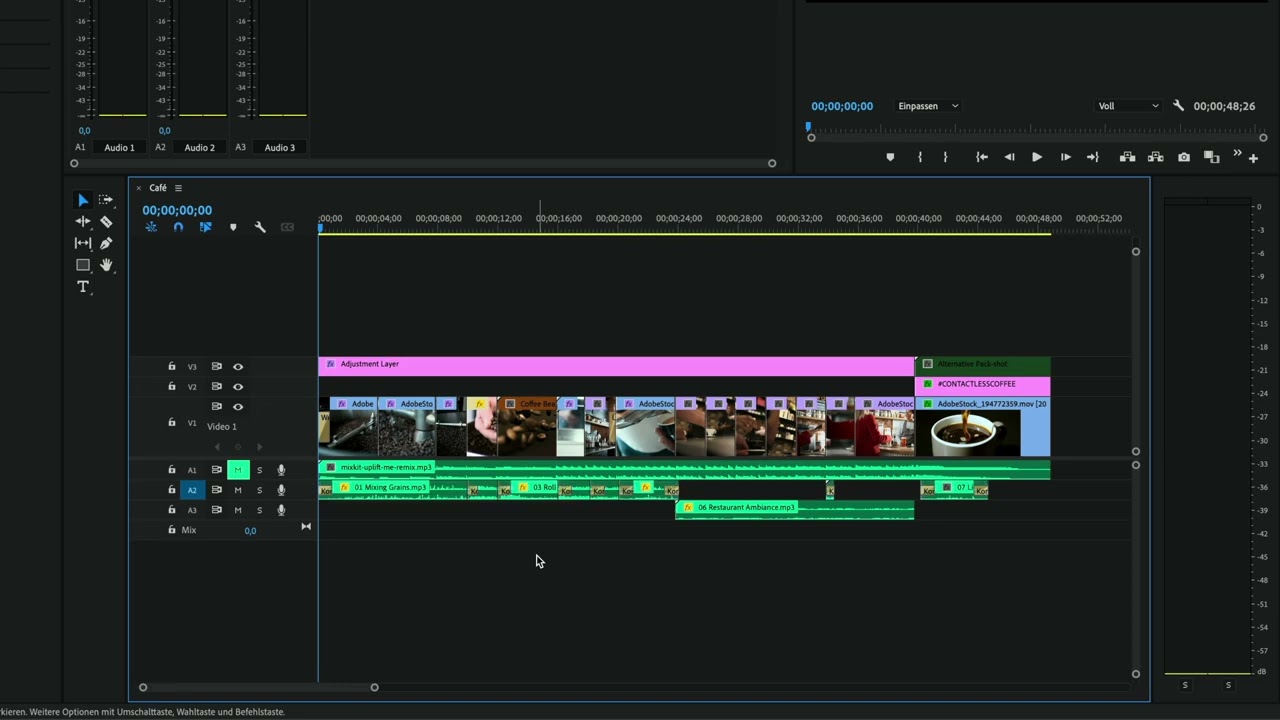
- Use timeline markers to navigate and manage clips.
- Adjust clip speed by right-clicking and selecting options.
- Lock audio tracks to prevent unintended changes.
- Rename clips for better identification and organization.
- Extend marker duration by dragging in the timeline.
- Zoom in and out for precise editing adjustments.
- Use color coding for clip organization.
- Markers help maintain project clarity for collaborators.










 AdChoice