
Adobe Trainer (German)
Adobe Certified Trainer

Keyframes
Erfahre, wie du, wie Titel mit Keyframes in Adobe Premiere animieren kannst, um Bewegung in die Timeline zu bringen.
This summary is AI generated
Learning Outcomes:
- Understand keyframe functionality in Premiere Pro
- Animate properties using keyframes effectively
- Adjust keyframe timing for smoother transitions
Level: Intermediate
Skills you'll gain:
Keyframes, Animation, Premiere Pro, Interpolation
Key Insights
- Open the appropriate project file for practice.
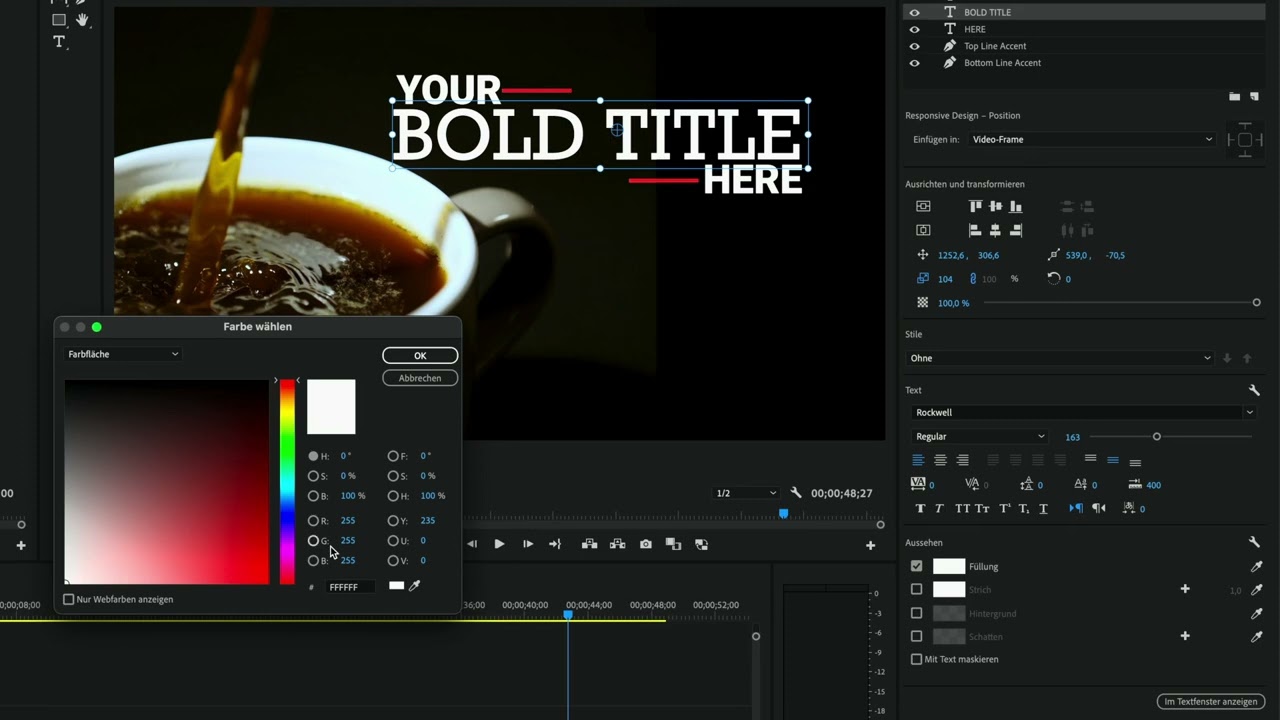
- Switch to the 'Captions and Graphics' workspace.
- Set keyframes by clicking the stopwatch icon.
- Use interpolation for smoother animations.
- Adjust keyframe positions to control animation timing.
- Scrub values to see real-time changes in properties.
- Reset display filters to view all properties.
- Select multiple keyframes for batch adjustments.
- Use easing options for natural movement effects.










 AdChoice