
Adobe Trainer (German)
Adobe Certified Trainer

Projekterstellung und Bedienoberfläche
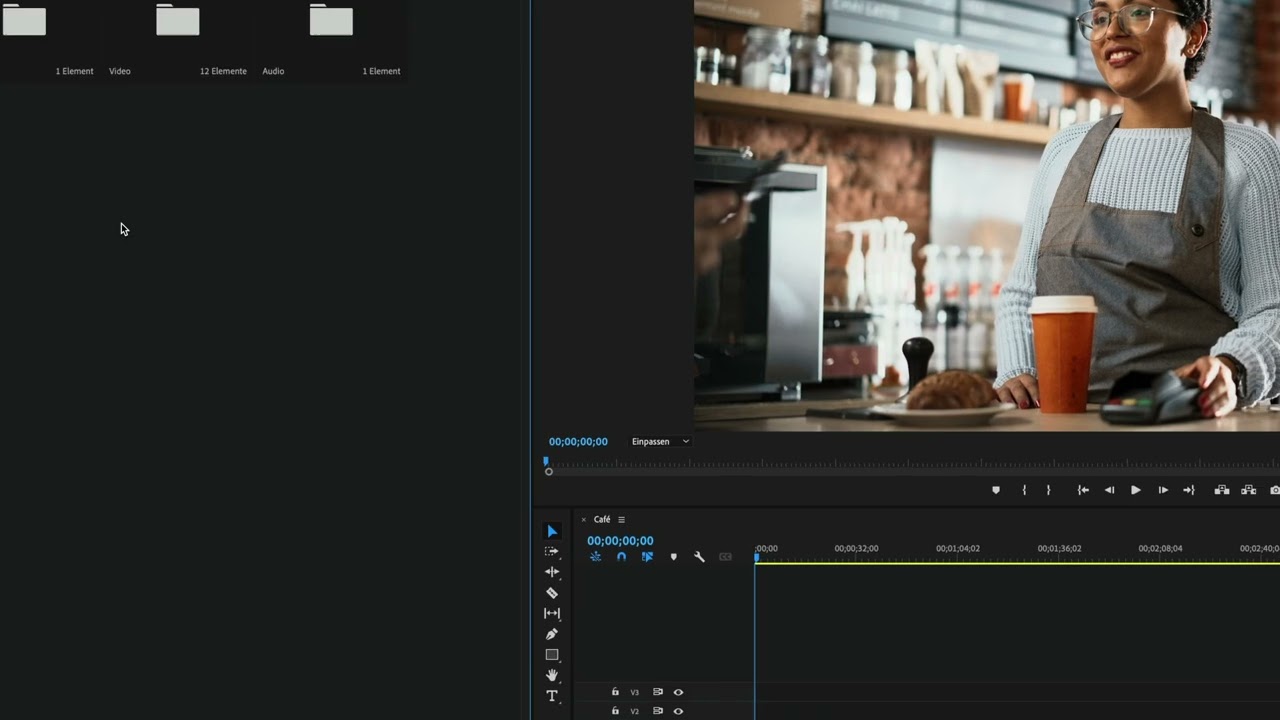
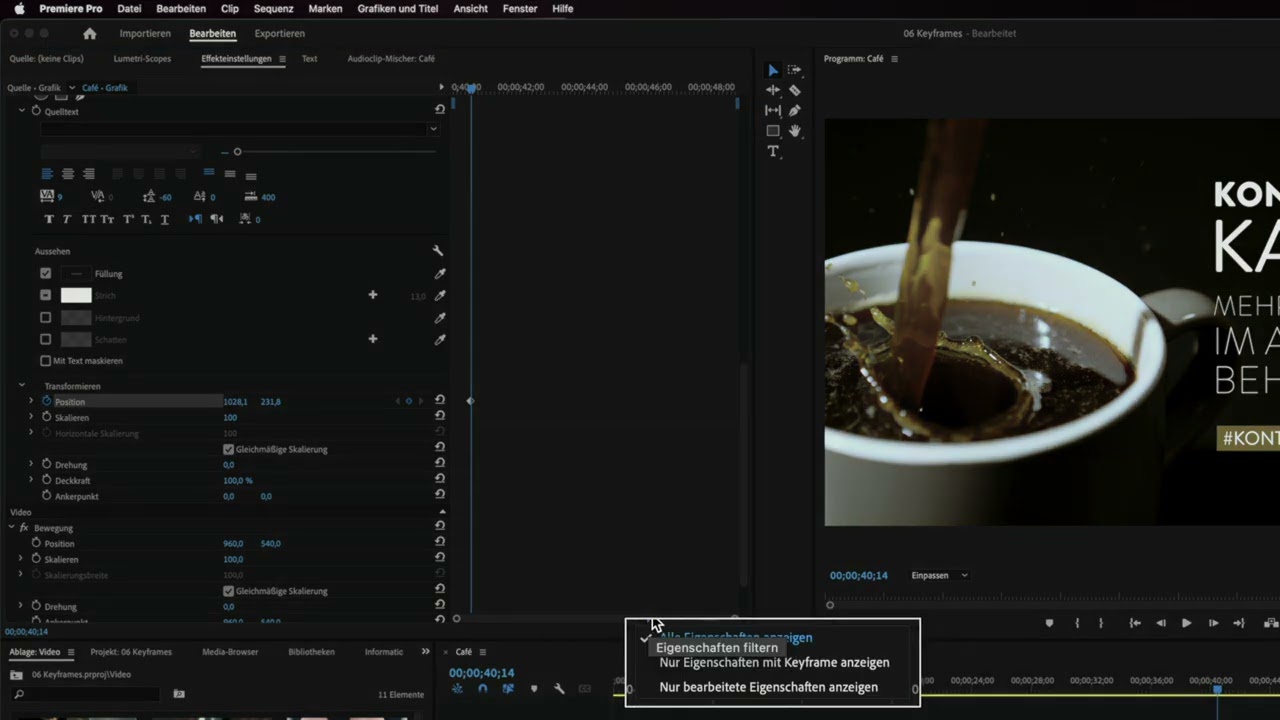
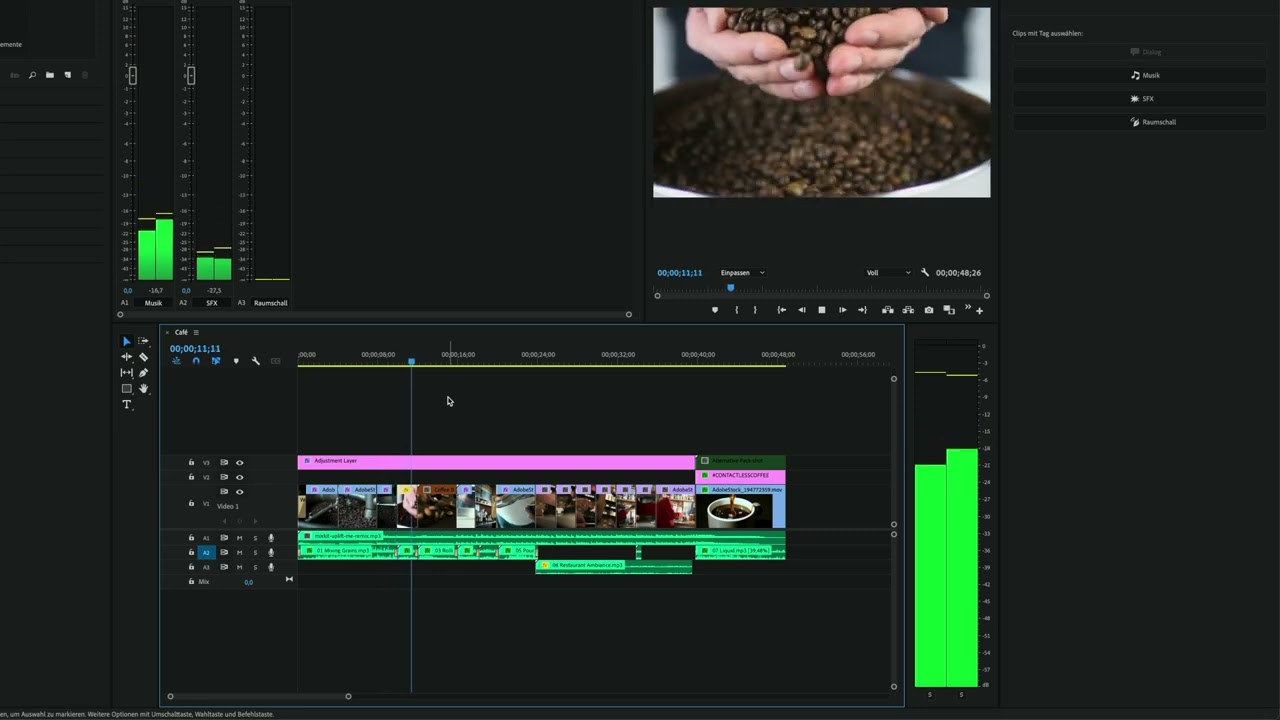
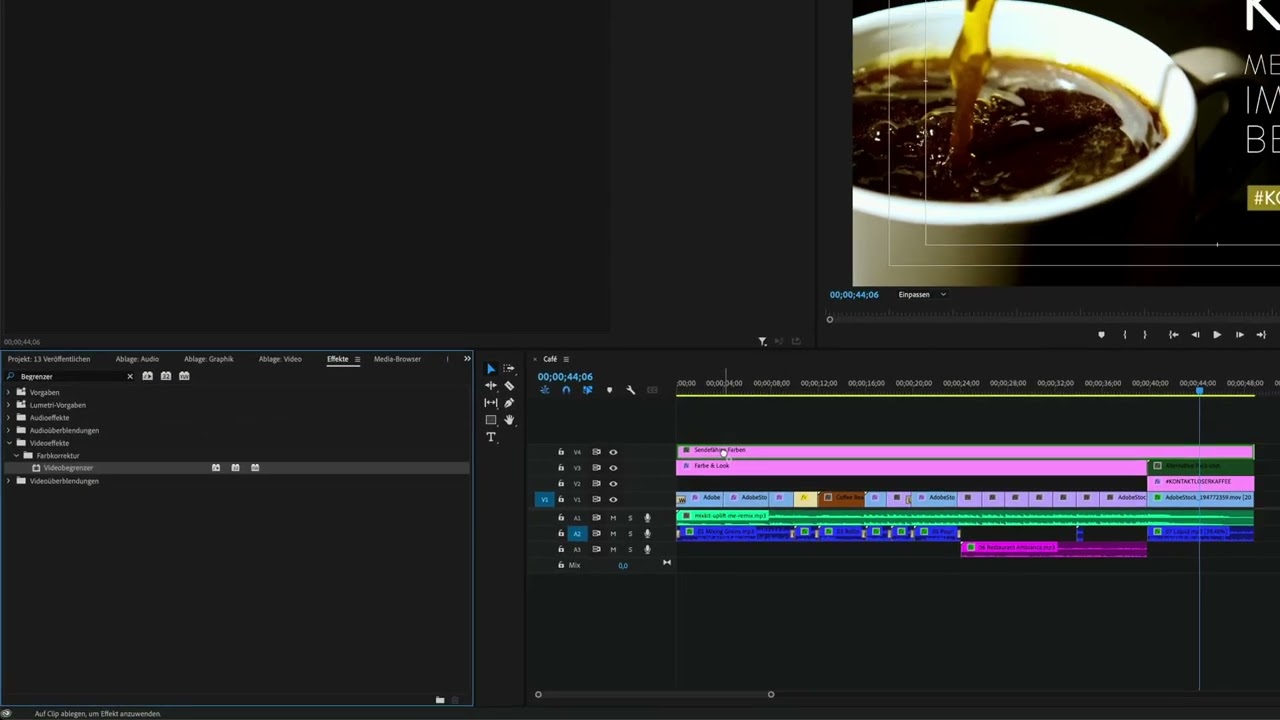
Erfahre Schritt für Schritt, wie du ein Projekt erstellen und Videoclips in Premiere Pro importieren kannst. Du wirst auch mit der Bedienoberfläche von Premiere Pro vertraut gemacht. Du wirst lernen, wie du durch das Programm navigierst und den Arbeitsbereich anpasst, um deinen Workflow zu optimieren.
This summary is AI generated
Learning Outcomes:
- Create a new project in Premiere Pro
- Import media files into your project
- Customize the workspace layout effectively
Level: Intermediate
Skills you'll gain:
Premiere Pro, Project Management, Media Import, Workspace Customization
Key Insights
- Reset Premiere Pro settings for a consistent view.
- Use the project panel to manage media files.
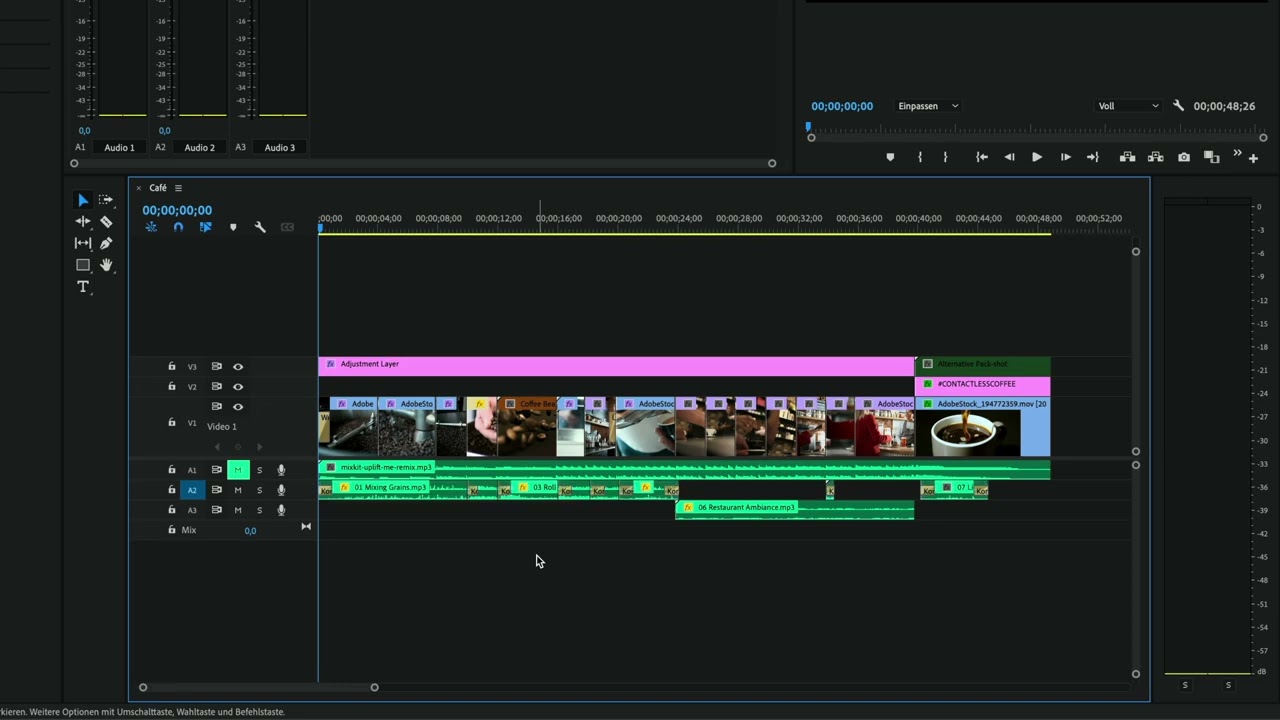
- Create sequences and bins for better organization.
- Adjust workspace layout for efficient editing.
- Utilize safe areas for text and graphics placement.
- Import Photoshop files with multiple layers seamlessly.
- Change sequence settings to match project requirements.
- Nest sequences for complex editing tasks.
- Use keyboard shortcuts for faster navigation.
- Save custom workspace layouts for future use.









 AdChoice