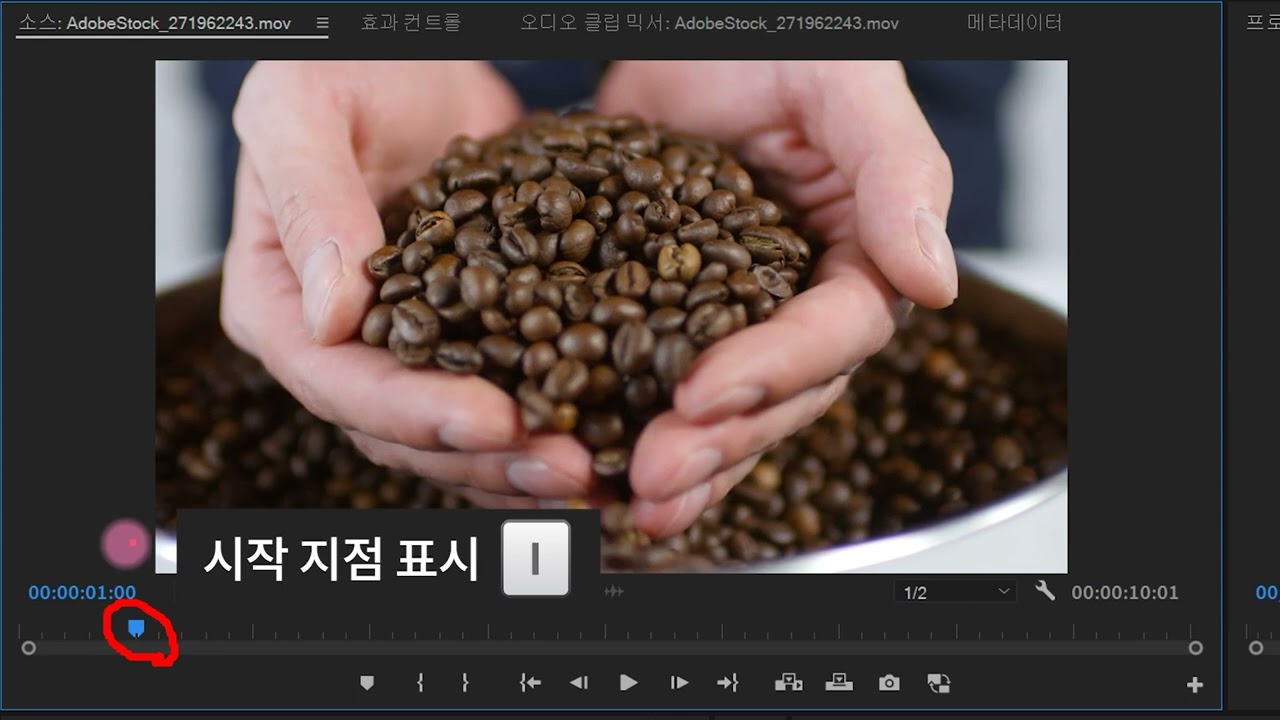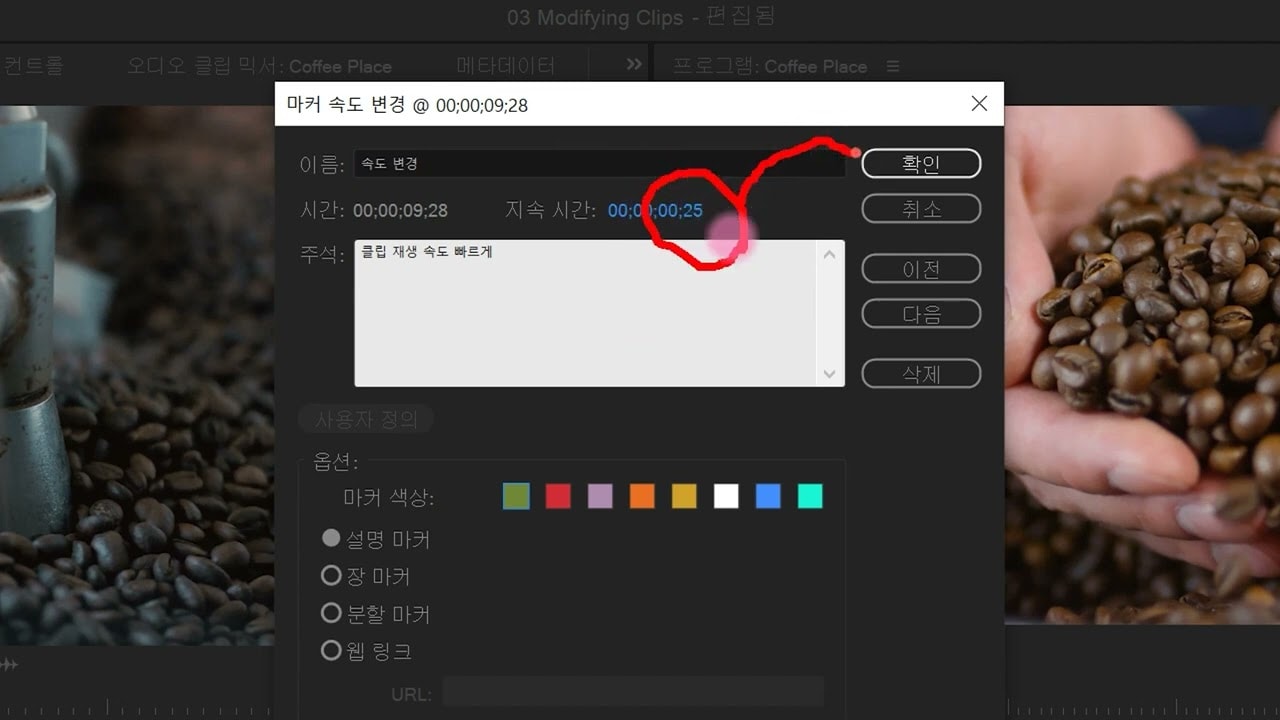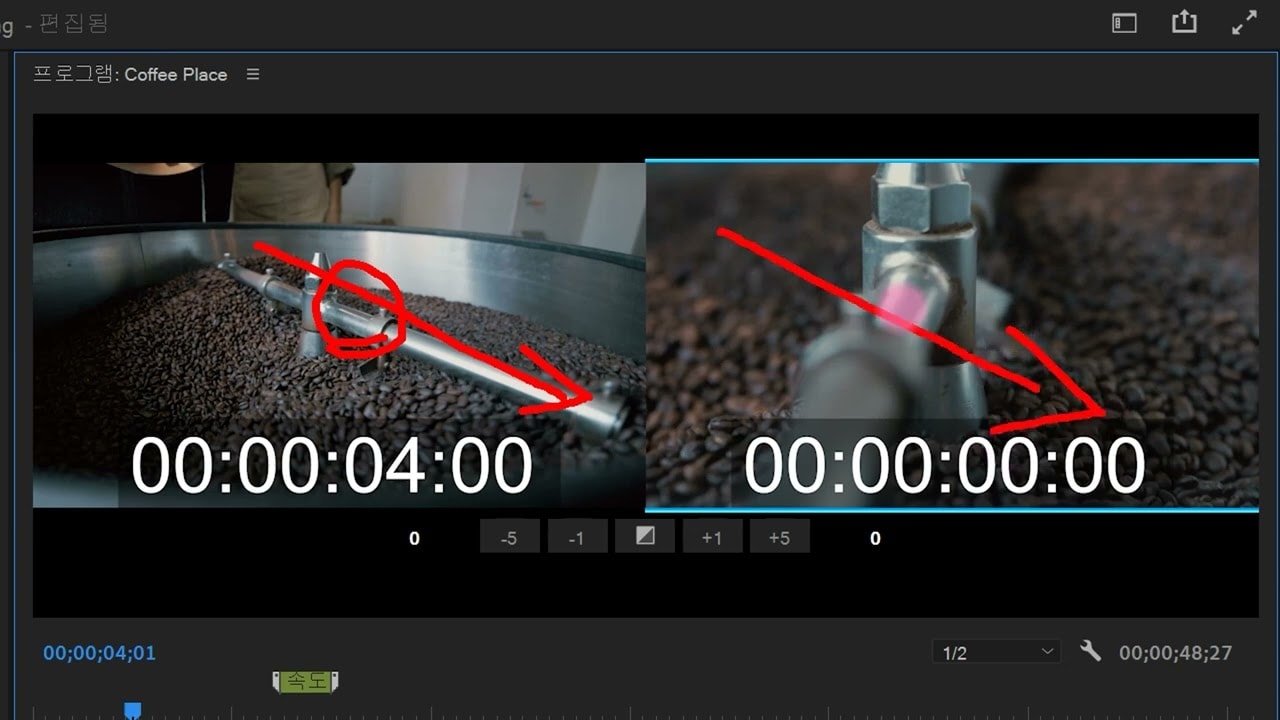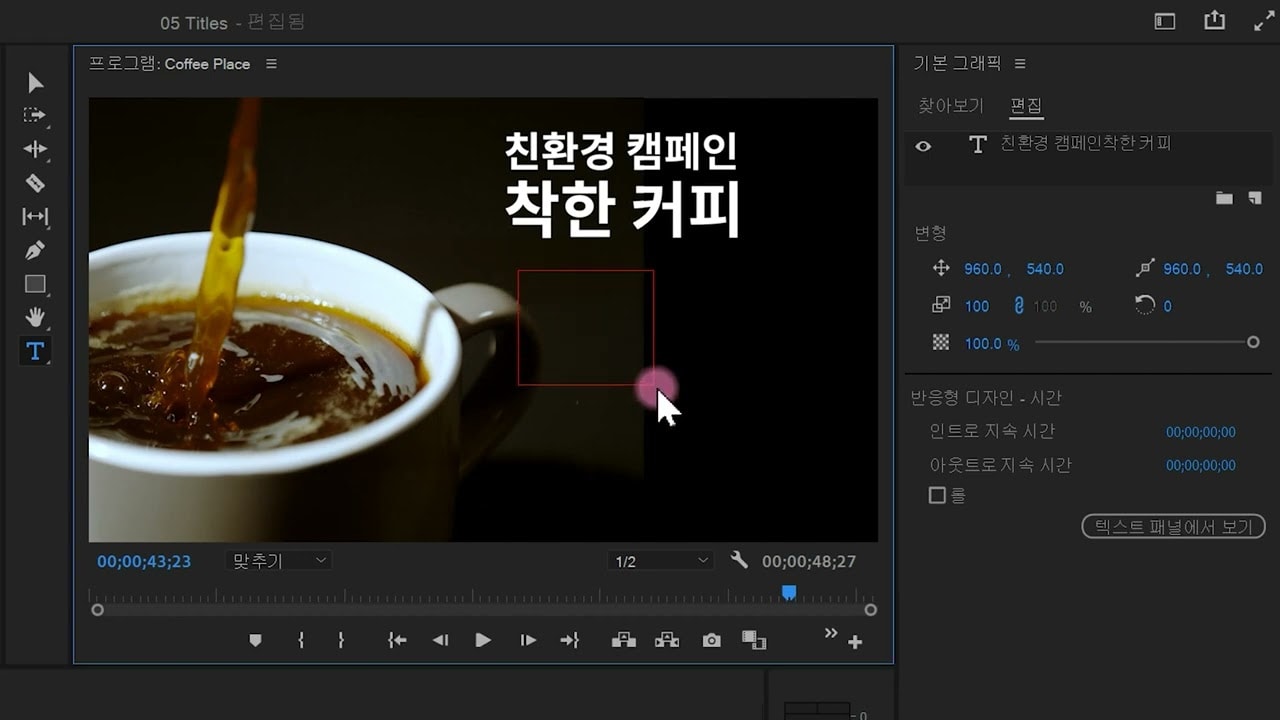

키 입력
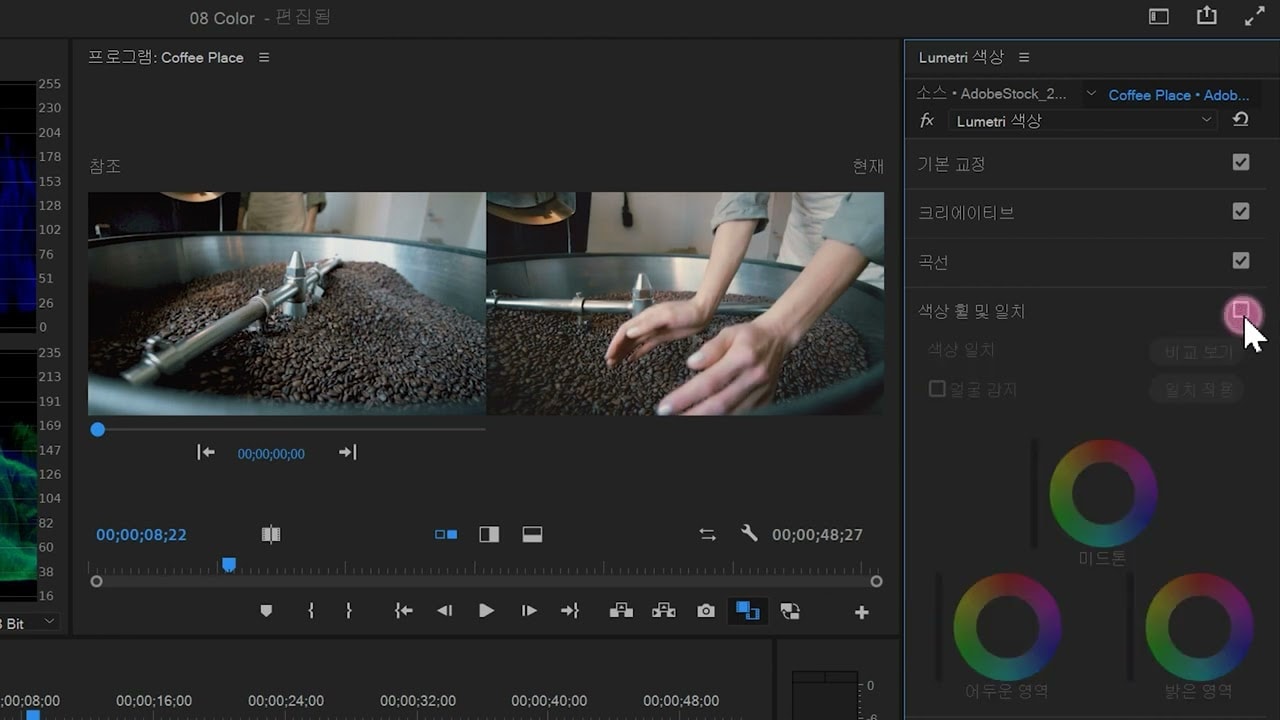
루메트리 색상 패널을 사용하여 동영상 클립의 색상을 보정하는 방법을 알아보세요. 파형 모니터, 벡터스코프, RGB 퍼레이드를 사용하는 방법을 알아보세요.
This summary is AI generated
Learning Outcomes:
- Create a new sequence in Premiere Pro
- Remove green screen using Ultra Key effect
- Adjust video layers for seamless compositing
Level: Intermediate
Skills you'll gain:
Premiere Pro, Compositing, Keying, Color Correction
Key Insights
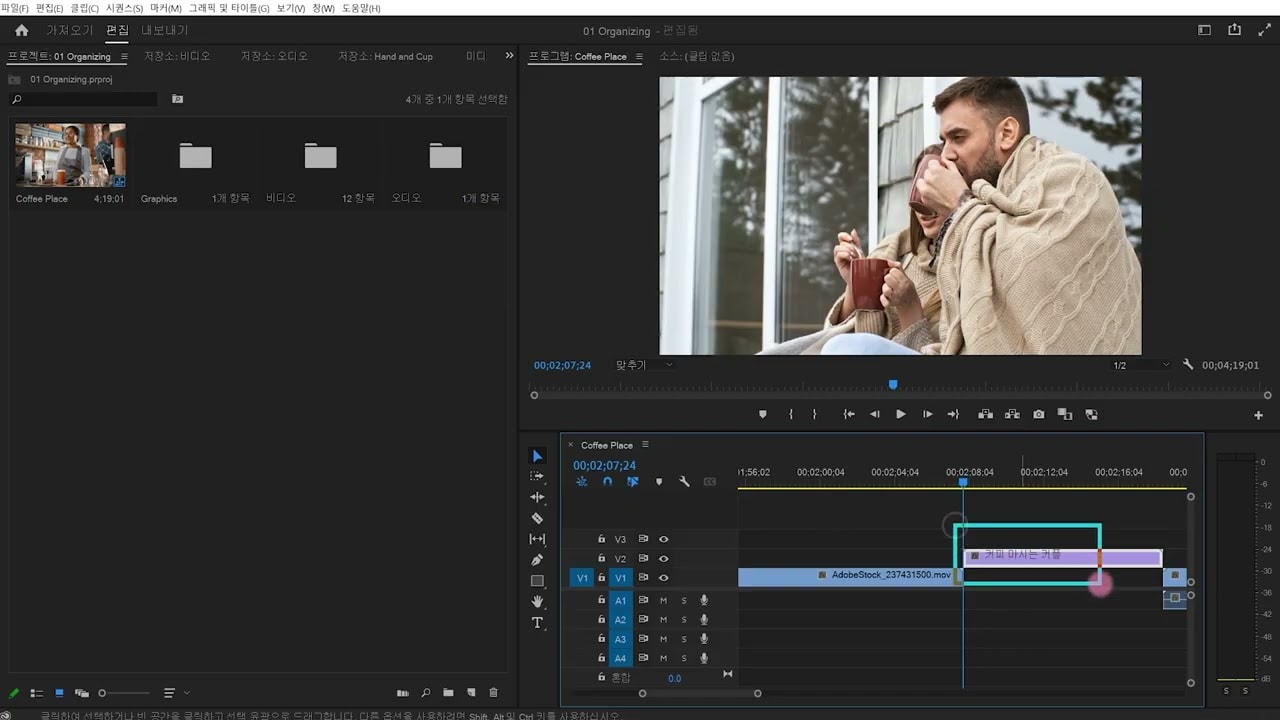
- Use the project panel to import media files.
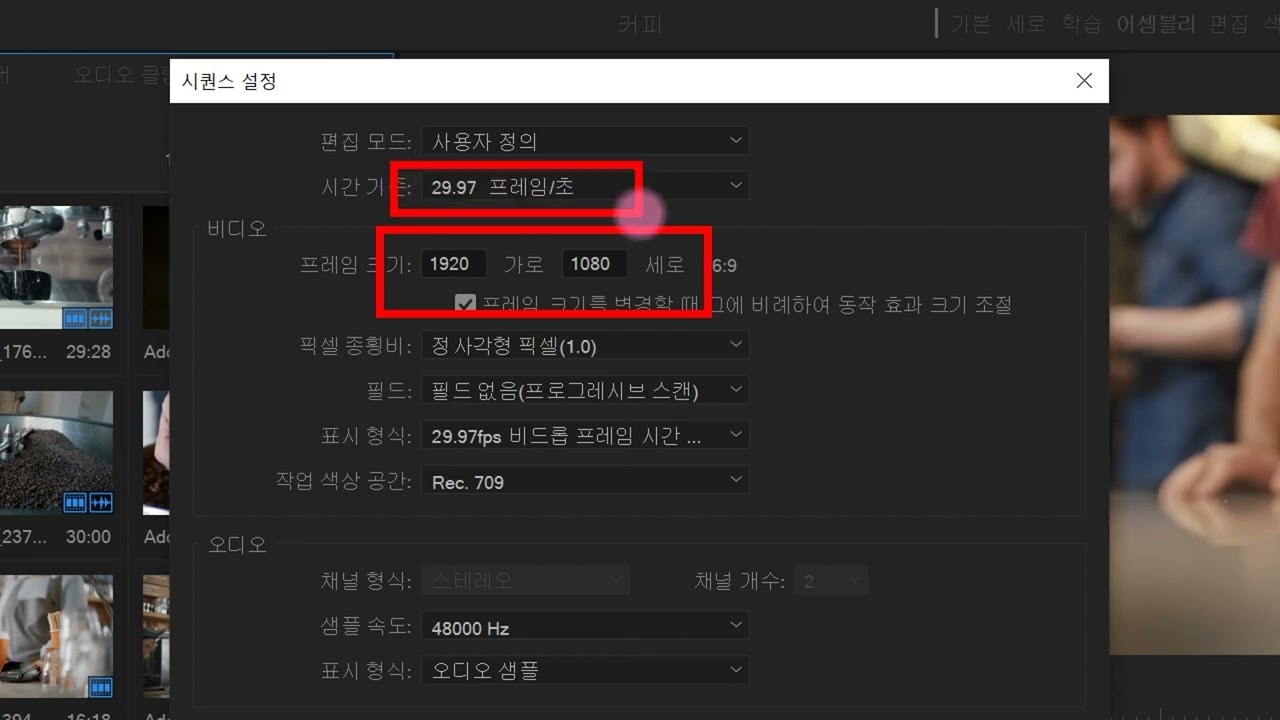
- Select the appropriate preset for your sequence.
- Utilize timecode for precise playback control.
- Apply the Ultra Key effect to remove backgrounds.
- Adjust mask settings for better keying results.
- Modify transparency and edge settings for clarity.
- Use color correction to enhance the final output.
- Nest sequences for better organization and comparison.
- Utilize keyboard shortcuts for efficient editing.
- Experiment with effects to achieve desired visuals.