
게시 확인 및 내보내기
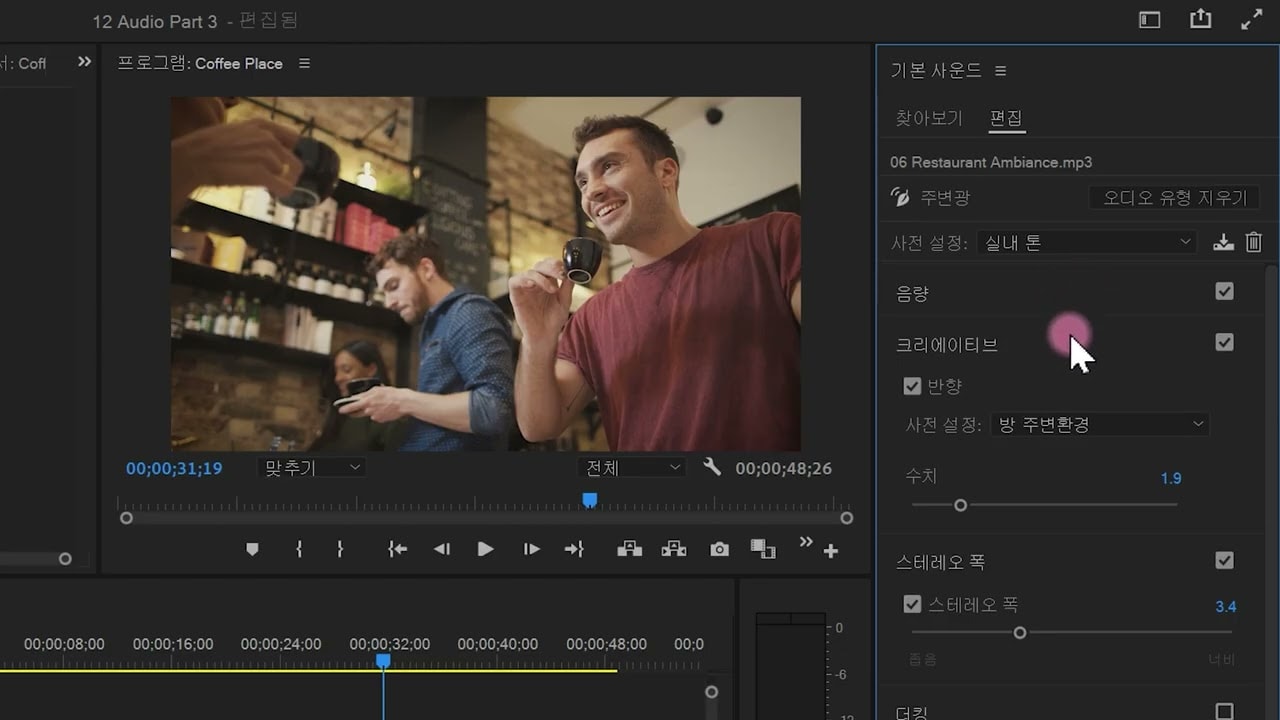
Adobe Premiere Pro에서 Essential 사운드 패널을 사용하는 방법을 알아봅니다. 간편한 인터페이스에서 Adobe Remix와 같은 오디오를 조정하는 방법을 알아봅니다.
This summary is AI generated
Learning Outcomes:
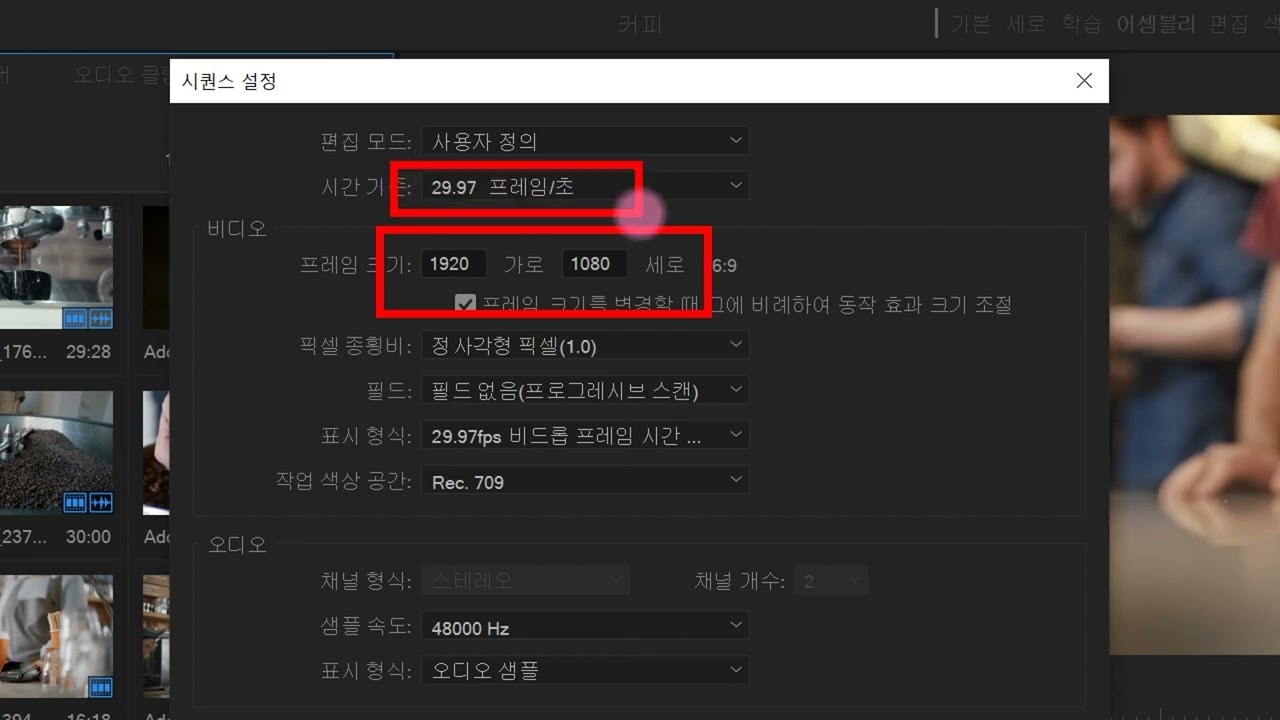
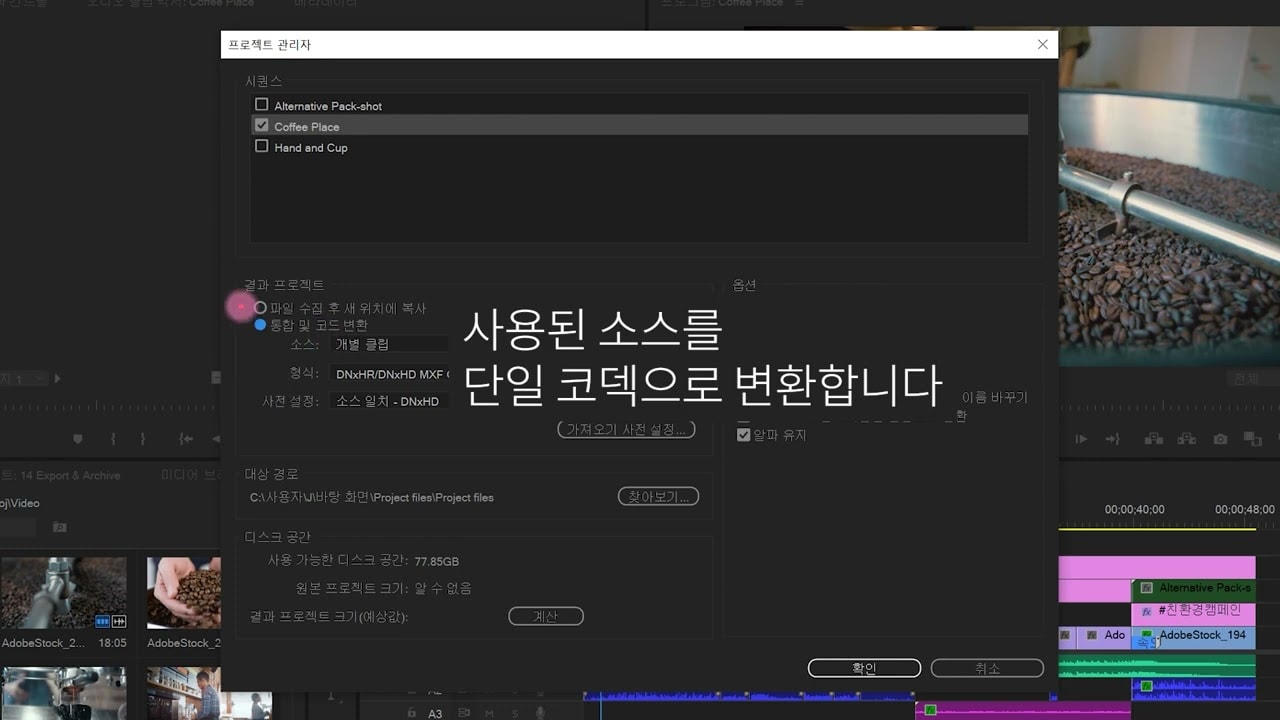
- Check project settings before exporting video.
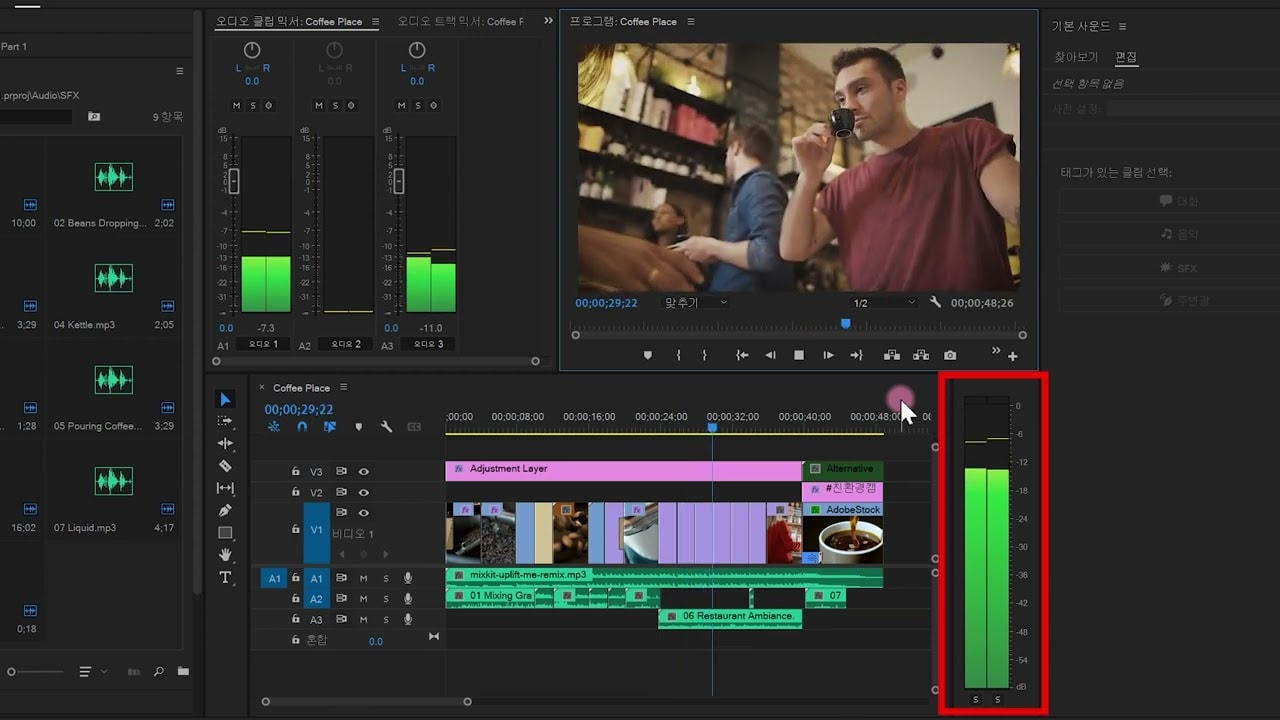
- Adjust audio levels for optimal output.
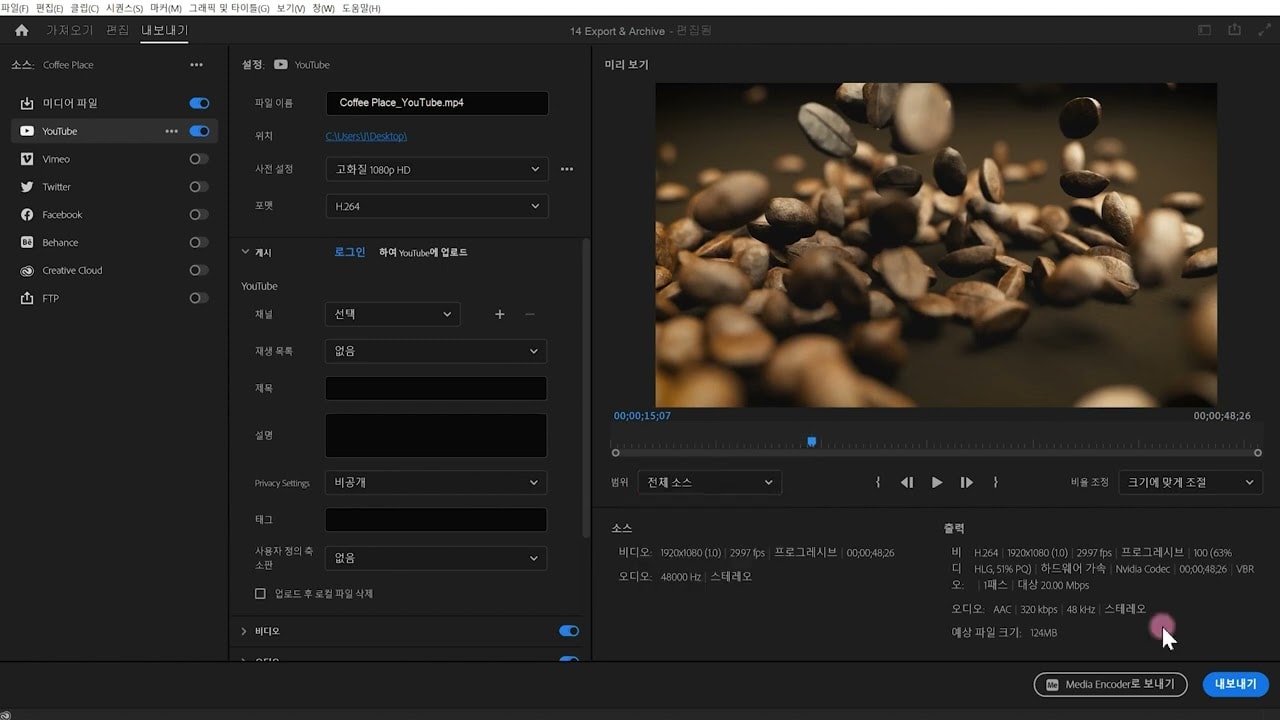
- Export video with desired settings and formats.
Level: Intermediate
Skills you'll gain:
Premiere Pro, Video Editing, Audio Mixing, Color Correction
Key Insights
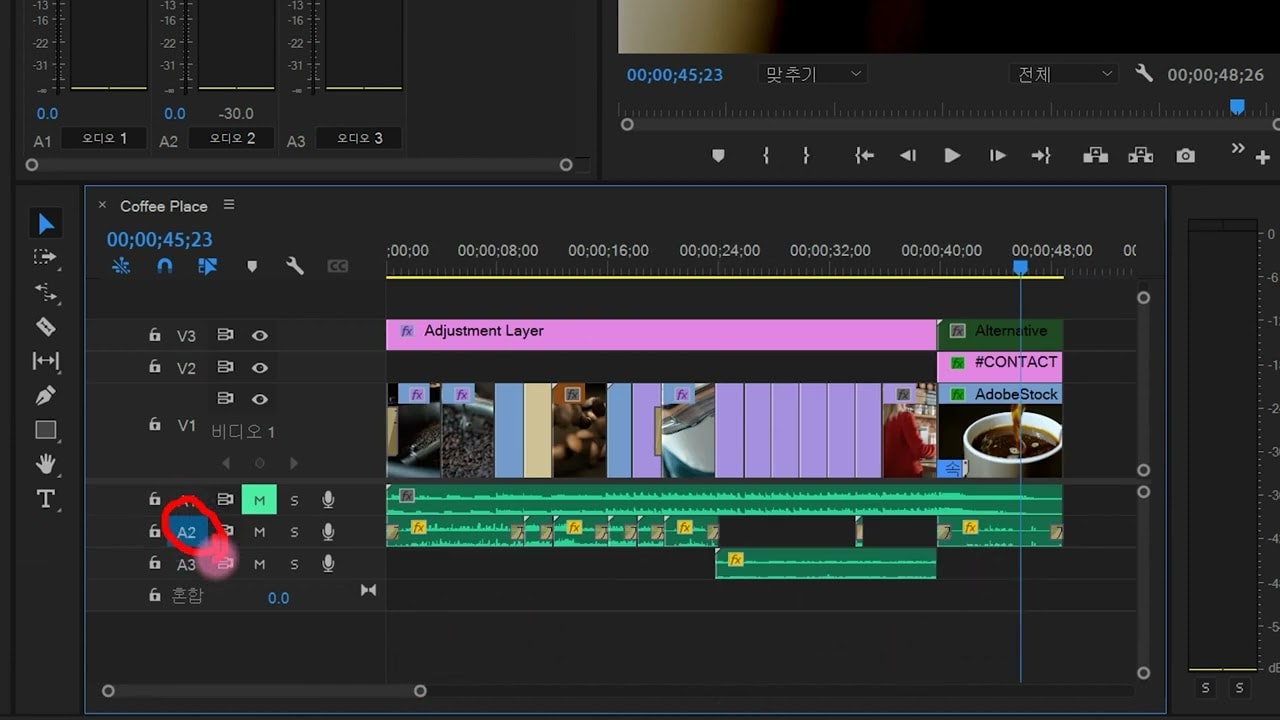
- Use color labels to organize audio clips.
- Modify playback resolution for smoother editing.
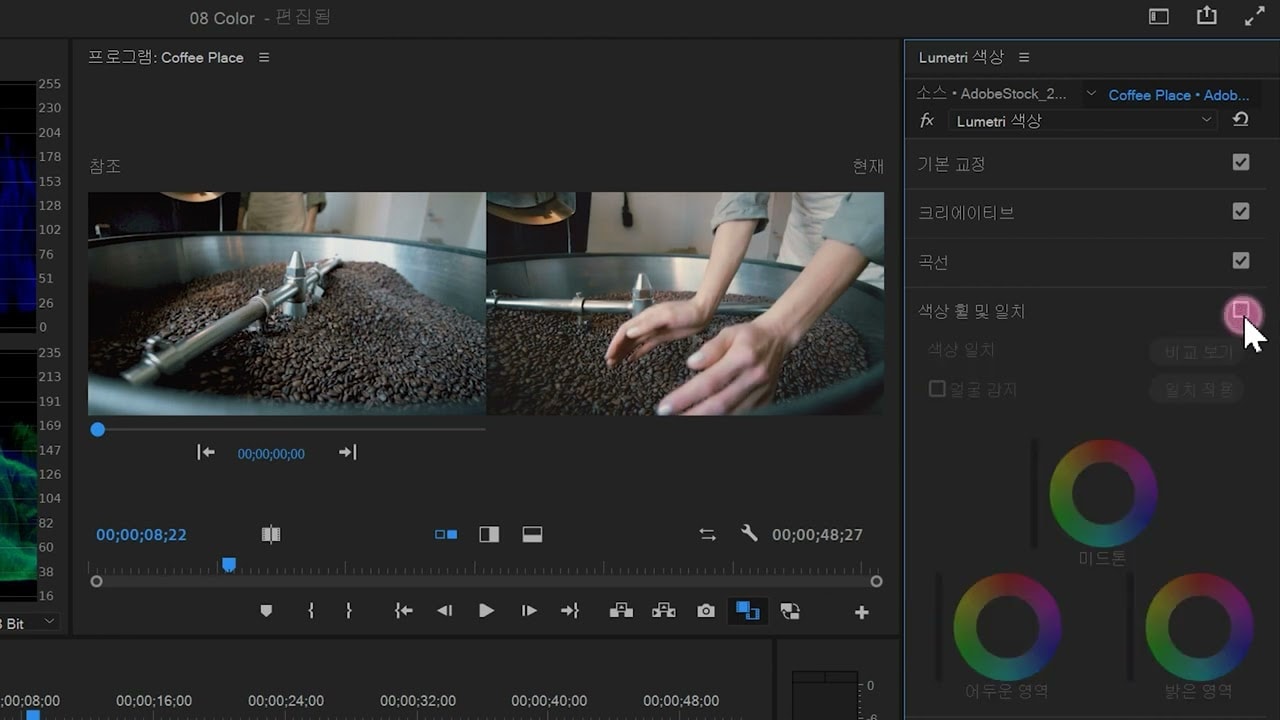
- Utilize adjustment layers for color correction.
- Apply video effects during export for enhanced visuals.
- Monitor audio levels using the audio track mixer.
- Set audio levels to meet platform standards.
- Export videos directly to social media platforms.
- Rename layers for better project organization.
- Adjust video codec settings for quality output.