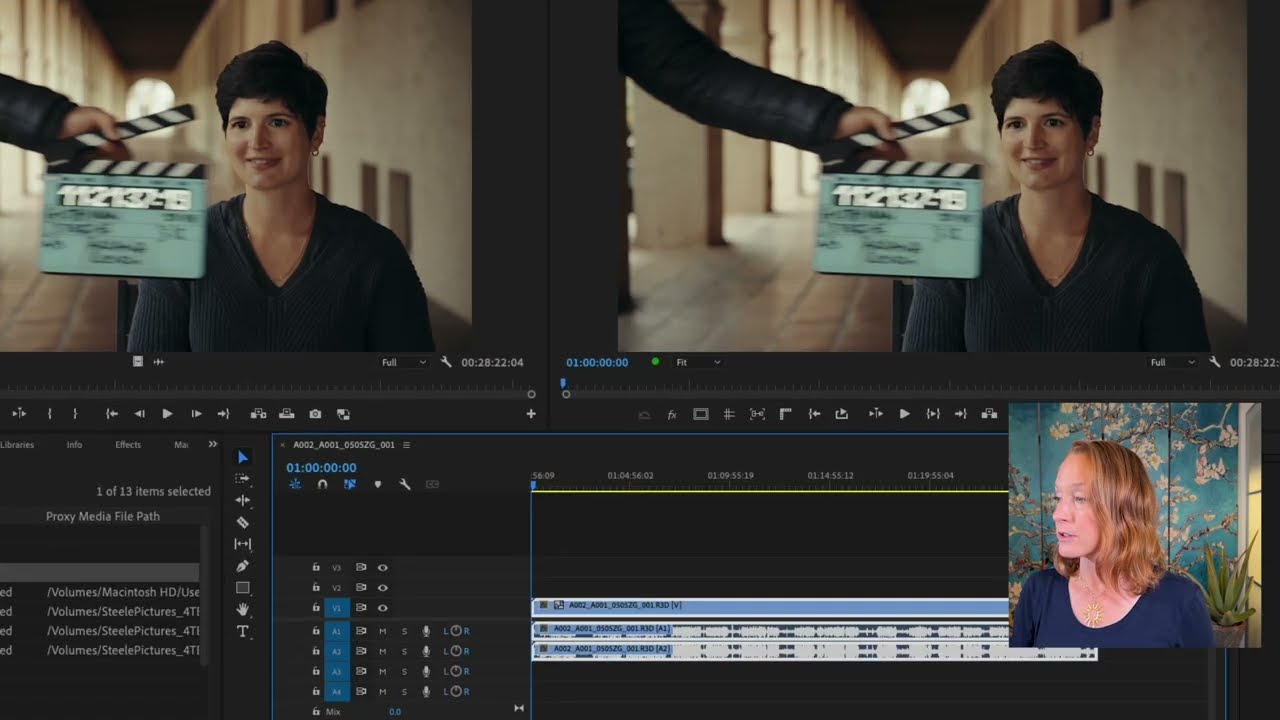
Getting started
Learn the basics of starting a video editing project and essential file organization techniques. Discover how to create a new project from scratch or set one up using import mode for efficient workflow setup.
This summary is AI generated
Learning Outcomes:
- Organize files effectively for video projects.
- Navigate Premiere Pro's interface confidently.
- Import and manage media efficiently.
Level: Beginner
Skills you'll gain:
Premiere Pro, File Organization, Media Management, Editing Techniques
Key Insights
- Start with a structured file organization for projects.
- Use timestamps to navigate tutorial sections easily.
- Hover scrubbing allows previewing clips before editing.
- Create new projects with clear naming conventions.
- Utilize subfolders for better media management.
- Select multiple clips using the shift key.
- Understand the importance of sequences in editing.
- Refer to provided PDFs for shortcuts and tips.
- Practice with provided assets to reinforce learning.