

Getting started: Setting up for editing success
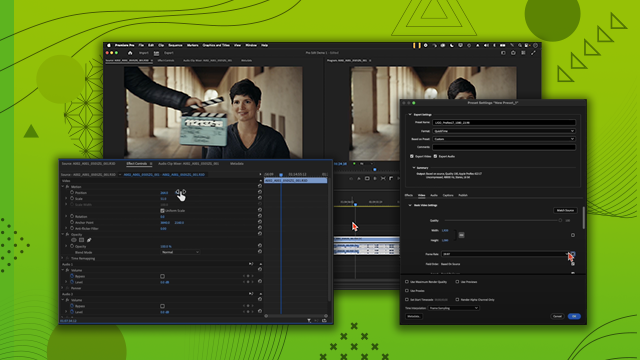
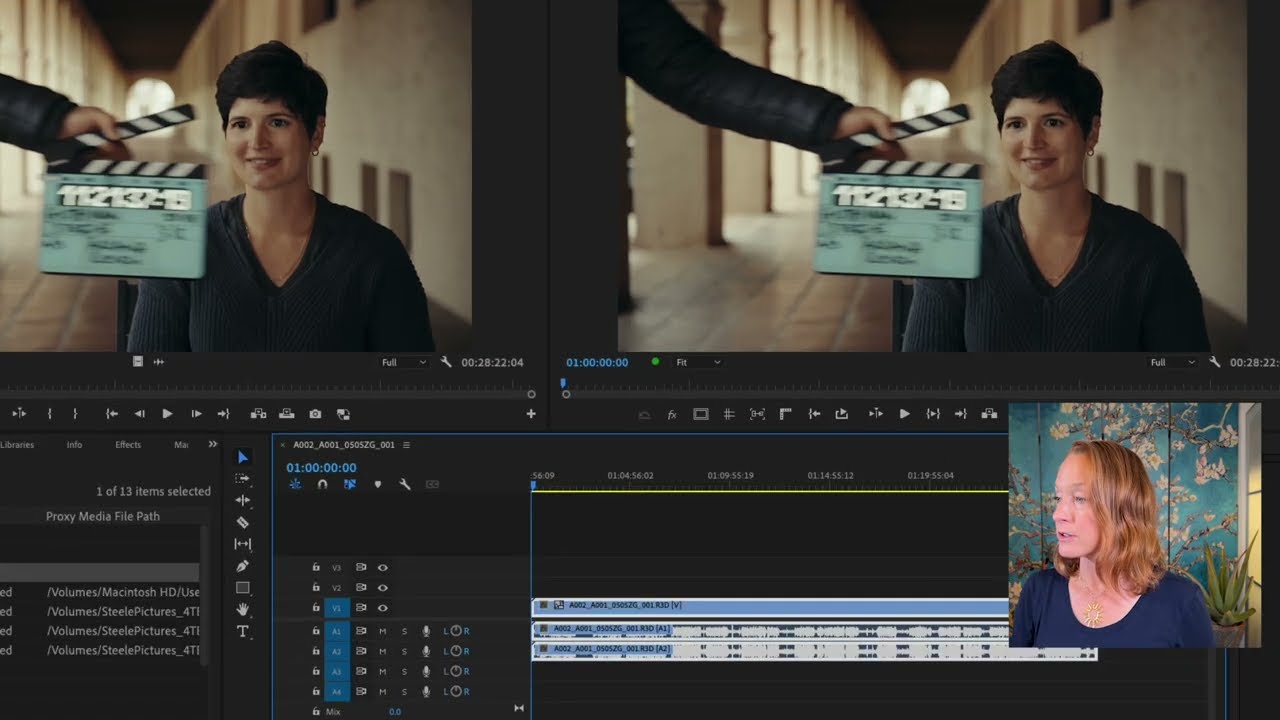
Learn how the Media Browser organizes media files. Proxy workflows enable more efficient work on large files, and transcoding techniques upon import.
This summary is AI generated
Learning Outcomes:
- Understand project setup in Premiere Pro
- Utilize media browser for efficient importing
- Implement proxy workflows for high-resolution footage
Level: Beginner
Skills you'll gain:
Premiere Pro, Editing, Transcription, Proxy
Key Insights
- Select appropriate project templates for specific needs.
- Use automatic transcription for efficient dialogue management.
- Organize media with bins for better workflow.
- Ingest footage through media browser for metadata preservation.
- Create proxies to handle high-resolution footage smoothly.
- Utilize favorites in media browser for quick access.
- Review project settings and summaries for optimal setup.
- Maintain consistent audio channels between proxies and original footage.
- Engage team discussions on distribution goals early in projects.
- Test different proxy formats for best editing performance.








 AdChoice