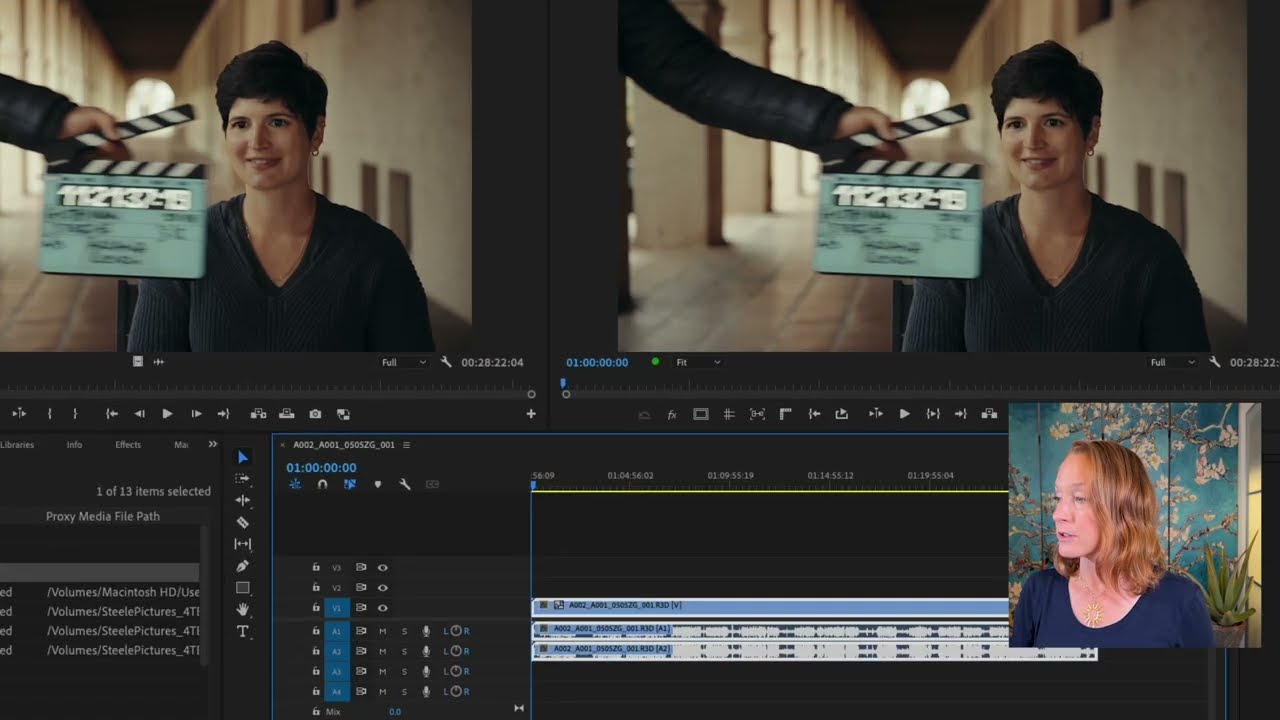
Advanced Project Management
Discover how to efficiently organize multiple videos within a single project and master manual audio syncing for precise clip alignment. Learn to use the "Synchronize" feature and implement a multi-camera sync workflow to streamline complex editing tasks.
This summary is AI generated
Learning Outcomes:
- Organize clips effectively in Premiere Pro
- Synchronize audio and video clips efficiently
- Utilize multi-camera editing techniques
Level: Beginner
Skills you'll gain:
Premiere Pro, Editing, Synchronization, Organization
Key Insights
- Create new bins for better organization of clips.
- Label sequences clearly to avoid confusion.
- Use the media duration column for matching clips.
- Synchronize clips using audio waveforms for accuracy.
- Employ multi-camera source sequences for complex edits.
- Utilize the toggle multi-camera view for simultaneous editing.
- Adjust scale settings for different camera resolutions.
- Use markers to identify sync points in audio.
- Deselect insert and overwrite to maintain clip stacks.