


Social Media and Final Export
Master the process of adding and editing captions, including translating them for broader accessibility, to enhance your video’s reach. Learn to reframe content for social media platforms and export videos with burned-in captions for a professional, platform-ready final product.
This summary is AI generated
Learning Outcomes:
- Create and customize captions in Premiere Pro.
- Render projects for smoother playback.
- Auto reframe sequences for social media.
Level: Beginner
Skills you'll gain:
Premiere Pro, Captions, Rendering, Reframing
Key Insights
- Cut clips to eliminate distractions in video.
- Use the transcript to easily add captions.
- Adjust caption styles for better visibility.
- Render sections of video for improved playback.
- Utilize auto reframe for different aspect ratios.
- Save custom caption styles for future use.
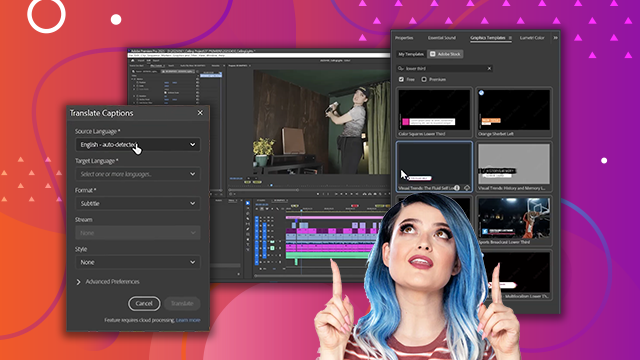
- Translate captions for multilingual audiences.
- Ensure captions are enabled before exporting.
- Use finishing nails for secure crown molding installation.
- Experiment with different adhesives for best results.








 AdChoice