
Adobe Trainer (Japanese)
Adobe Certified Trainer

This summary is AI generated
Learning Outcomes:
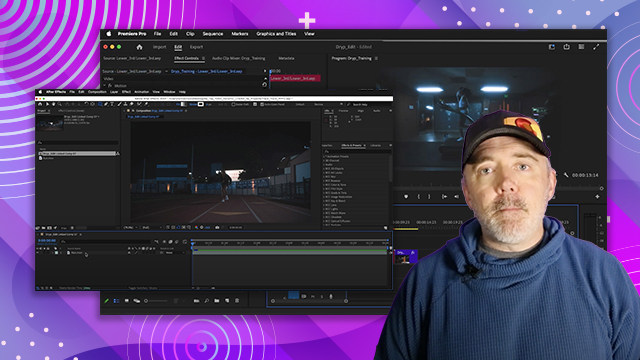
- Customize Premiere Pro workspace effectively.
- Manage and arrange panels for efficiency.
- Utilize workspace presets for specific tasks.
Level: Advanced
Skills you'll gain:
Premiere Pro, Customization, Panel Management, Workspace Setup
Key Insights
- Premiere Pro's interface is highly customizable.
- Panels can be moved and resized freely.
- Use the Window menu to locate hidden panels.
- Save preferred panel arrangements as workspace presets.
- Edit workspace order for quick access.
- Reset workspace to default settings when needed.
- Floating panels can enhance multi-monitor setups.
- Efficient panel arrangement improves workflow.
- Familiarity with the interface reduces user frustration.
- Custom workspaces can adapt to different projects.















 AdChoice