Configuración y interfaz del proyecto
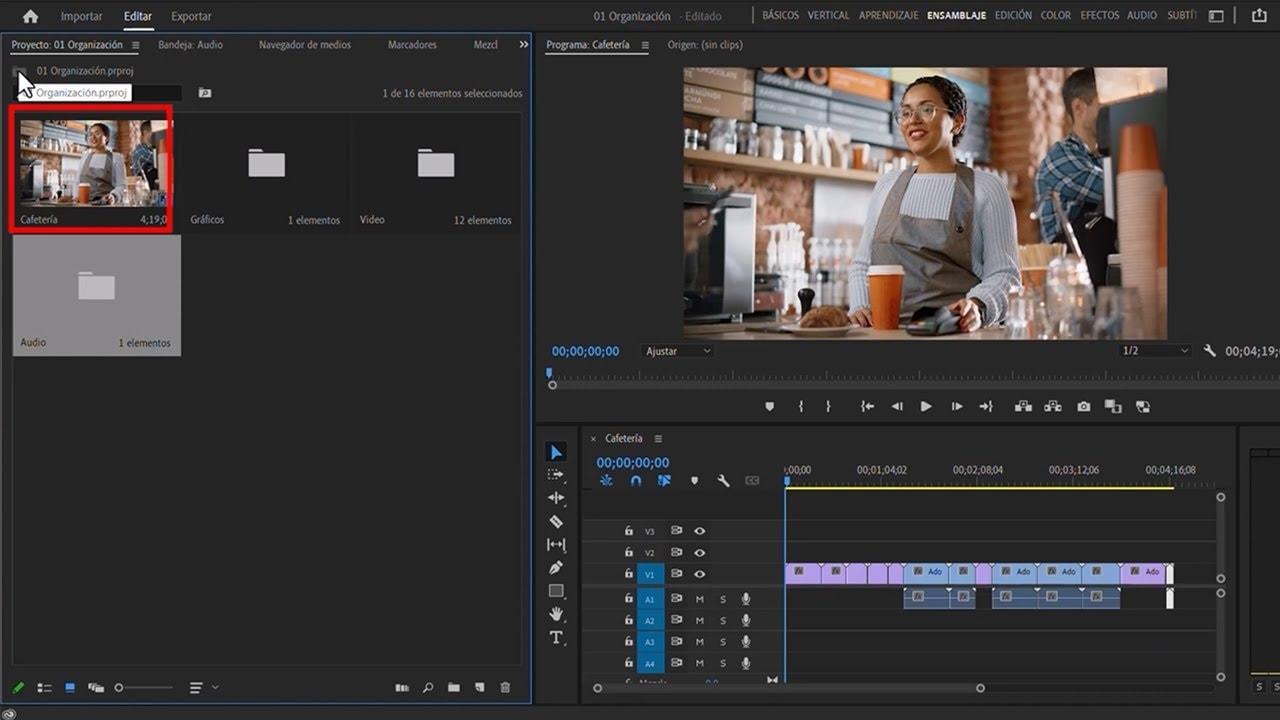
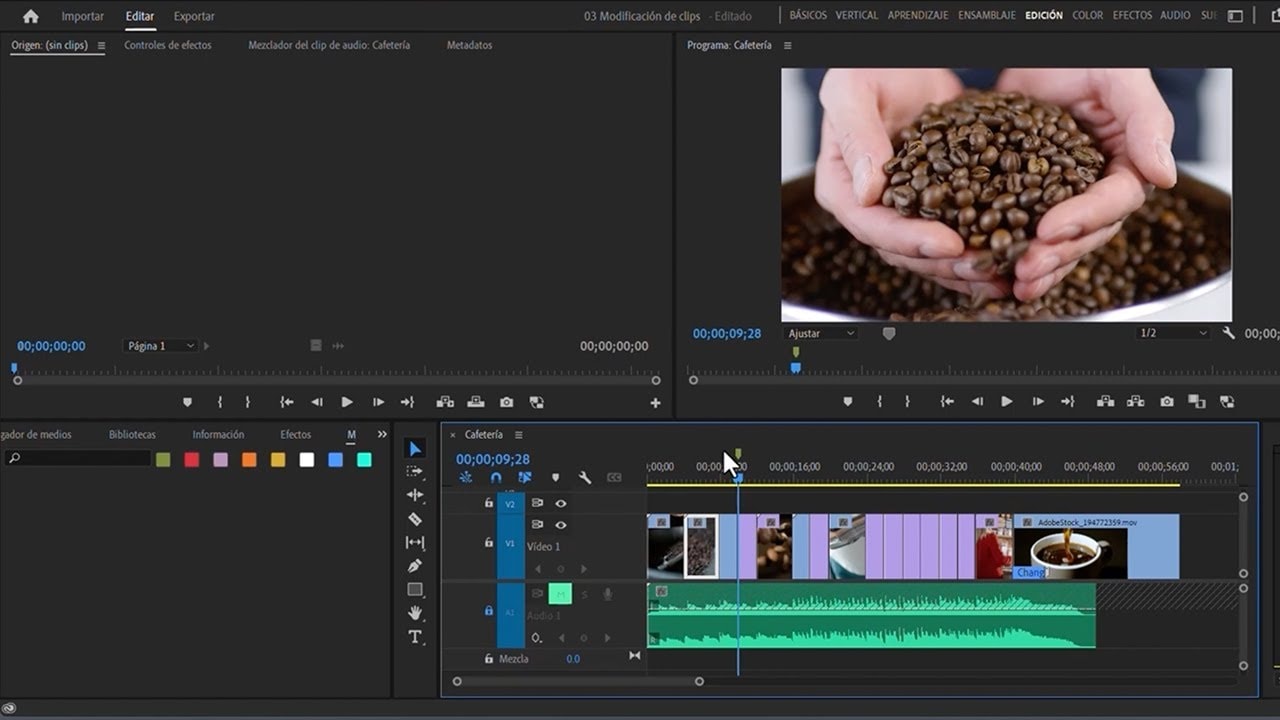
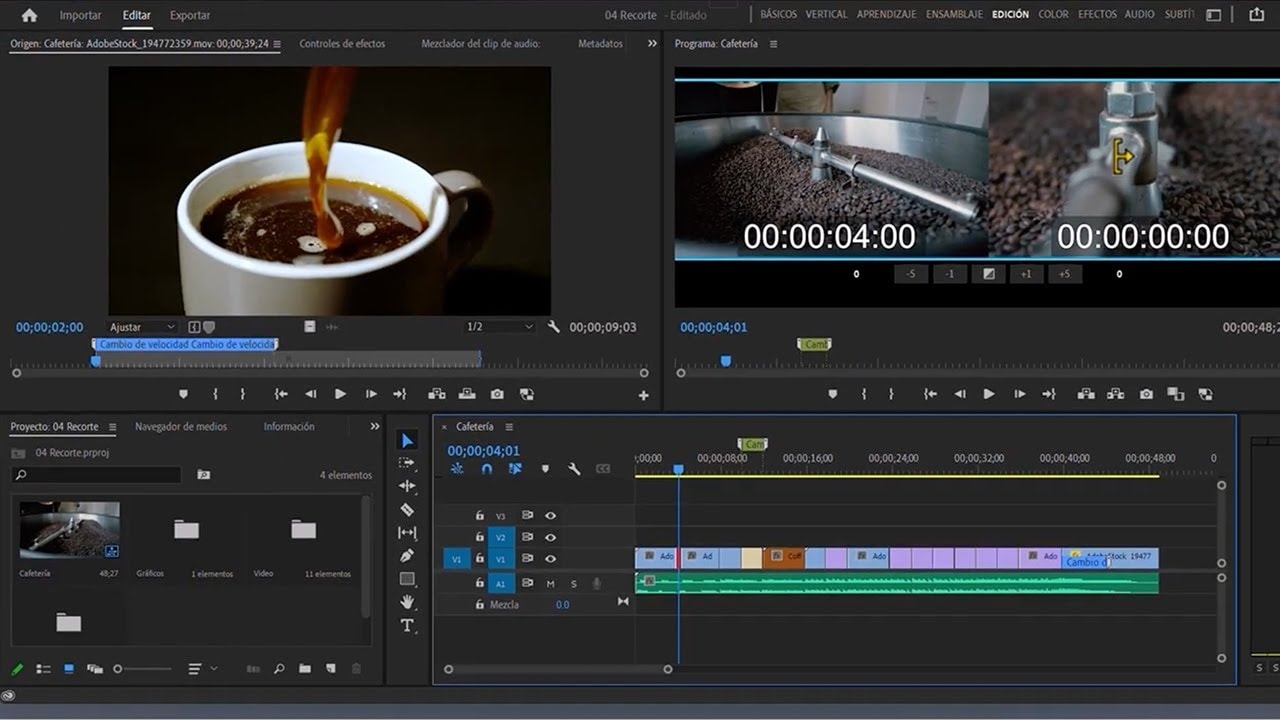
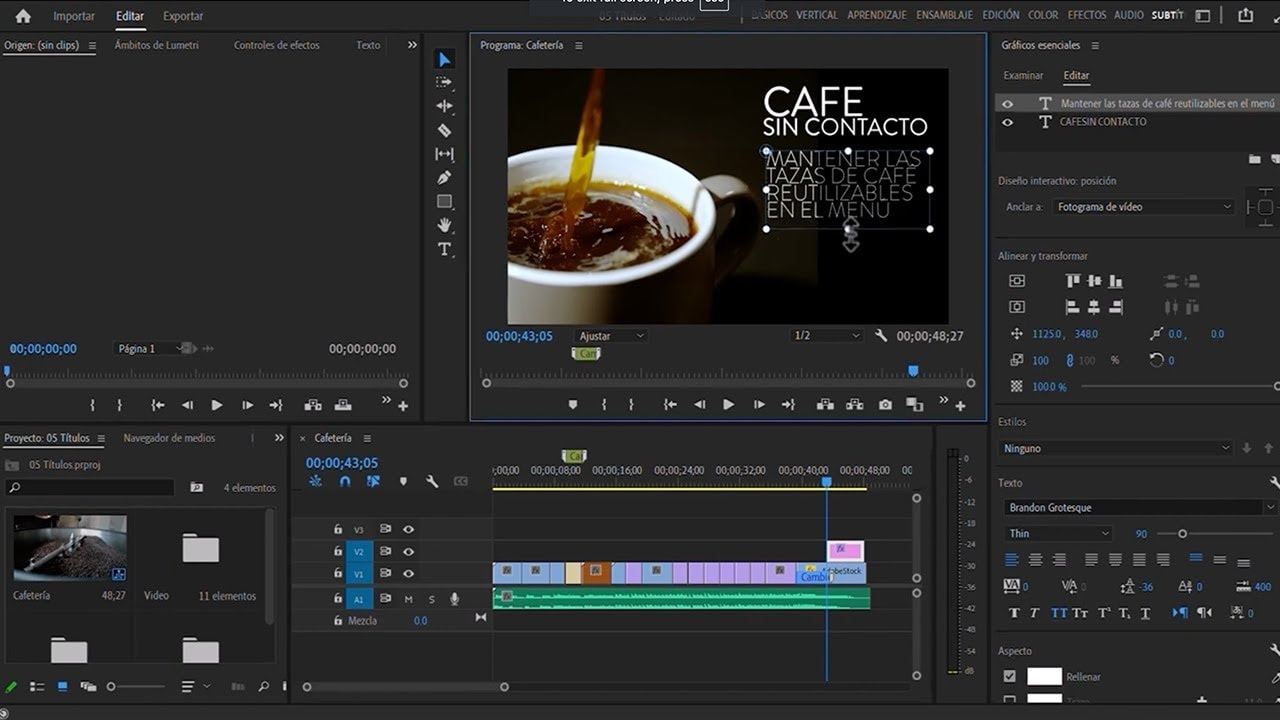
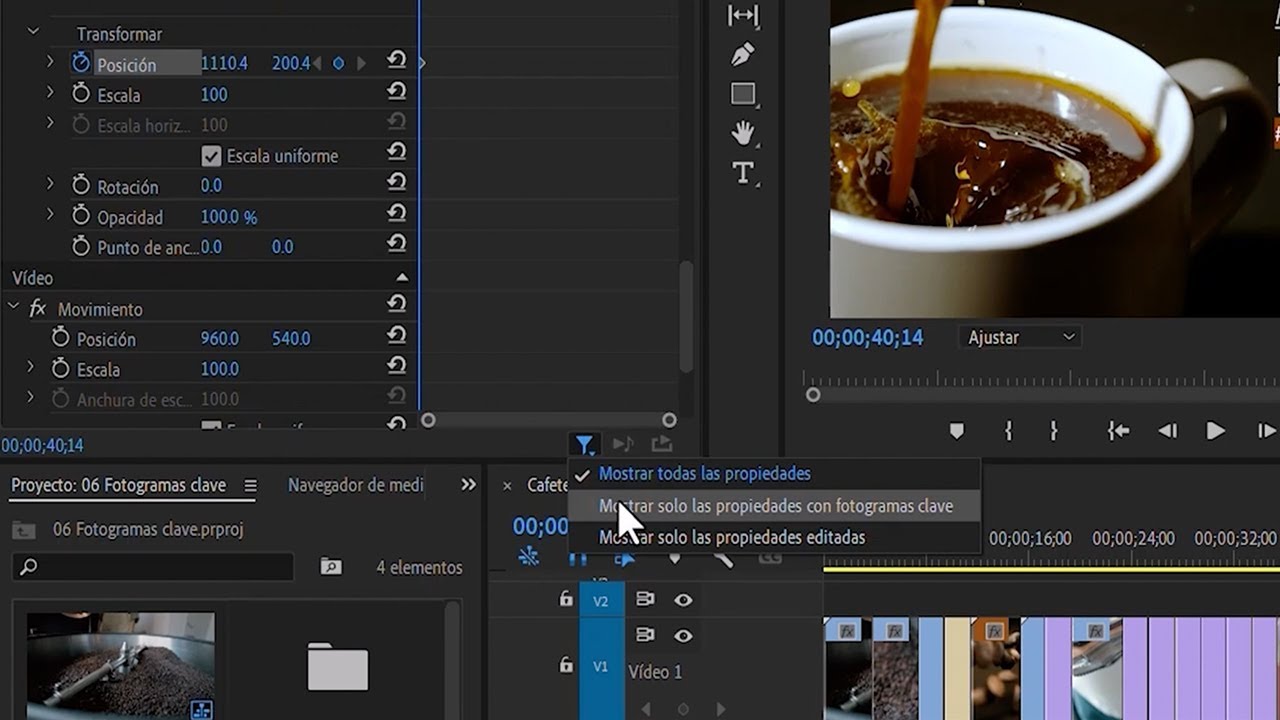
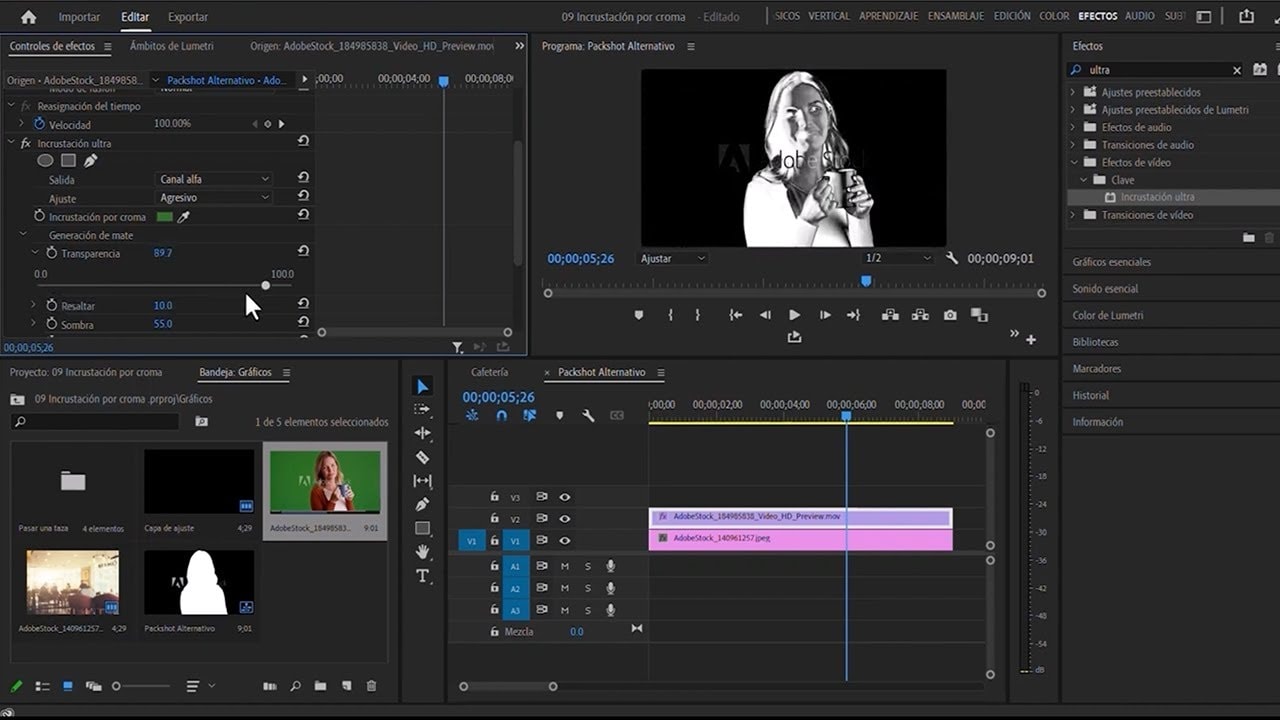
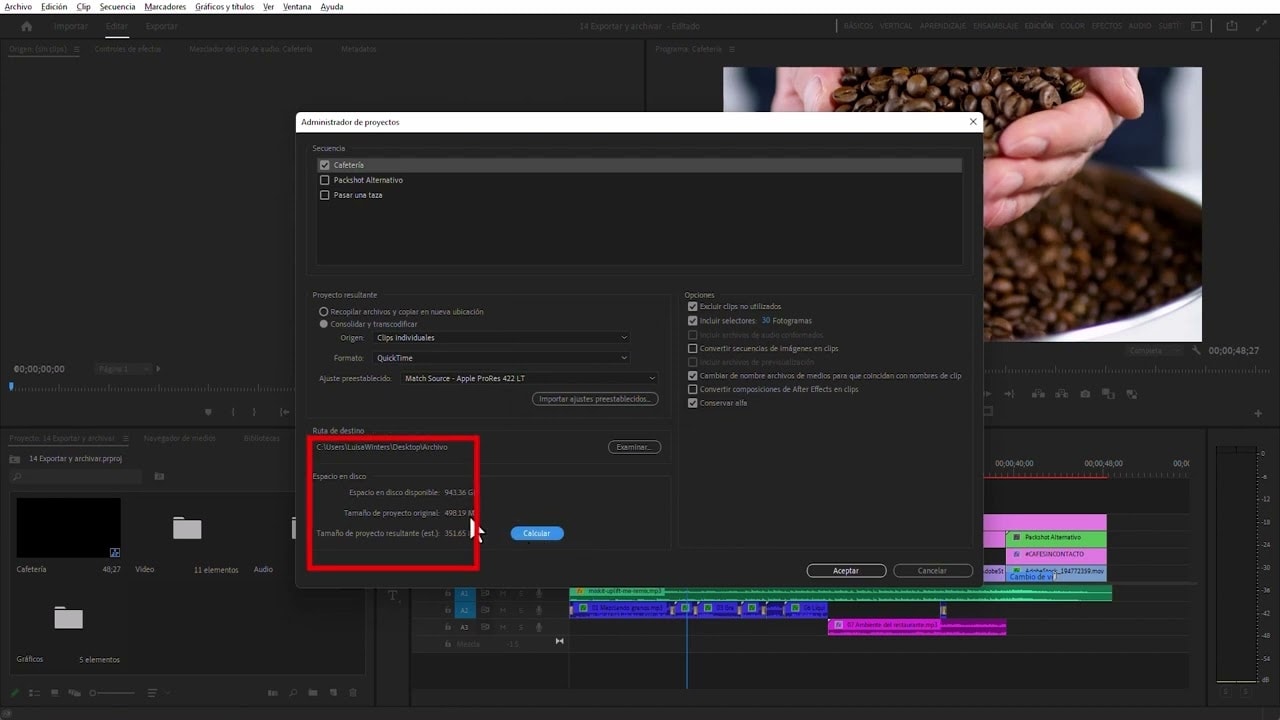
Aprende paso a paso cómo crear un proyecto e importar clips de vídeo a Premiere Pro. También se le introducirá a la interfaz de Premiere Pro. Aprenderá cómo navegar por la interfaz de usuario y personalizar el espacio de trabajo para satisfacer sus necesidades de flujo de trabajo.
This summary is AI generated
Learning Outcomes:
- Create a new project in Premiere Pro
- Import resources effectively into projects
- Adjust sequence settings for optimal playback
Level: Intermediate
Skills you'll gain:
Premiere Pro, Project Management, Importing, Editing
Key Insights
- Use Alt/Option key to reset Premiere Pro preferences.
- Create projects using both new and legacy workflows.
- Understand compatibility between different versions of Premiere Pro.
- Organize resources in the project panel for easy access.
- Utilize workspace layouts to enhance editing efficiency.
- Adjust sequence settings for frame rate and resolution.
- Import multi-layer Photoshop files as sequences in Premiere Pro.
- Nest sequences for complex editing tasks.
- Utilize safe areas and guides for proper element positioning.
- Save custom workspace layouts for future projects.