


Recortar
Aprende cómo cortar clips en Adobe Premiere Pro. Descubrirá lo fácil que es hacer un video clip más corto o más largo.
This summary is AI generated
Learning Outcomes:
- Understand how to trim clips in Premiere Pro
- Utilize ripple and slip edit tools effectively
Level: Intermediate
Skills you'll gain:
Premiere Pro, Editing, Trimming, Adjusting
Key Insights
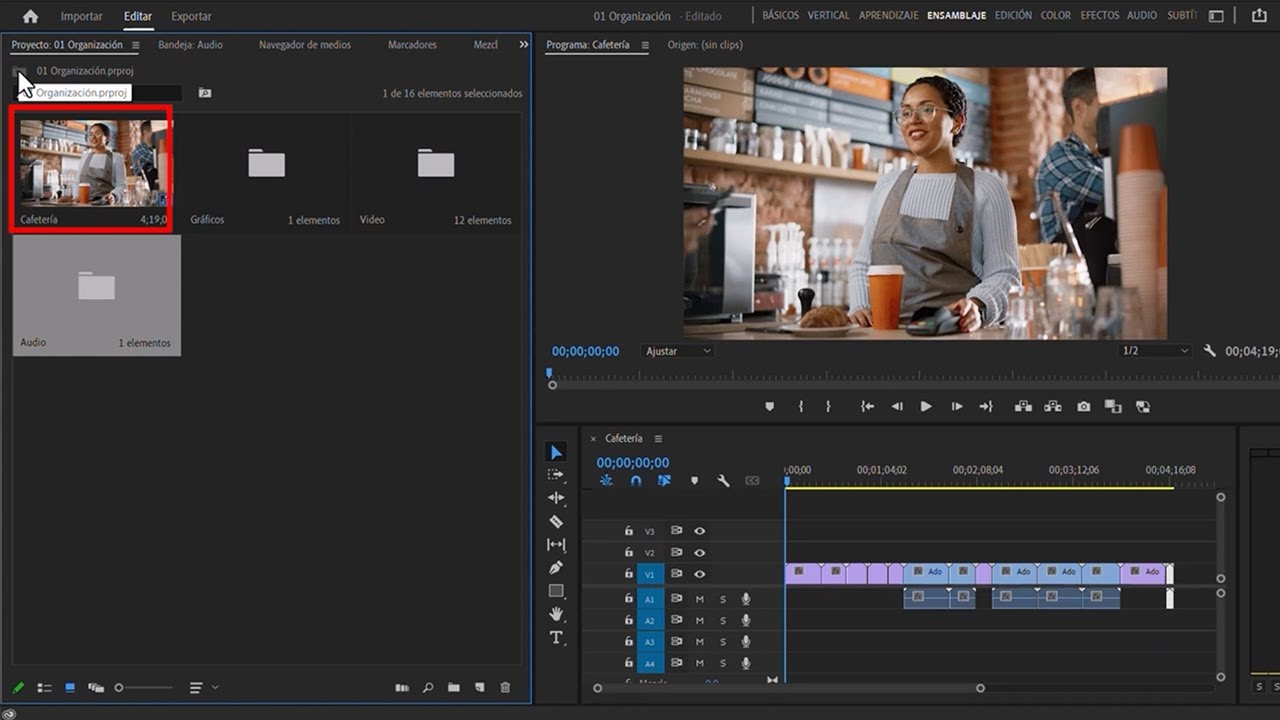
- Change workspace to editing for better workflow.
- Use keyboard shortcuts like Shift + T for trimming.
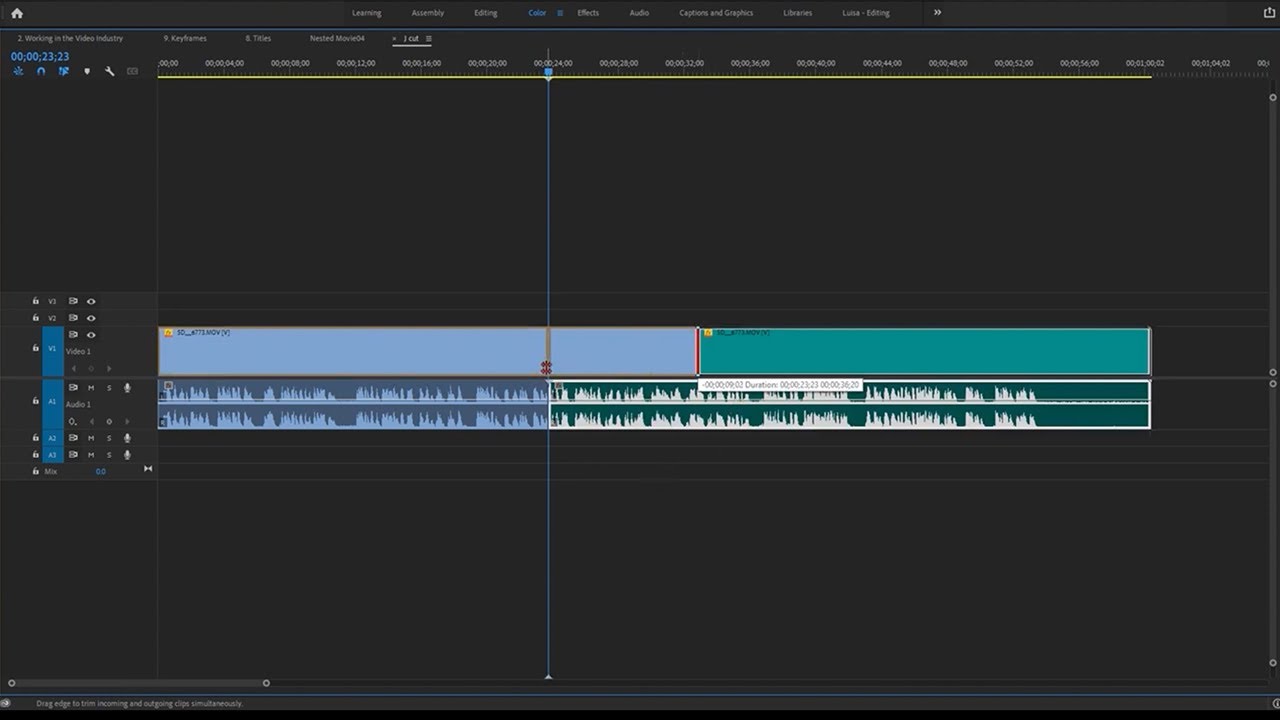
- Ripple edit shortens or lengthens the entire program.
- Slip edit adjusts clip timing without changing duration.
- Monitor program displays changes in real-time.
- Undo changes with Control + Z or Command + Z.
- Adjust clip position and size in the program monitor.
- Use selection tool for precise clip adjustments.
- Practice with different clips to master editing tools.







 AdChoice