


Organizando Projectos de Video
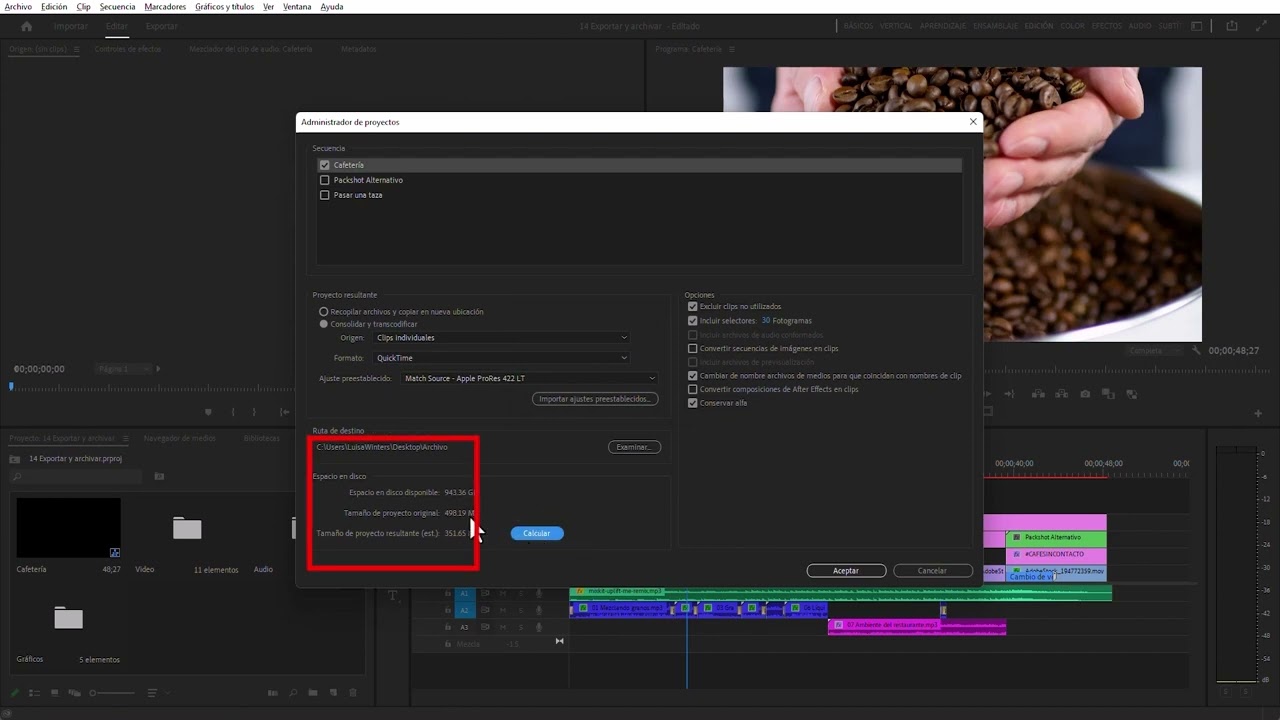
Aprende cómo organizar tus proyectos de vídeo en Adobe Premiere Pro. Se le introducirá la creación de carpetas en los proyectos y cómo vincular clips de audio a grabaciones, renombrar clips y mover activos a lo largo de la línea de tiempo de Premiere Pro.
This summary is AI generated
Learning Outcomes:
- Organize project files efficiently in Premiere Pro.
- Manage audio and video clips separately.
- Utilize keyboard shortcuts for faster editing.
Level: Intermediate
Skills you'll gain:
Premiere Pro, Organization, Editing, Audio Management
Key Insights
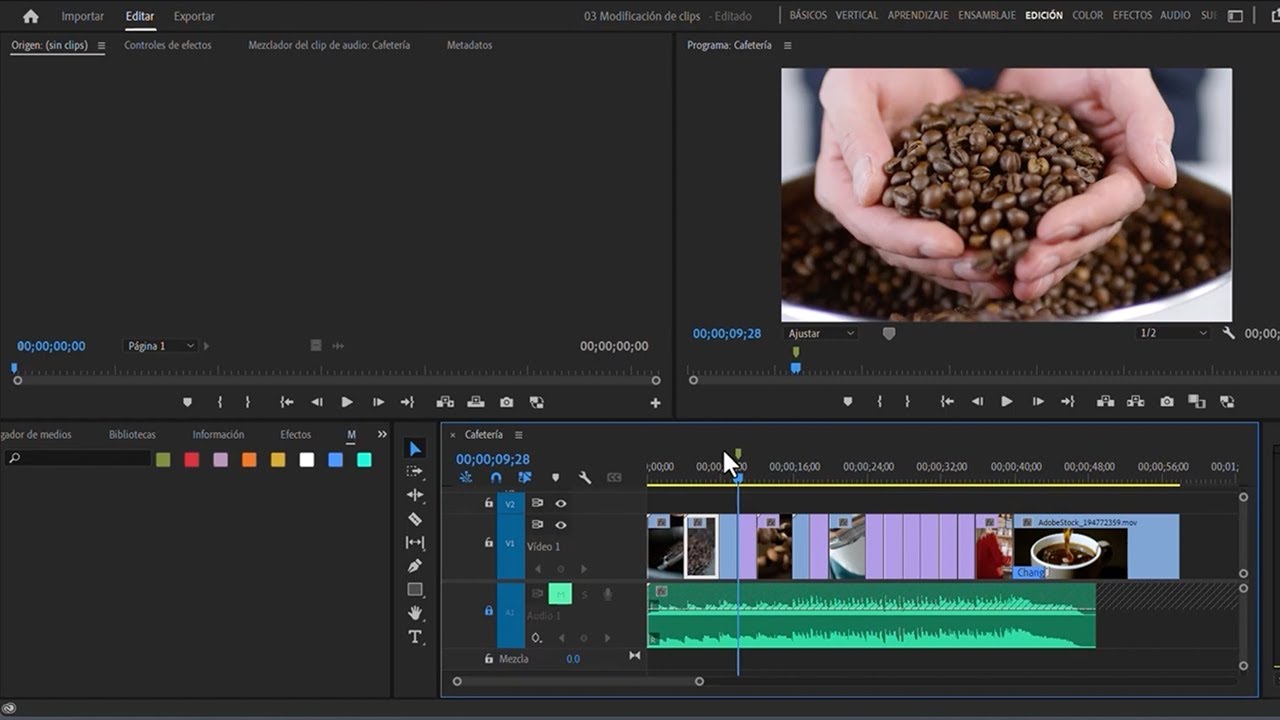
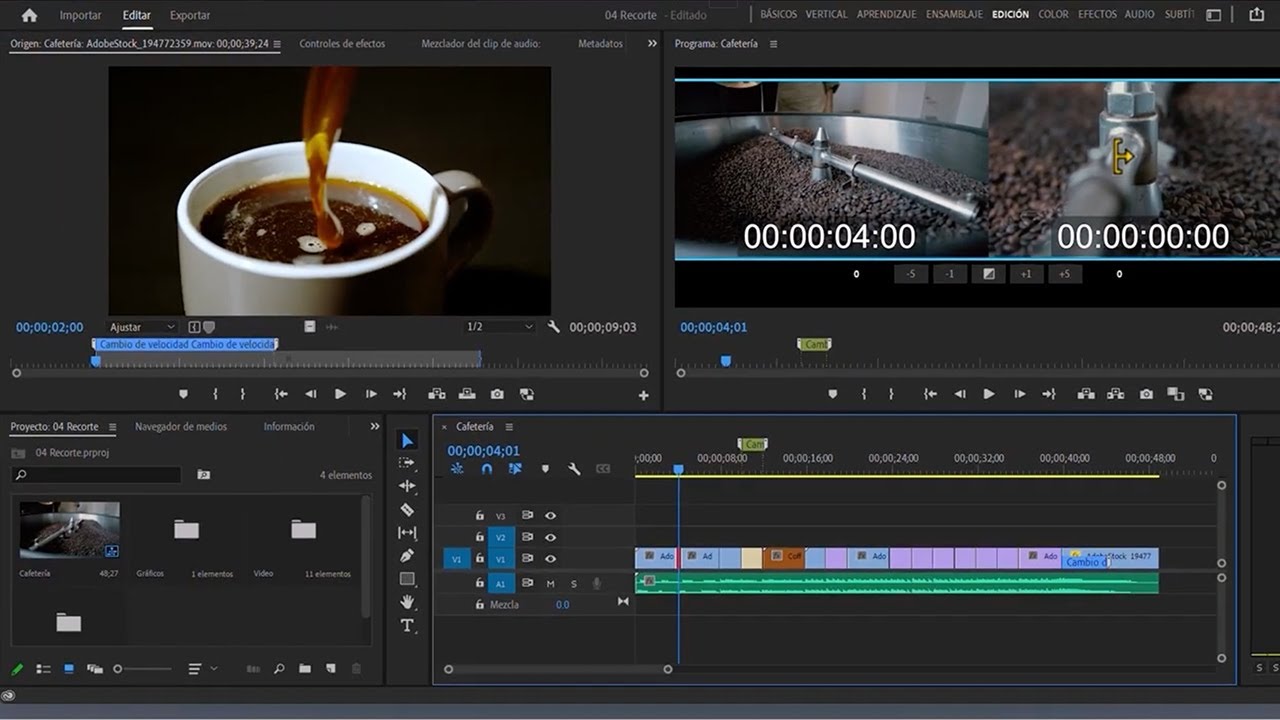
- Switch to the assembly workspace for better organization.
- Create separate bins for video and audio clips.
- Use keyboard shortcuts like Ctrl+B or Command+B to create bins.
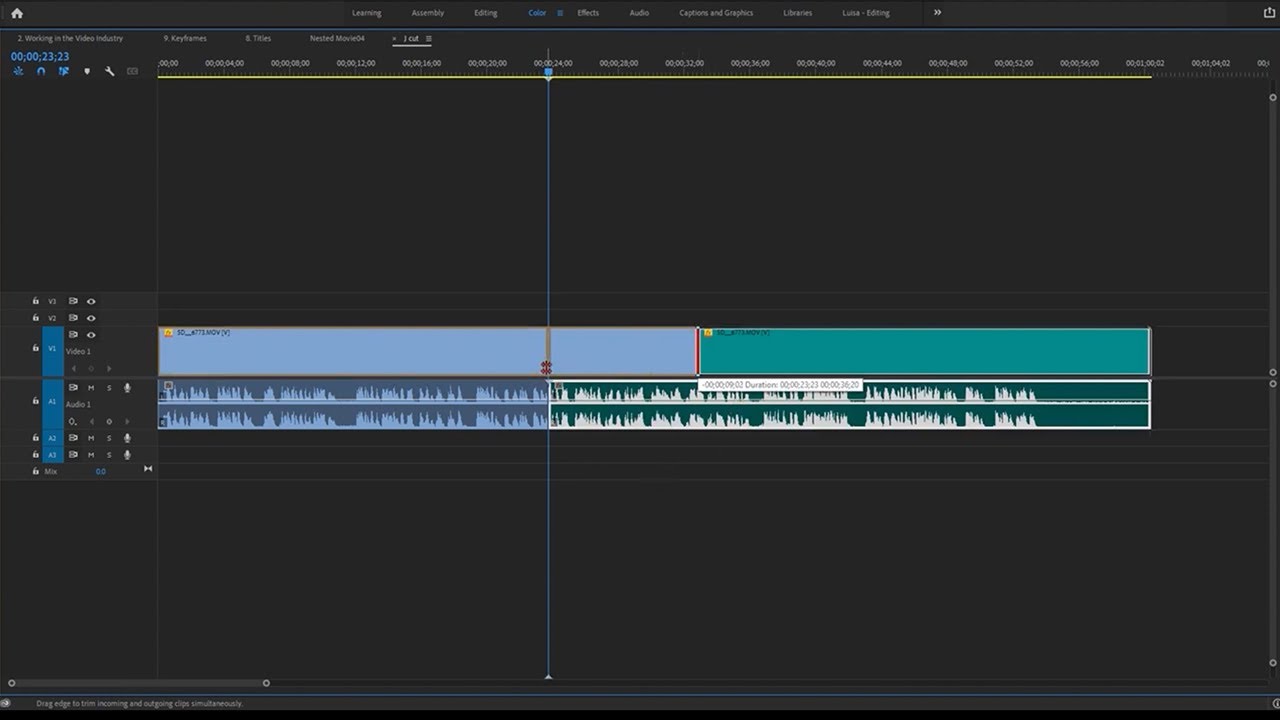
- Detach audio from video clips for individual editing.
- Rename clips for better identification in the timeline.
- Silence audio tracks to focus on specific elements.
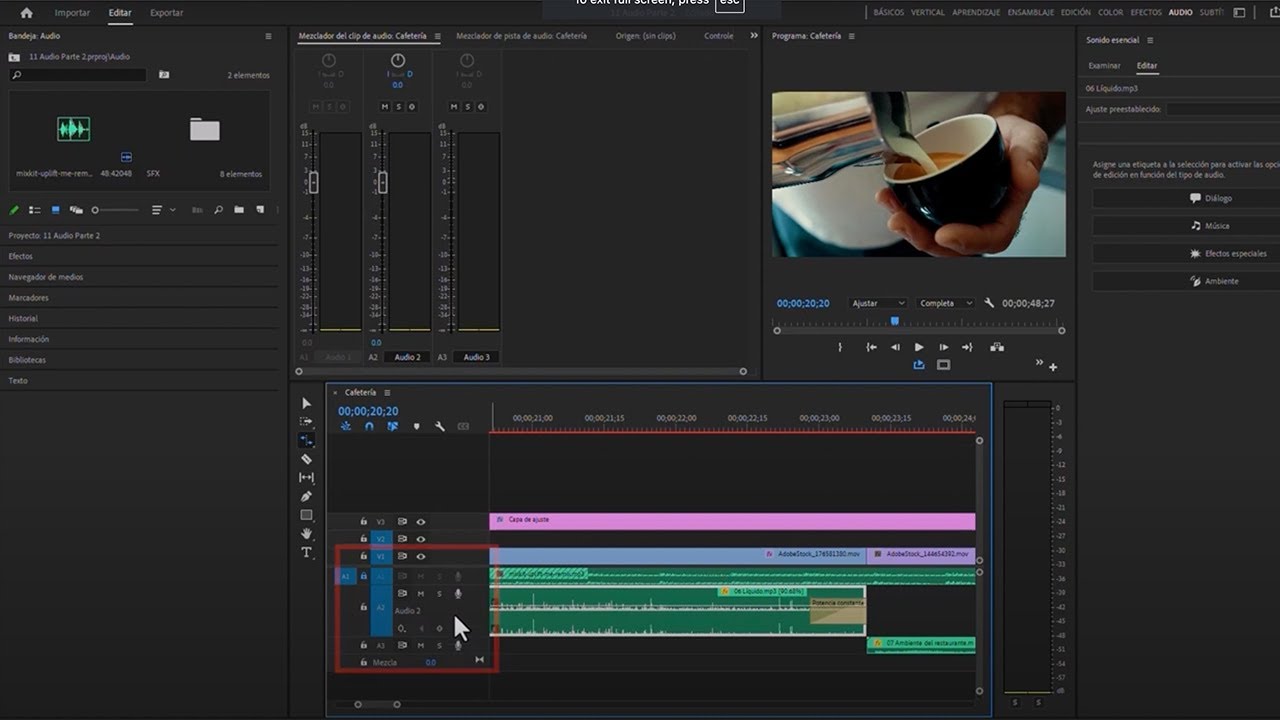
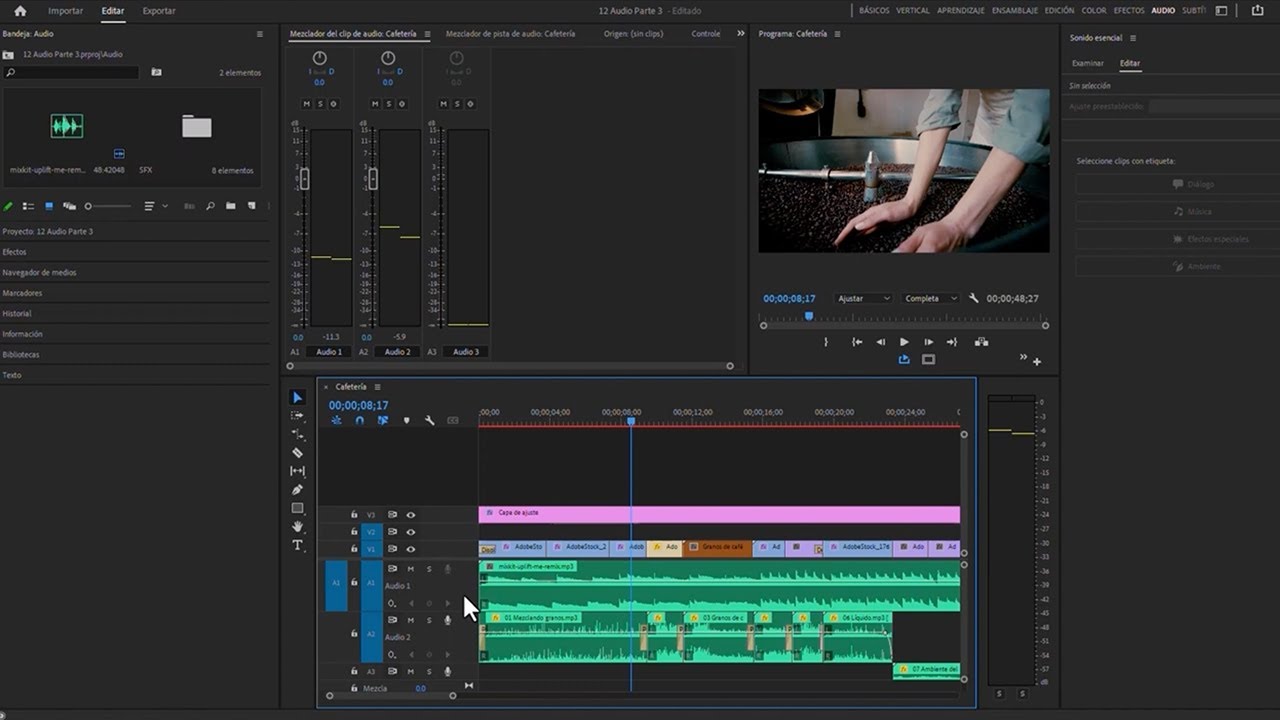
- Expand and contract audio/video tracks for better visibility.
- Remove empty audio tracks to declutter the project.
- Use markers to mark clip entry and exit points.



 AdChoice