Archivando
Aprende cómo archivar los proyectos de vídeo completados después de editarlos en Premiere Pro.
This summary is AI generated
Learning Outcomes:
- Archive projects efficiently in Premiere Pro
- Use project manager for archiving
- Transcode files to match original settings
Level: Intermediate
Skills you'll gain:
Premiere Pro, Archiving, Transcoding, Project Management
Key Insights
- Ensure the active sequence is selected before archiving.
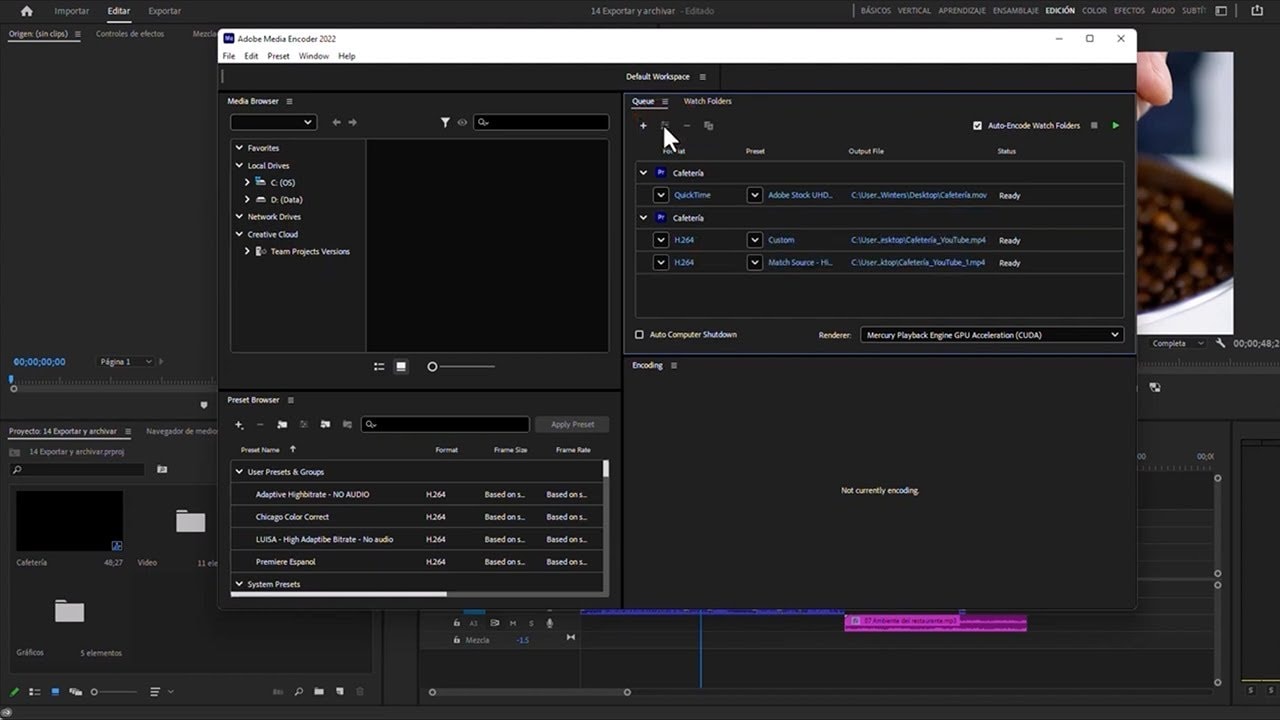
- Use the project manager to consolidate and transcode.
- Choose QuickTime for file encoding settings.
- Select 'Match Source' for preset options.
- Create a dedicated folder for archived files.
- Calculate project size versus file size for management.
- Exclude unused clips to save space.
- Rename media files to match clip names.
- Convert After Effects compositions into clips if needed.
- Maintain transparency by keeping the alpha channel.