


Panel de Sonido Esencial
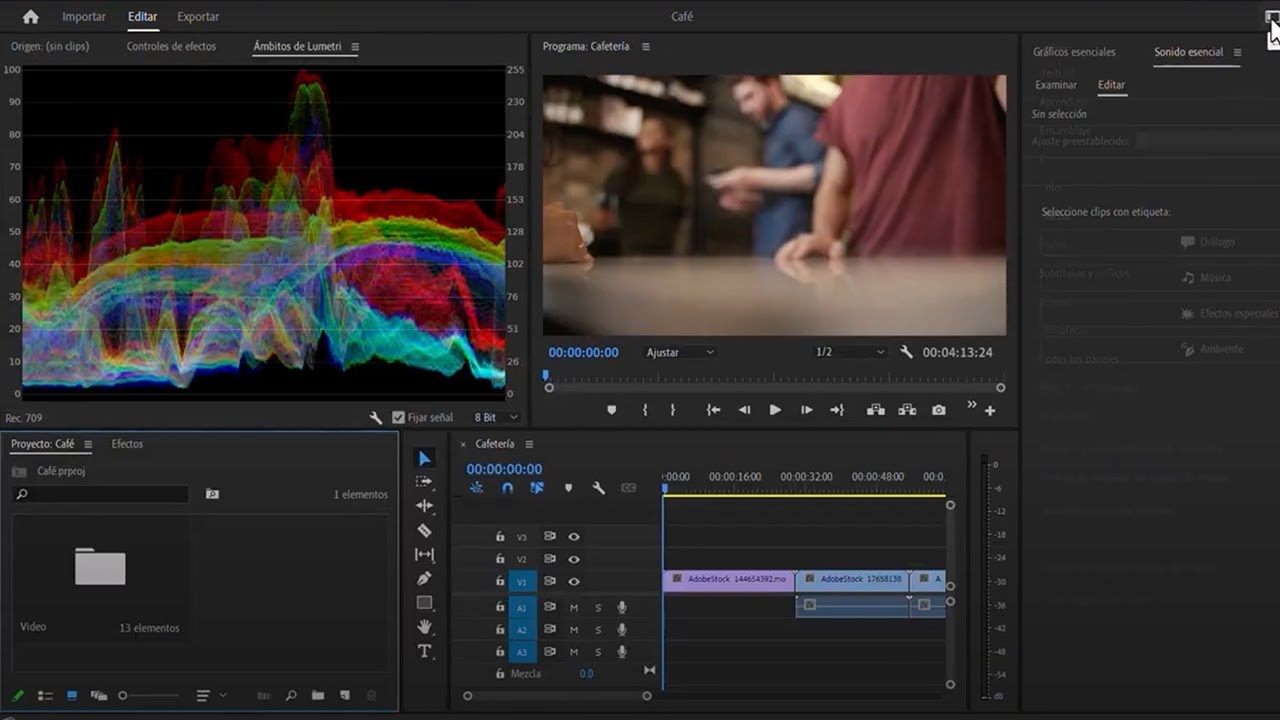
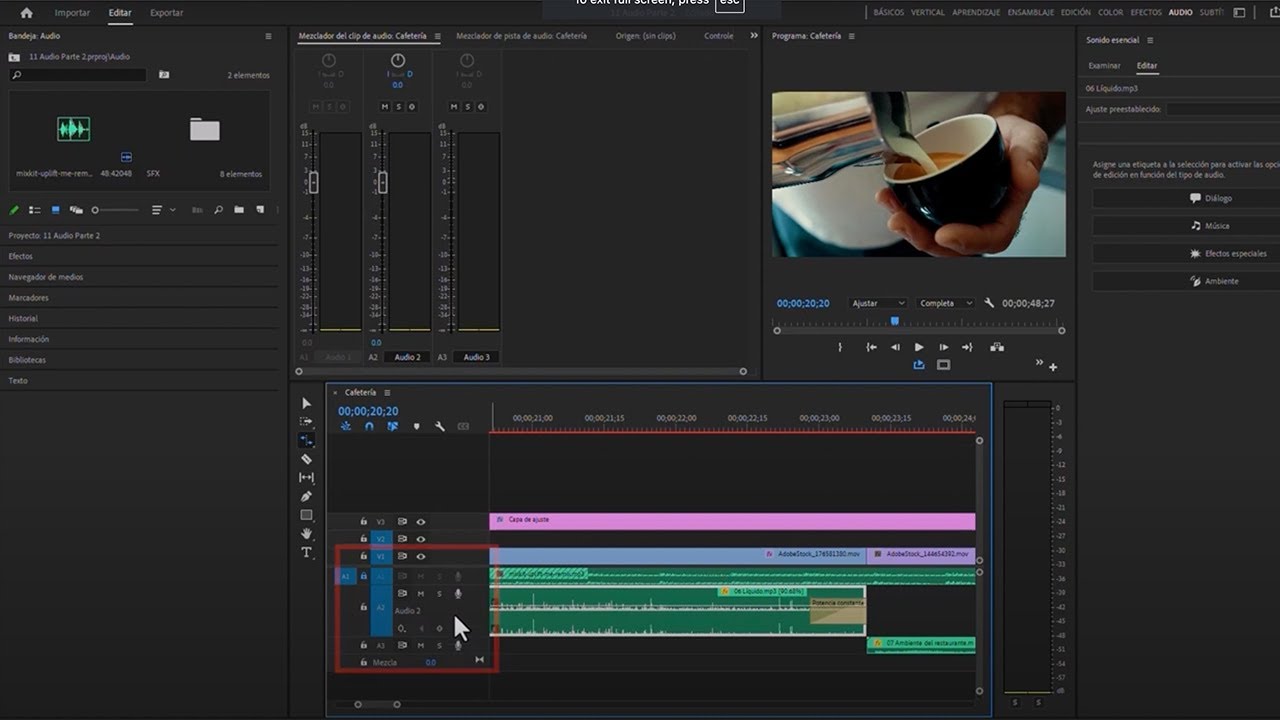
Aprende a usar el panel de sonido esencial en Adobe Premiere Pro. Aprenderá cómo hacer ajustes potentes, como Adobe Remix, al audio en una interfaz fácil.
This summary is AI generated
Learning Outcomes:
- Navigate the Essential Sound panel effectively.
- Label audio clips for better organization.
- Apply audio presets for enhanced sound quality.
Level: Intermediate
Skills you'll gain:
Premiere Pro, Audio Editing, Sound Design, Audio Mixing
Key Insights
- Use the audio workspace for focused editing.
- Rename audio tracks to reflect their content.
- Utilize automatic matching for consistent audio levels.
- Explore built-in audio presets for quick adjustments.
- Employ audio repair tools to enhance dialogue clarity.
- Undo actions easily with keyboard shortcuts.
- Adjust reverb settings to create immersive soundscapes.
- Select multiple clips by using tags in the Essential Sound panel.
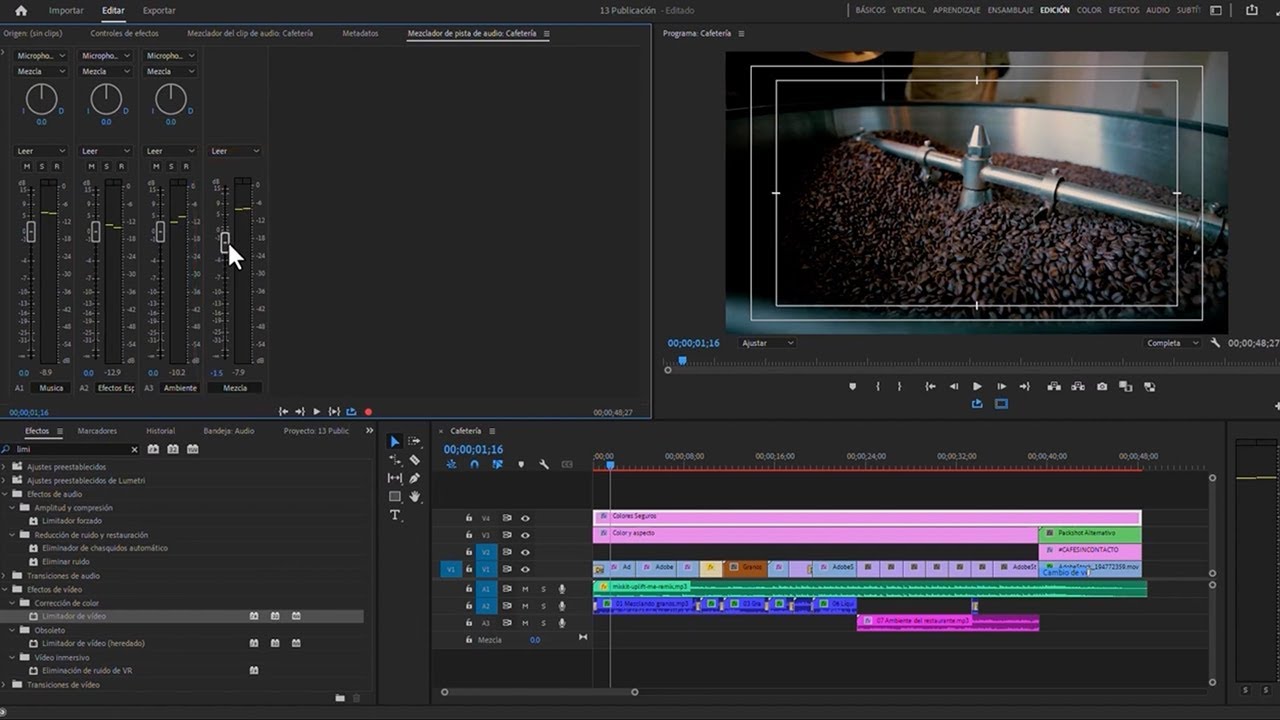
- Monitor audio levels to ensure balanced sound output.







 AdChoice