


Transiciones y efectos de audio
Aprende a aplicar transiciones y efectos de audio en Adobe Premiere Pro. Aprenderá cómo ajustar el tiempo y aplicar diversas ediciones a su pista de audio.
This summary is AI generated
Learning Outcomes:
- Apply audio transitions to multiple clips
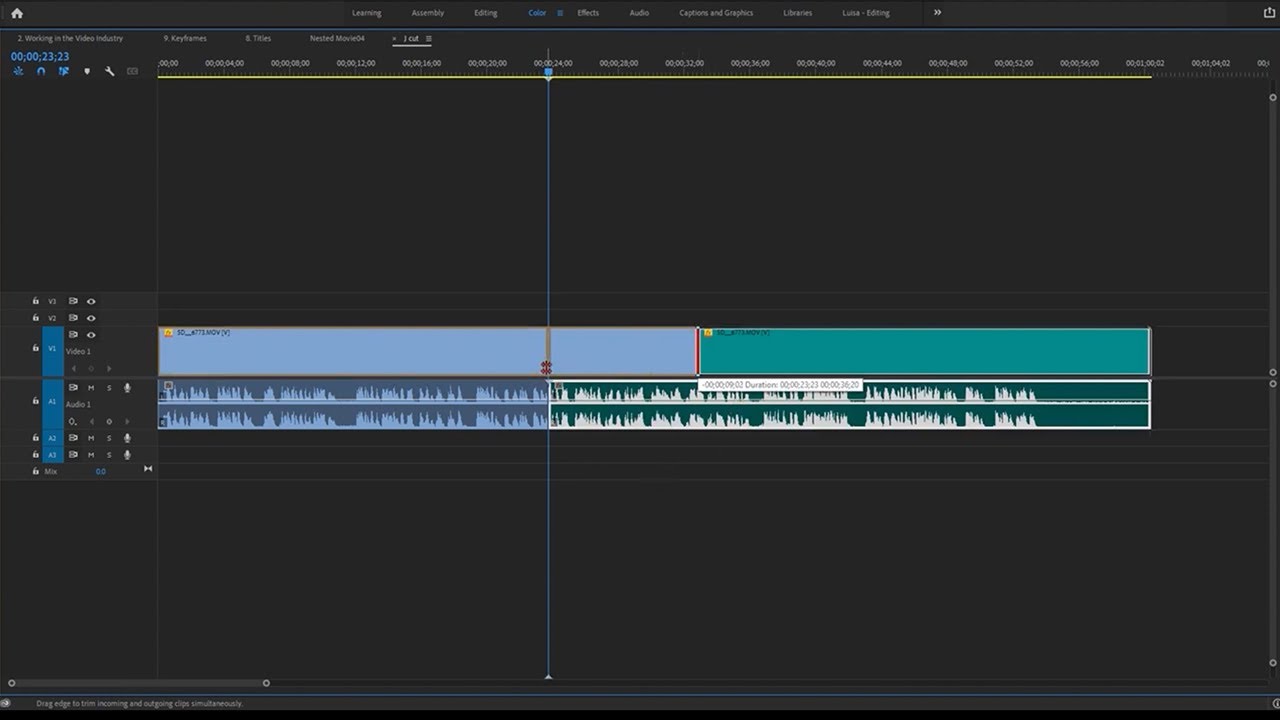
- Adjust audio clip lengths for synchronization
- Create custom audio fades with keyframes
Level: Intermediate
Skills you'll gain:
Premiere Pro, Audio Editing, Transitions, Keyframes
Key Insights
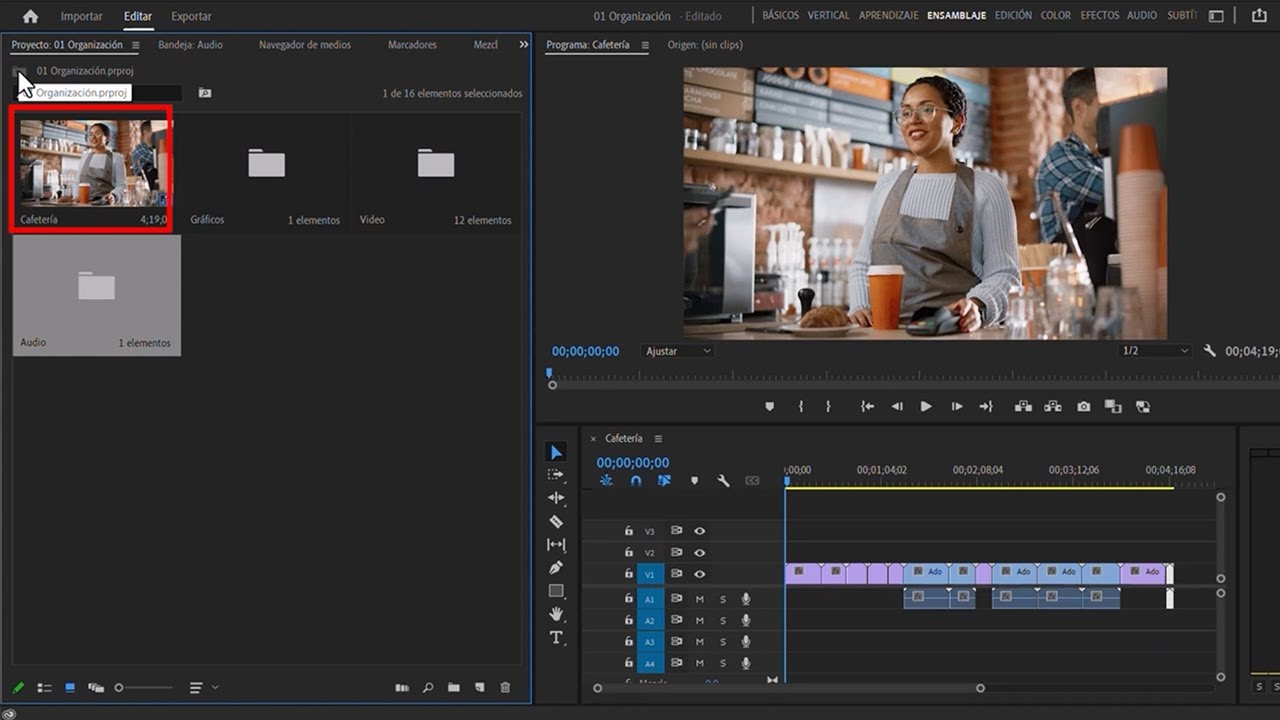
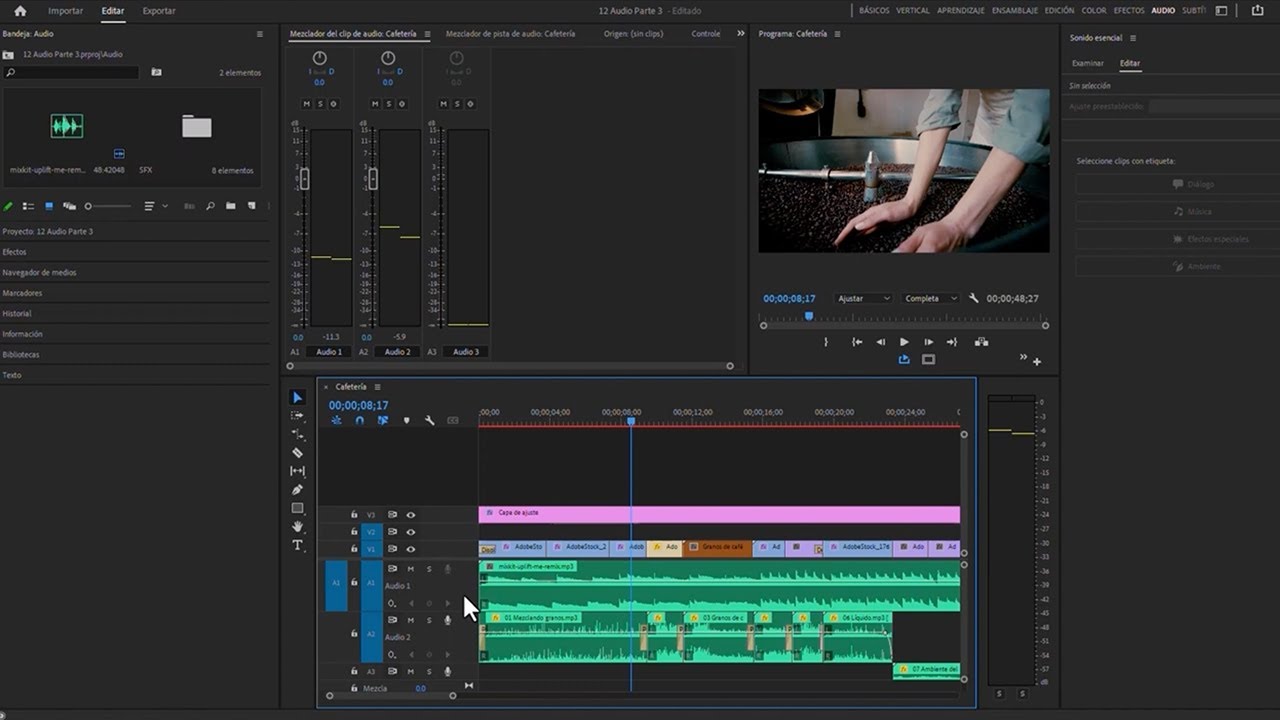
- Use the audio workspace for better organization.
- Select multiple clips by clicking and dragging.
- Apply default audio transitions quickly with shortcuts.
- Zoom in to better align audio with video.
- Utilize the speed adjustment tool for clip length.
- Show and hide audio waveform for clarity.
- Add keyframes to create smooth audio fades.
- Modify keyframe handles for custom fade curves.
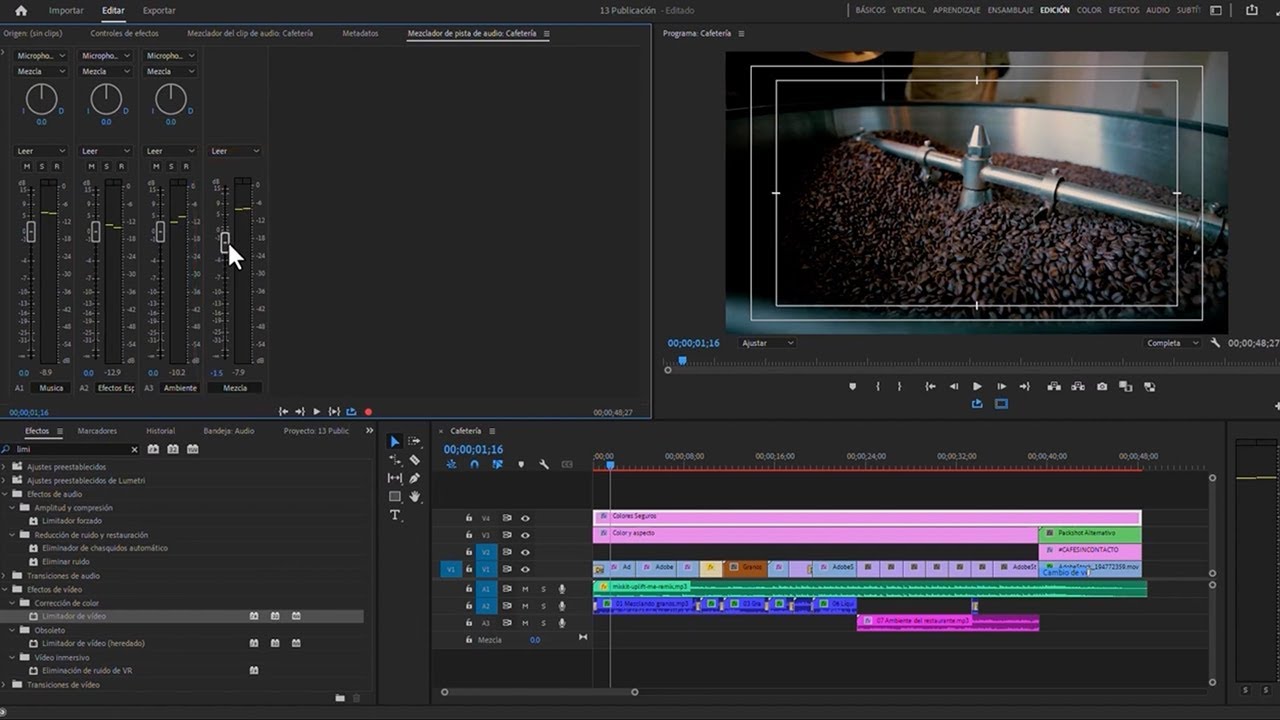
- Explore various audio effects in the effects panel.








 AdChoice