


Añadir y modificar audio
Aprende cómo añadir y modificar audio en Adobe Premiere Pro. Aprenderá a mejorar el audio añadiendo efectos de sonido y clips ambientales.
This summary is AI generated
Learning Outcomes:
- Add and modify audio clips in Premiere Pro
- Normalize audio levels for consistent sound
Level: Intermediate
Skills you'll gain:
Premiere Pro, Audio Editing, Normalization, Sound Design
Key Insights
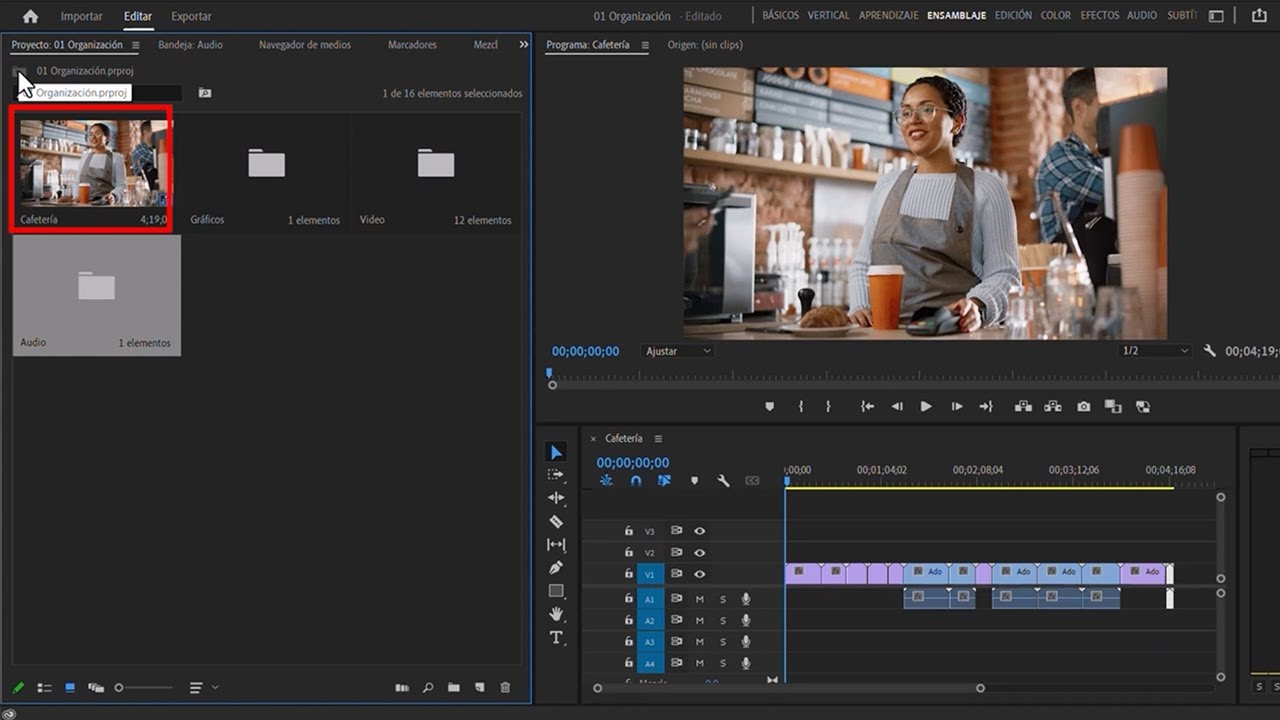
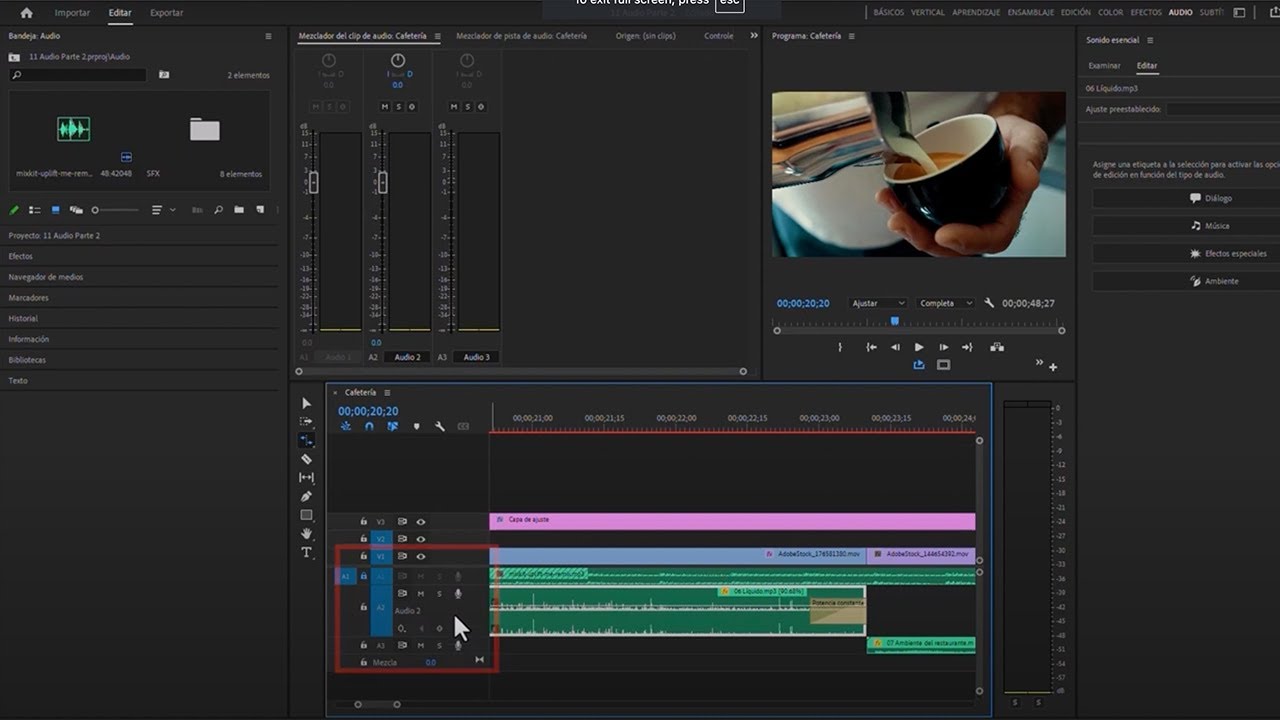
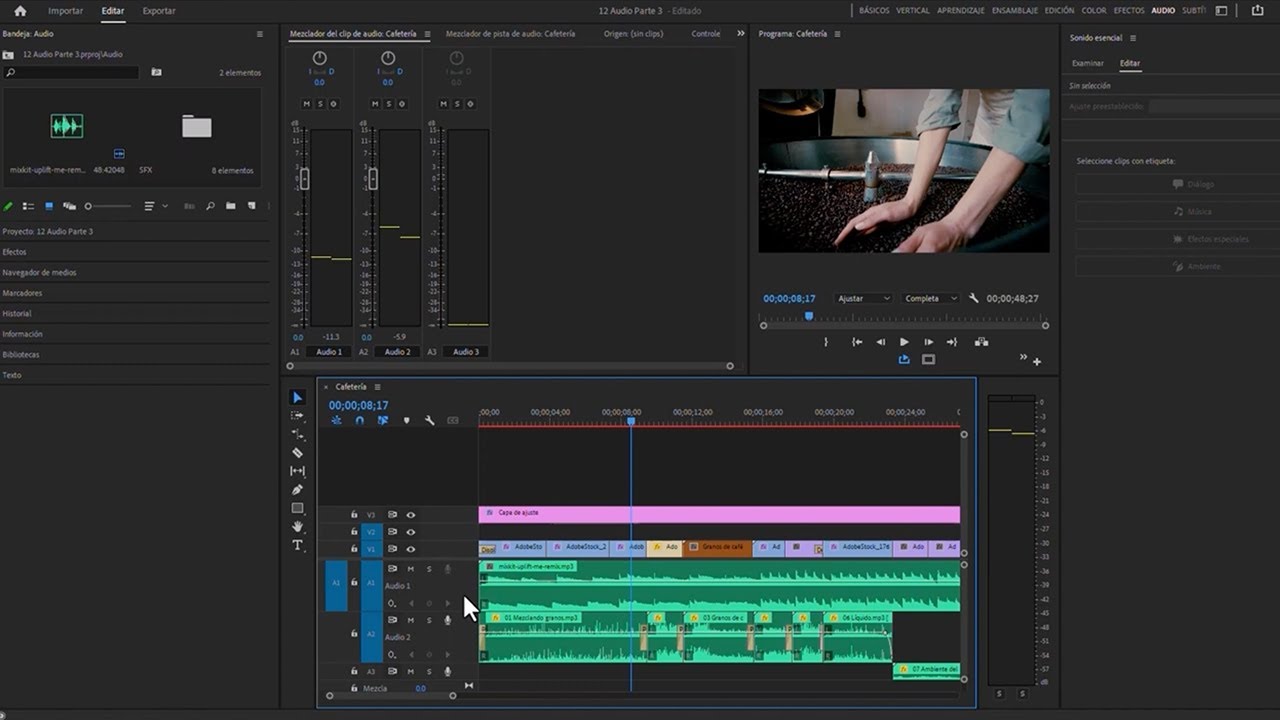
- Switch to audio workspace for better organization.
- Import audio clips by navigating through project panel.
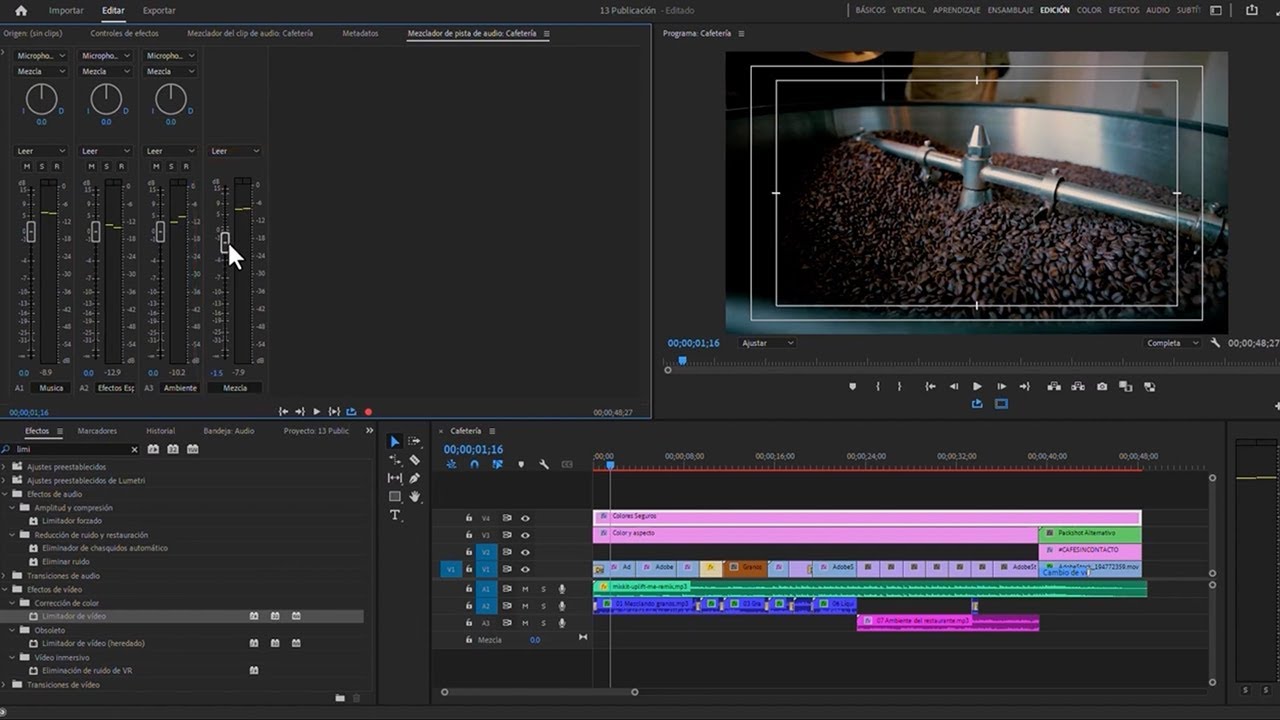
- Use audio meters to monitor sound levels visually.
- Adjust audio clips to match video timing accurately.
- Normalize audio levels to achieve desired decibel levels.
- Select multiple clips to apply changes simultaneously.
- Understand the difference between normalizing peak and overall audio.
- Utilize audio gain settings for precise adjustments.
- Preview audio changes in real-time for effective editing.







 AdChoice