
Adobe Trainer (Japanese-2)
Adobe Certified Trainer

動画プロジェクトの企画
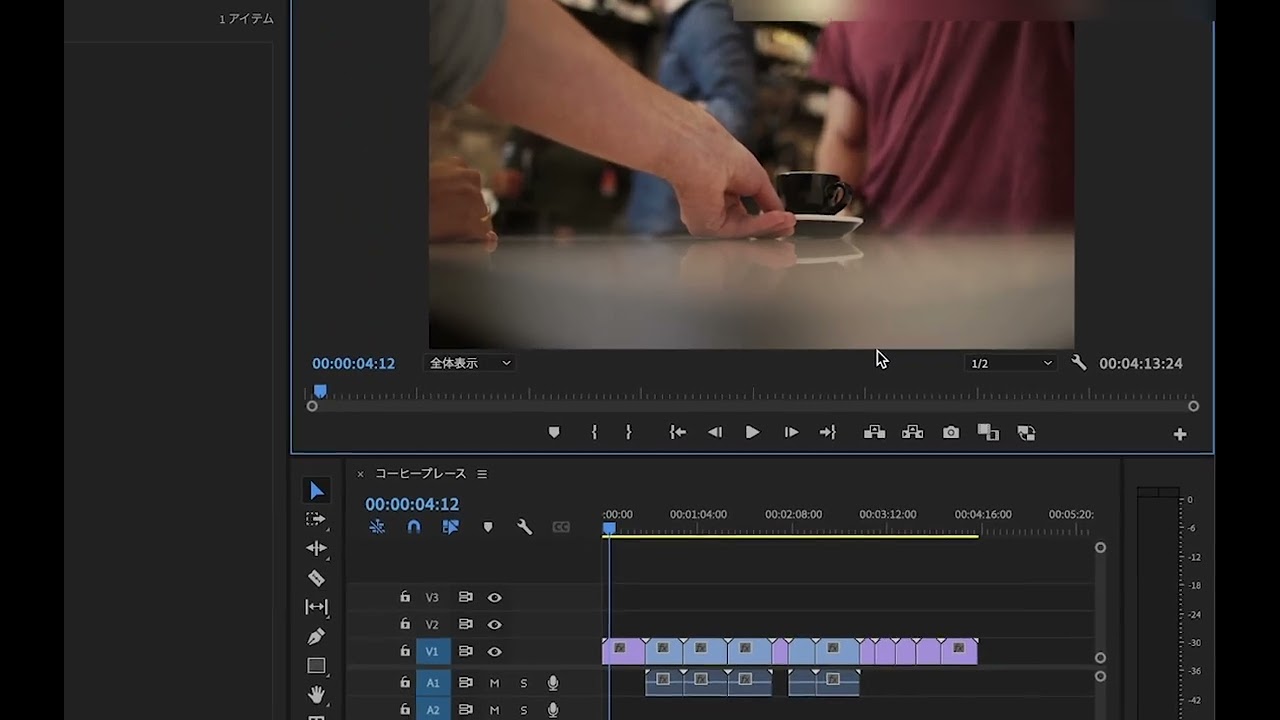
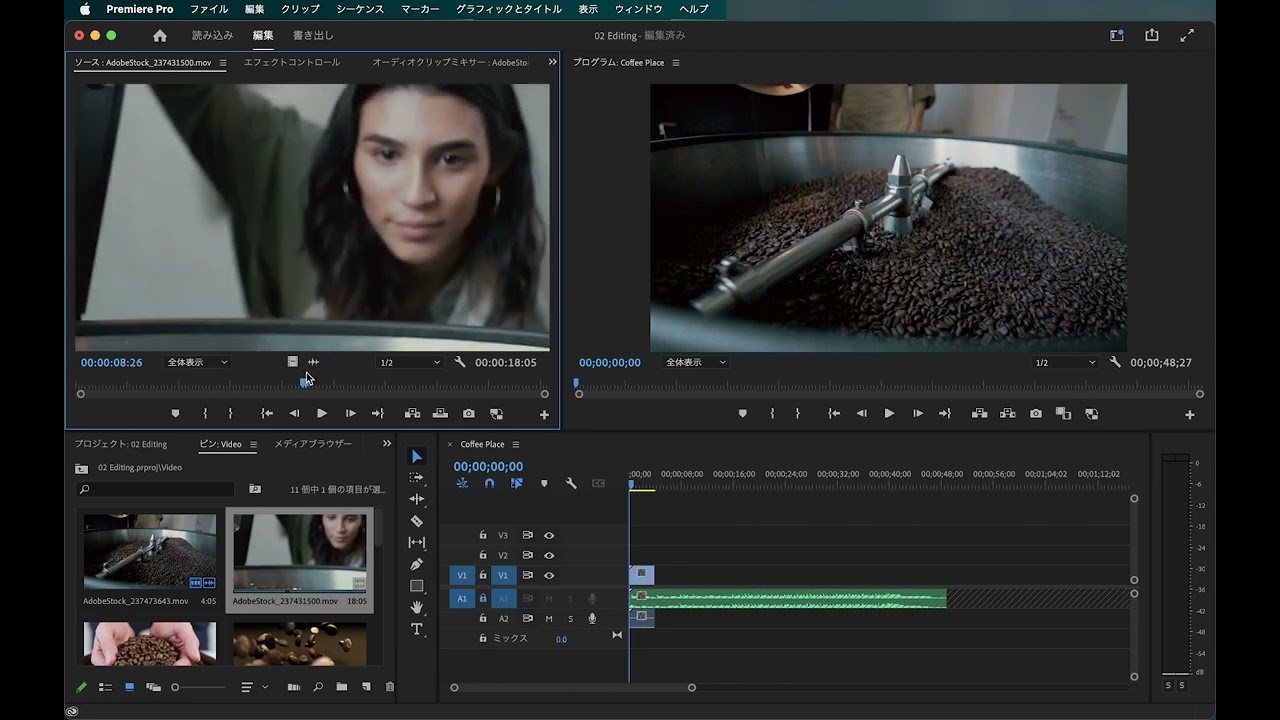
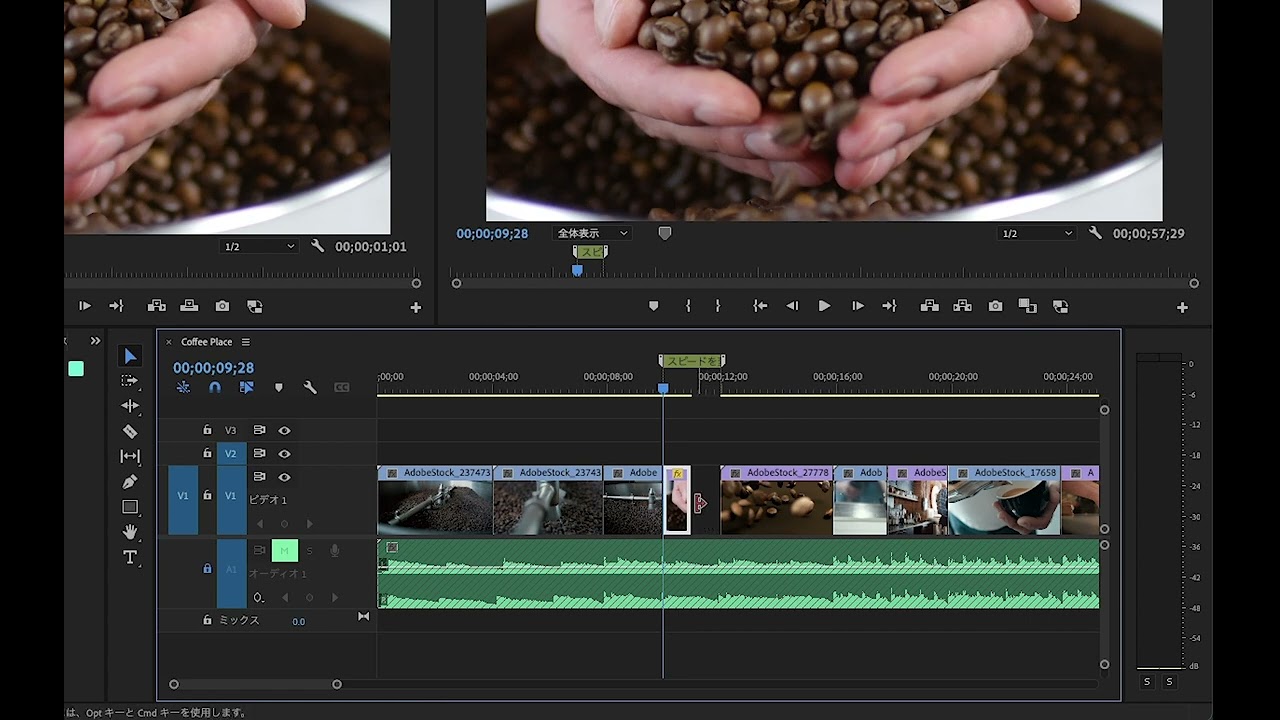
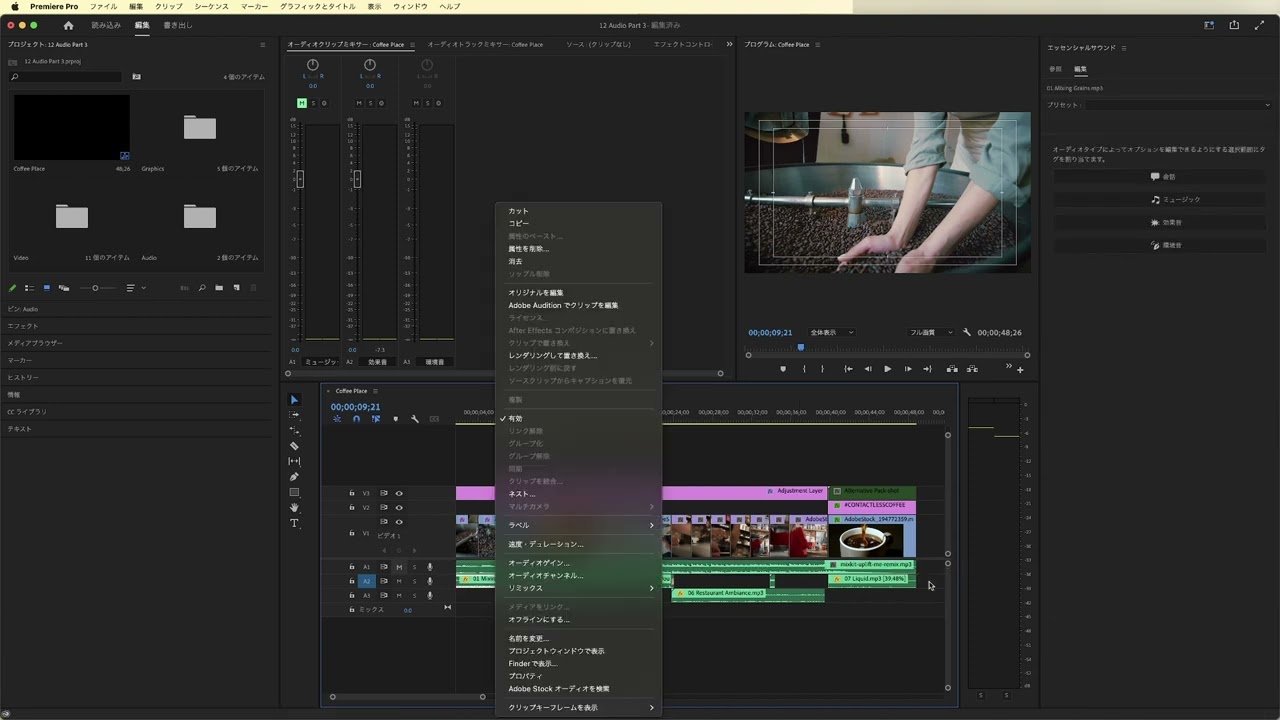
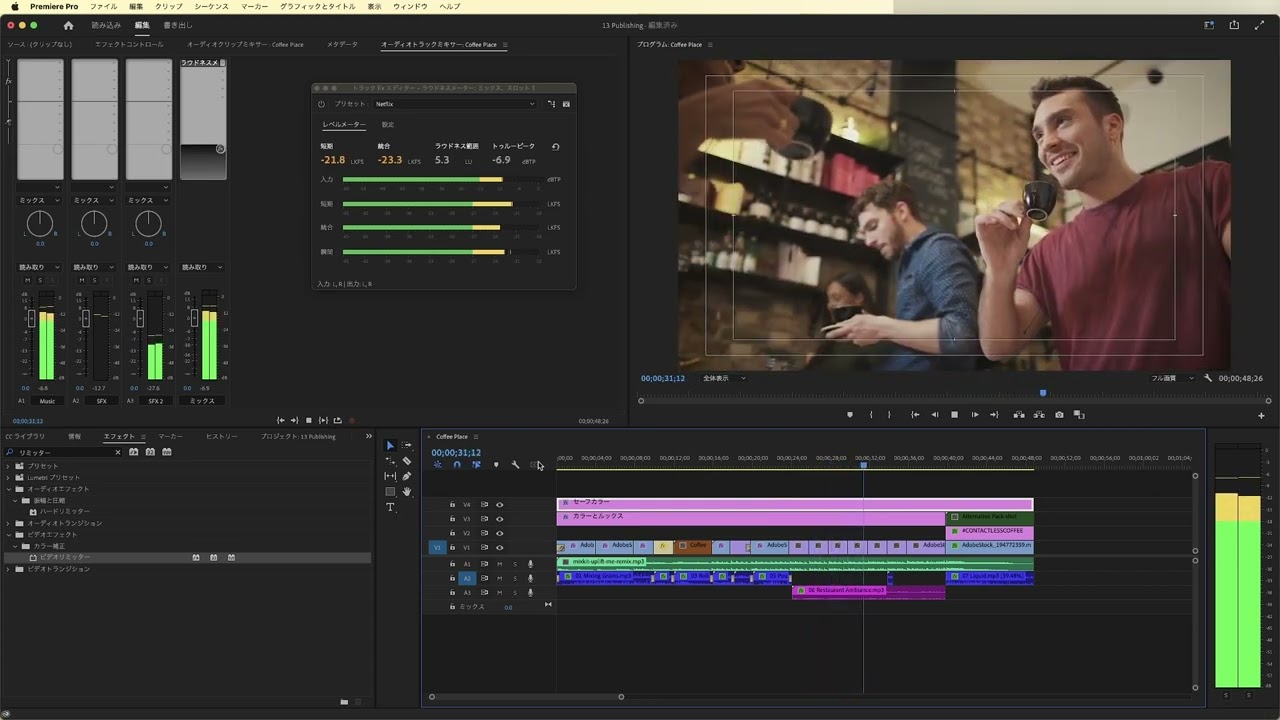
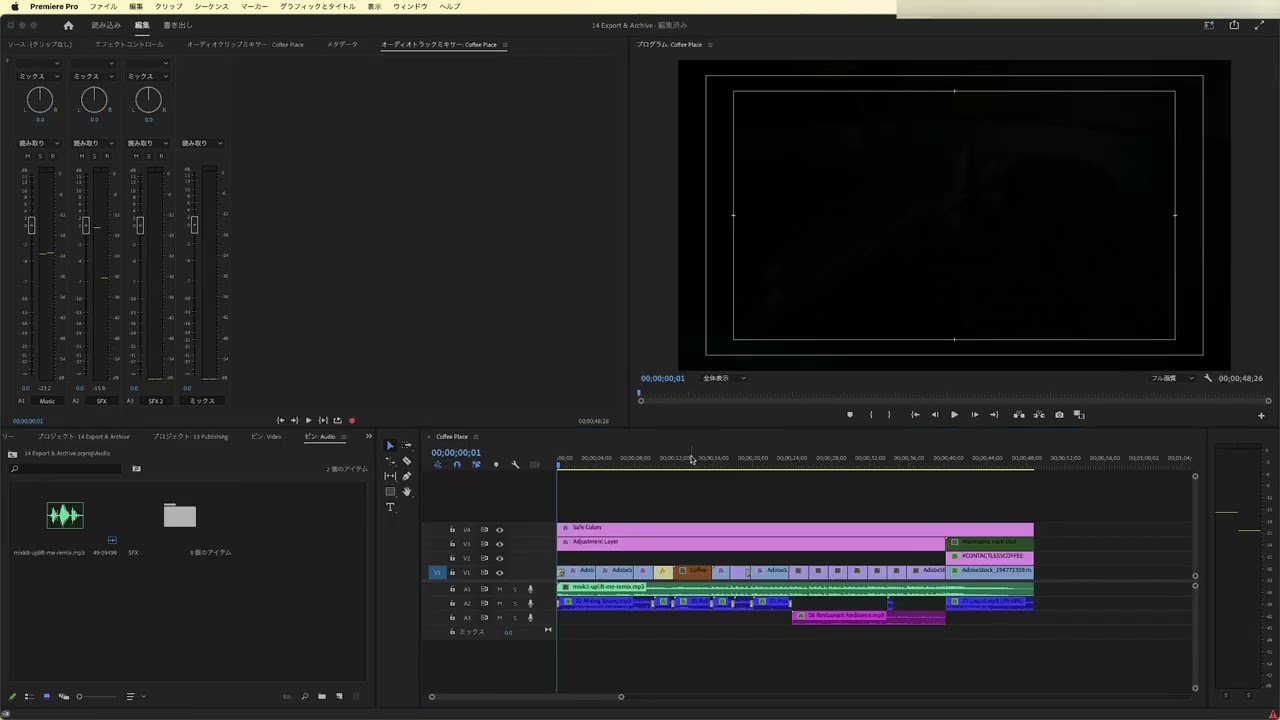
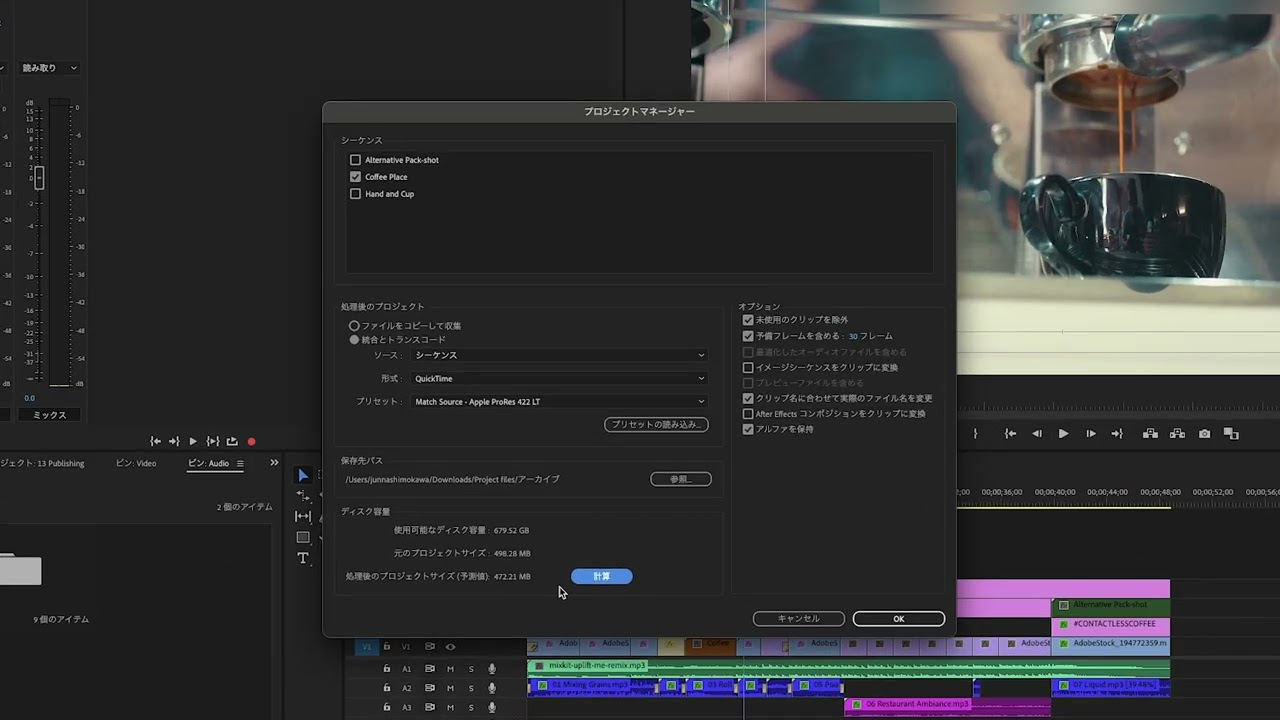
ビデオプロジェクトを整理する方法を学びます。プロジェクトビンの作成や、映像にオーディオクリップをリンクする方法、クリップの名前を変更する方法、Premiere Proのタイムライン内でアセットを移動する方法について紹介します。
This summary is AI generated
Learning Outcomes:
- Organize project files efficiently
- Utilize keyboard shortcuts for editing
- Manage audio and video tracks effectively
Level: Intermediate
Skills you'll gain:
Adobe, Premiere, Editing, Organization
Key Insights
- Change workspace to Assembly for better organization.
- Create bins for video and audio files.
- Use keyboard shortcuts like Command+B for bin creation.
- Double-click to open audio bins without shortcuts.
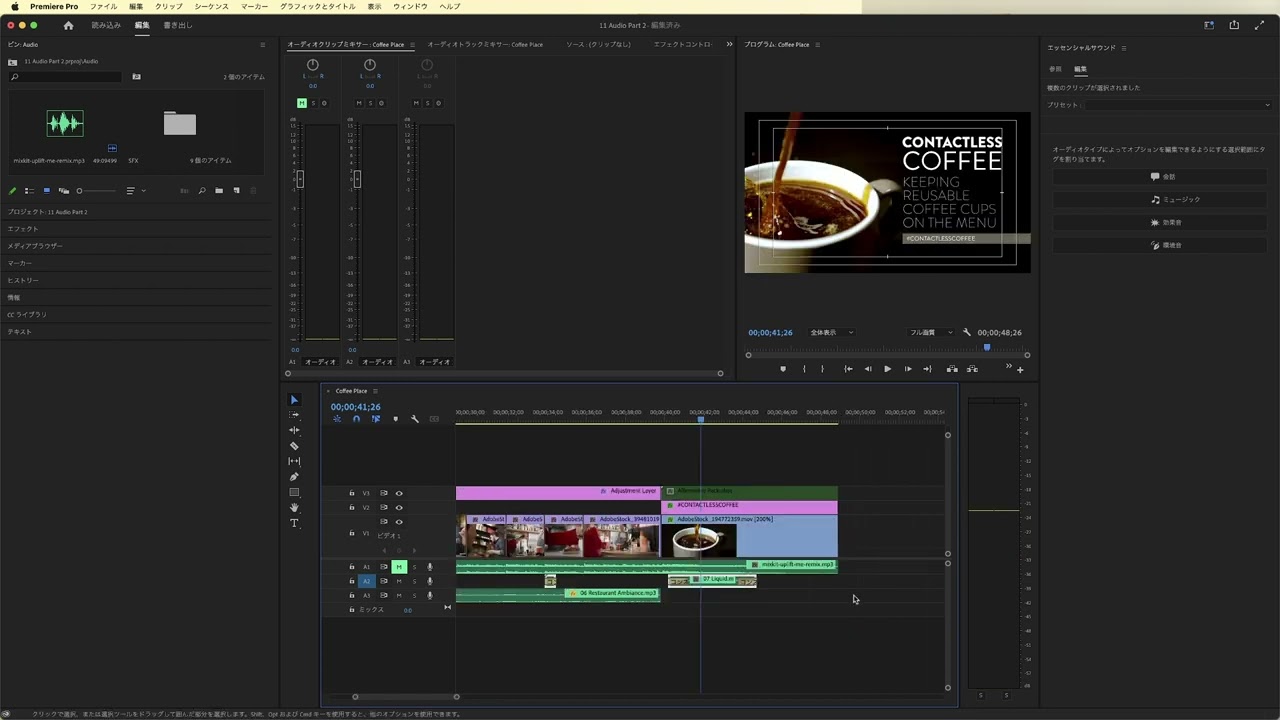
- Unlink audio from video for independent editing.
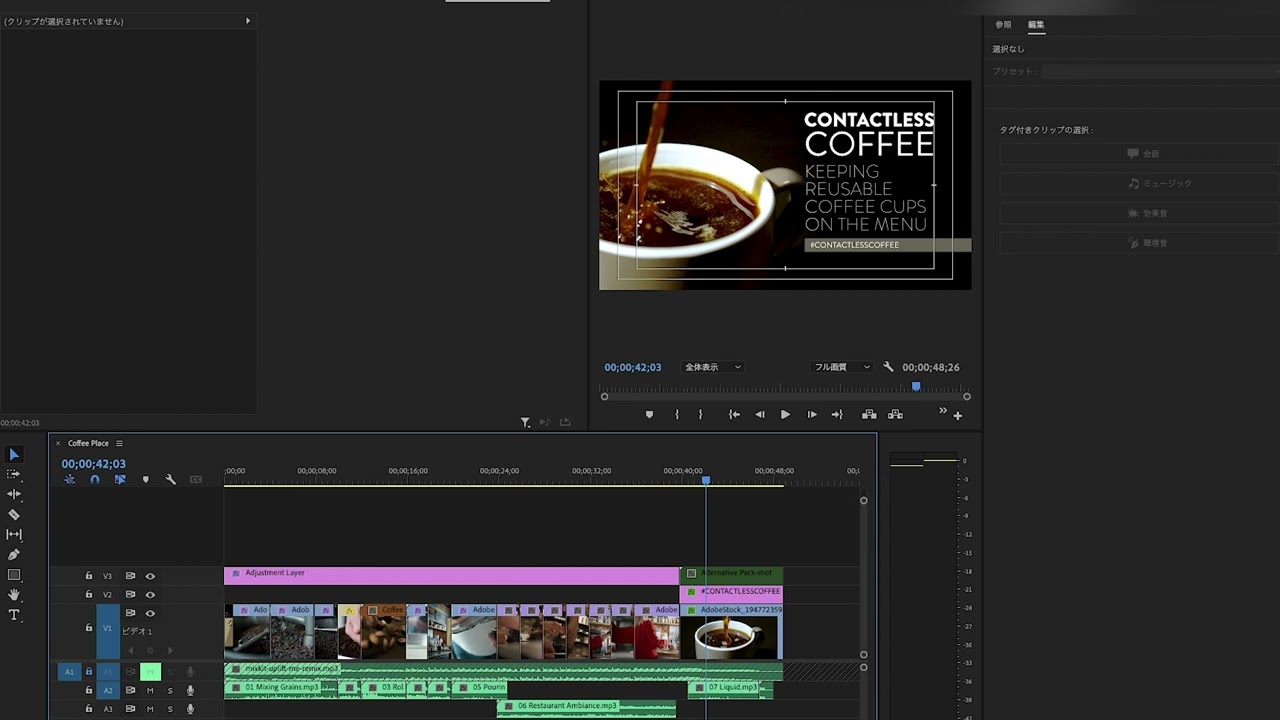
- Rename clips for better identification in the timeline.
- Use markers to mark in and out points.
- Mute audio tracks to focus on video editing.
- Expand or shrink tracks for better visibility.
- Utilize Shift key for precise track movements.




 AdChoice