
Adobe Trainer (Japanese-2)
Adobe Certified Trainer

オーディオの追加と変更
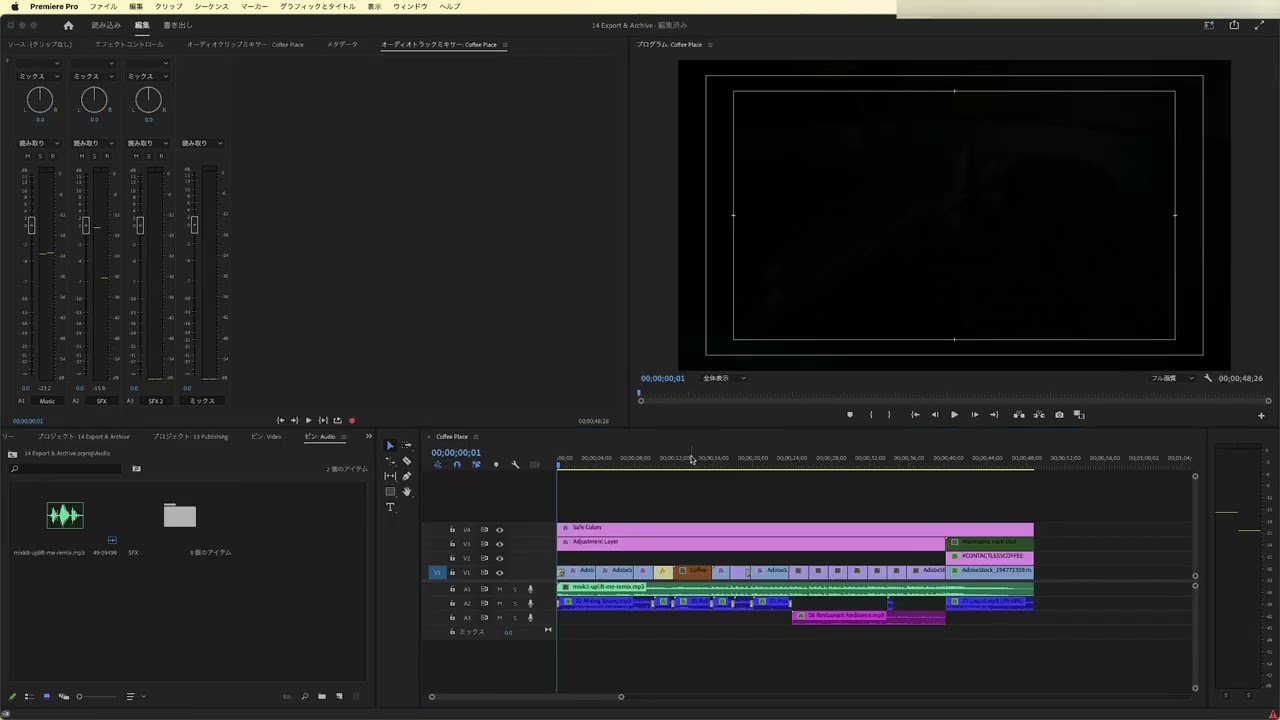
オーディオを追加・修正する方法を学びます。サウンドエフェクトやアンビエントクリップを追加しオーディオクオリティを向上させる方法を学習します。
This summary is AI generated
Learning Outcomes:
- Add and adjust audio in Premiere Pro
- Normalize audio levels for consistency
- Use audio meters for volume monitoring
Level: Intermediate
Skills you'll gain:
Premiere Pro, Audio Editing, Normalization, Volume Control
Key Insights
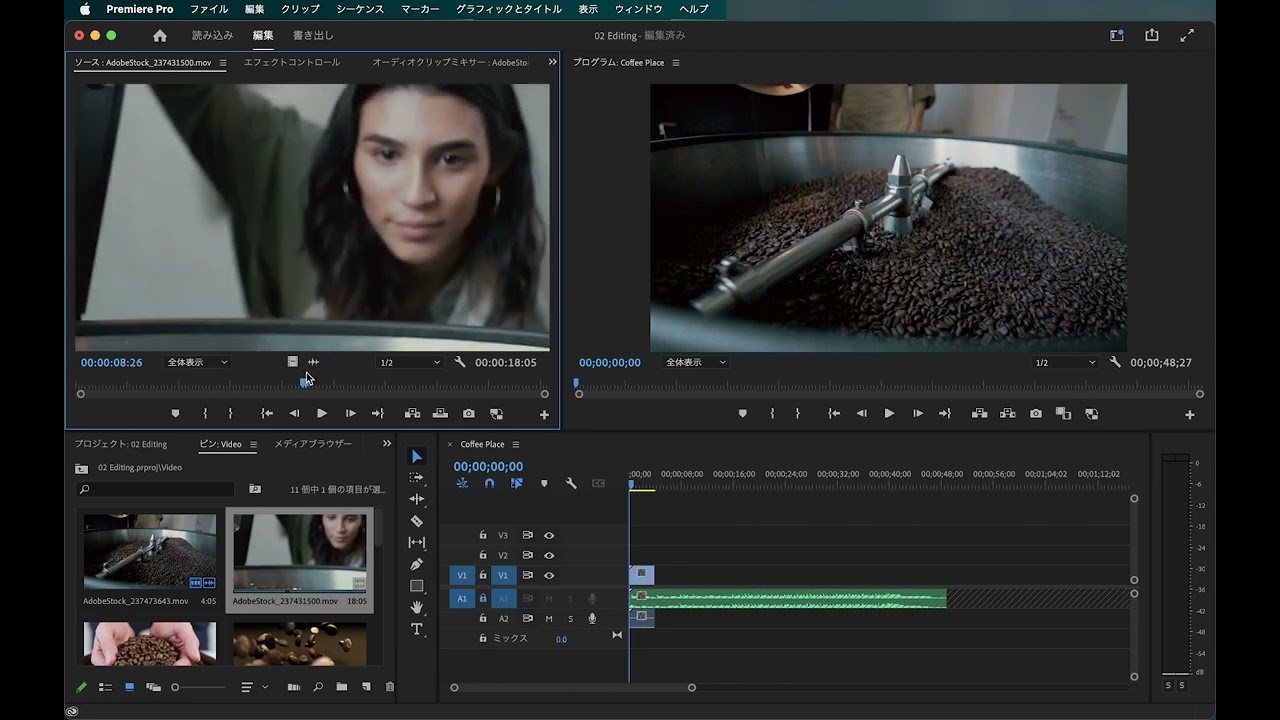
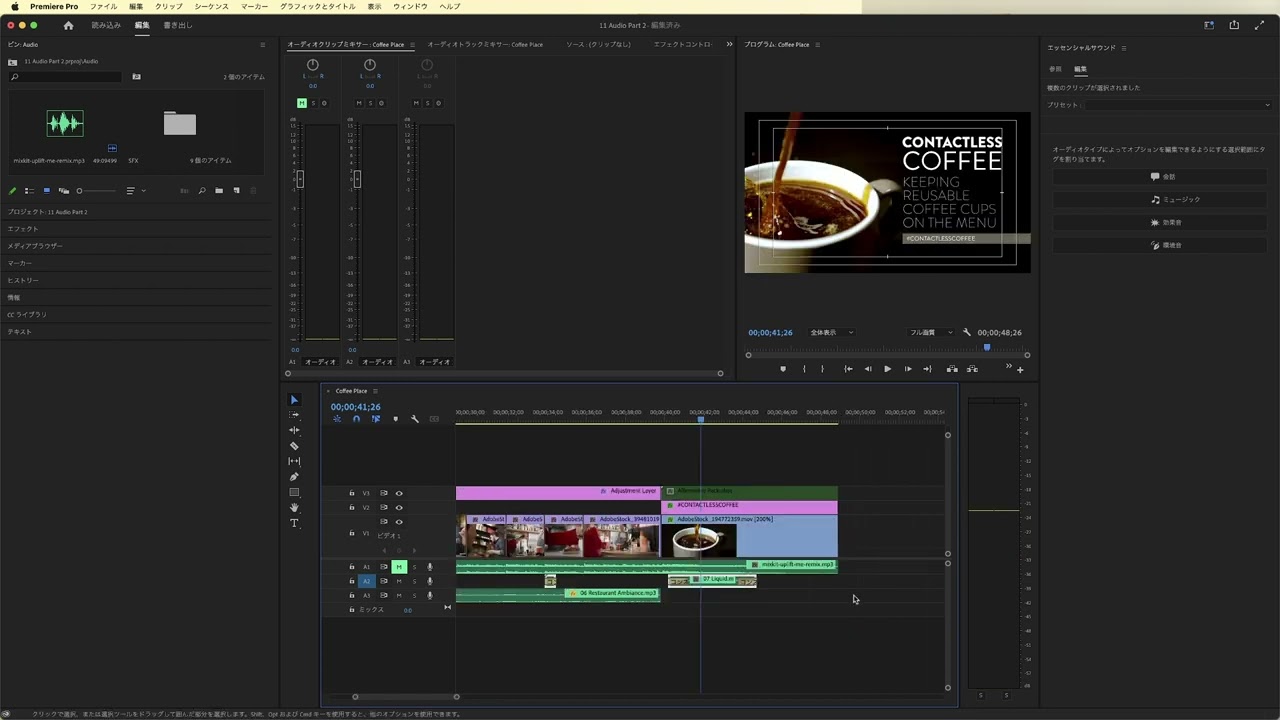
- Switch to audio workspace for better management.
- Import audio files by double-clicking in the project panel.
- Drag audio clips to the timeline for synchronization.
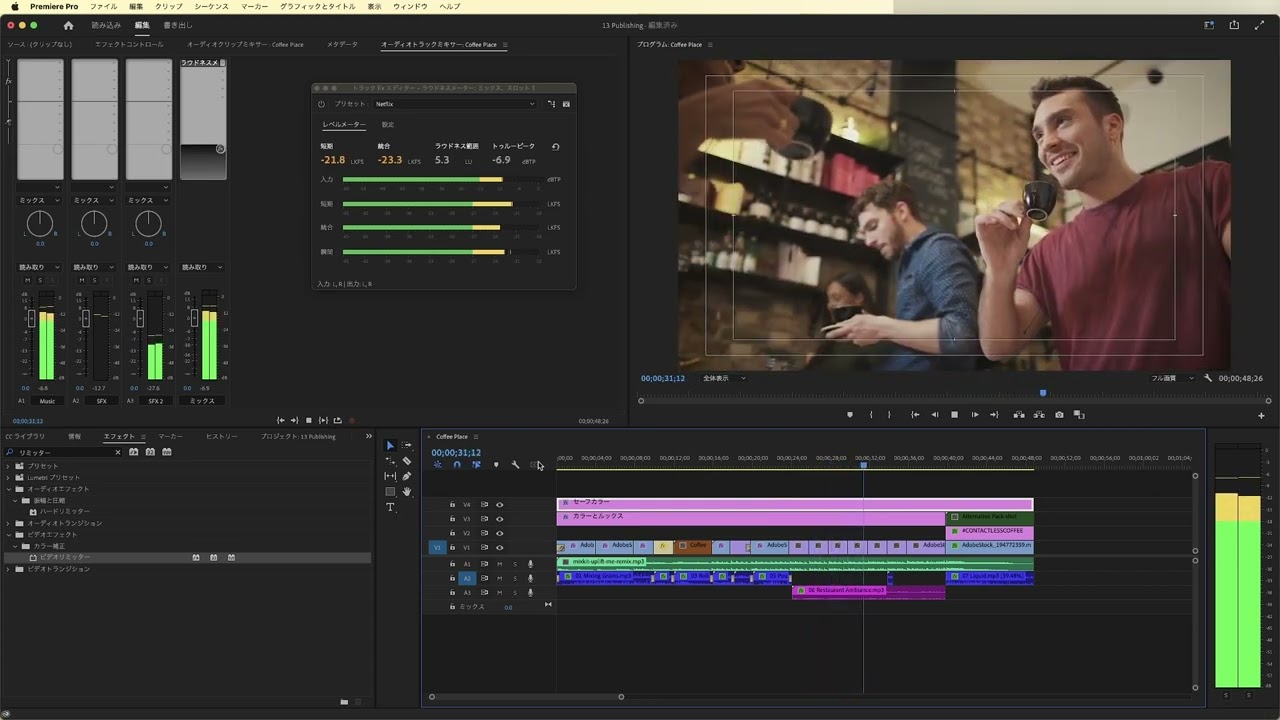
- Use audio meters to monitor sound levels visually.
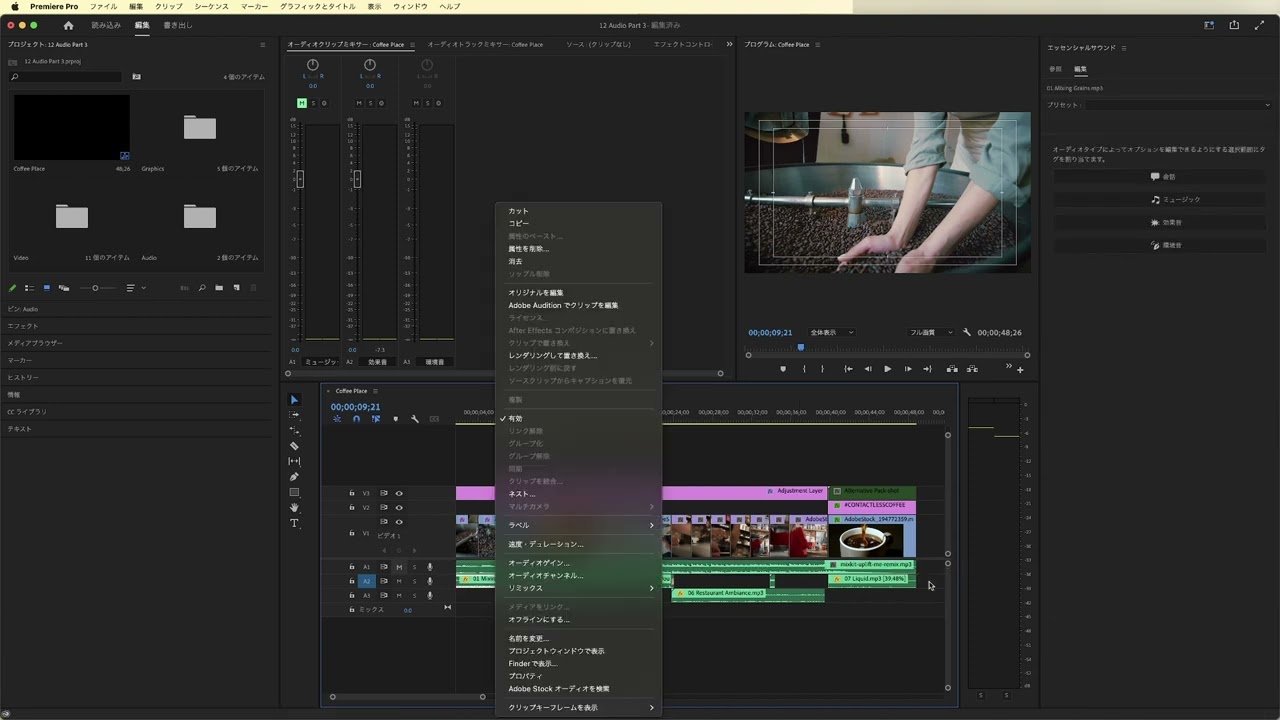
- Adjust audio gain to achieve desired volume levels.
- Normalize audio to maintain consistent sound across clips.
- Right-click audio meters to customize display settings.
- Use keyboard shortcuts for efficient audio adjustments.
- Lock tracks to prevent accidental edits during mixing.






 AdChoice