
Adobe Trainer (Japanese-2)
Adobe Certified Trainer

This summary is AI generated
Learning Outcomes:
- Understand clip trimming techniques
- Utilize ripple and slip editing tools
- Adjust clip positions and sizes
Level: Intermediate
Skills you'll gain:
Trimming, Editing, Adobe Premiere Pro, Clip Adjustment
Key Insights
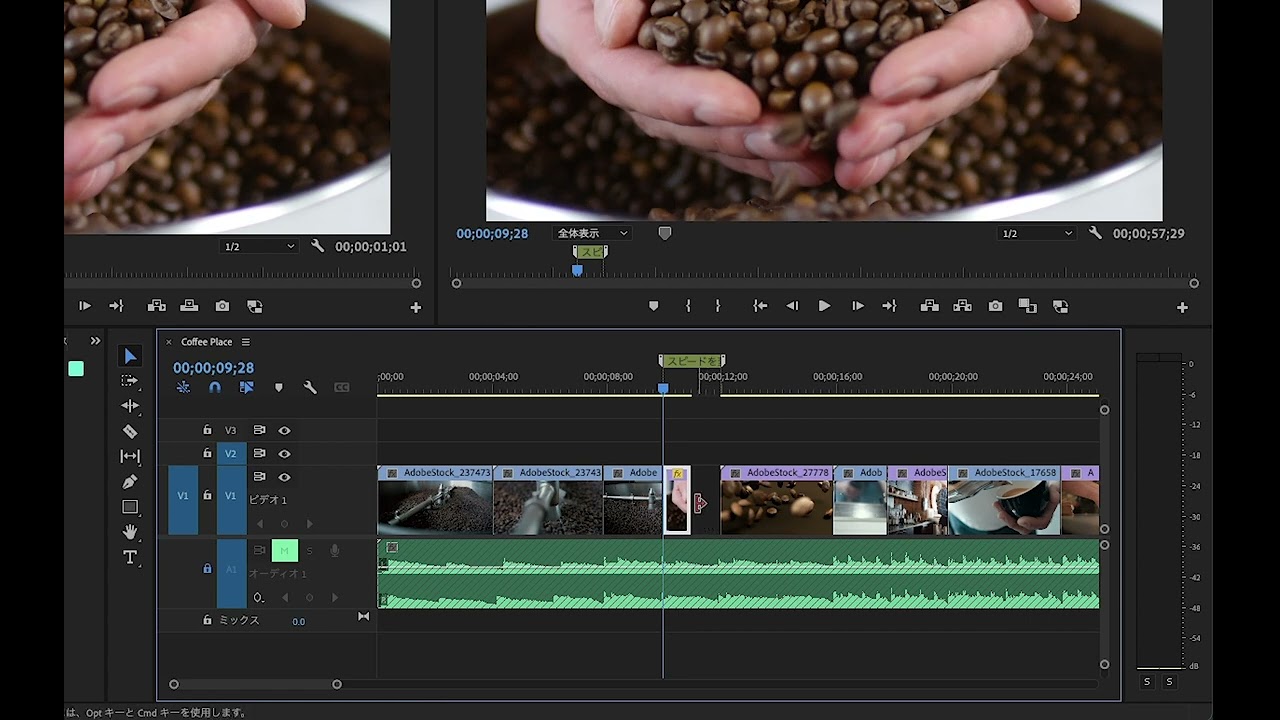
- Trim clips by adjusting in and out points.
- Use keyboard shortcuts for efficient editing.
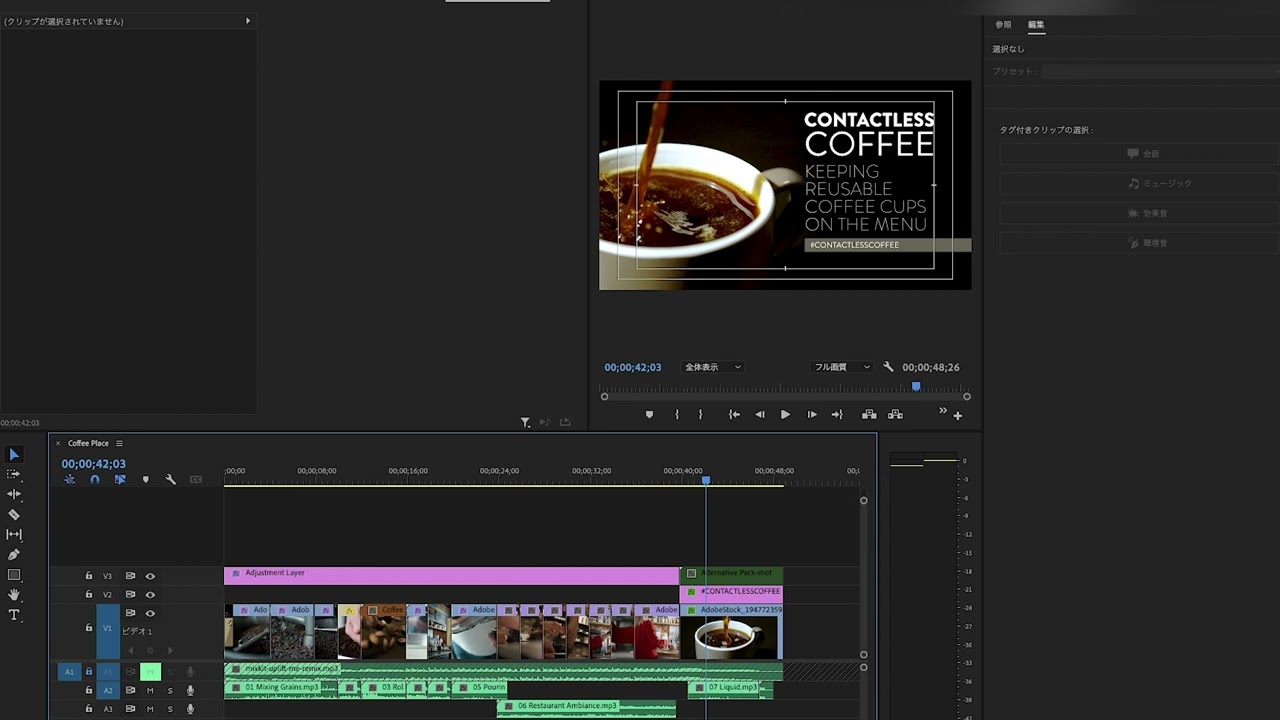
- Ripple editing shortens the overall timeline.
- Slip tool allows for timing adjustments without altering length.
- Zoom in and out for better clip visibility.
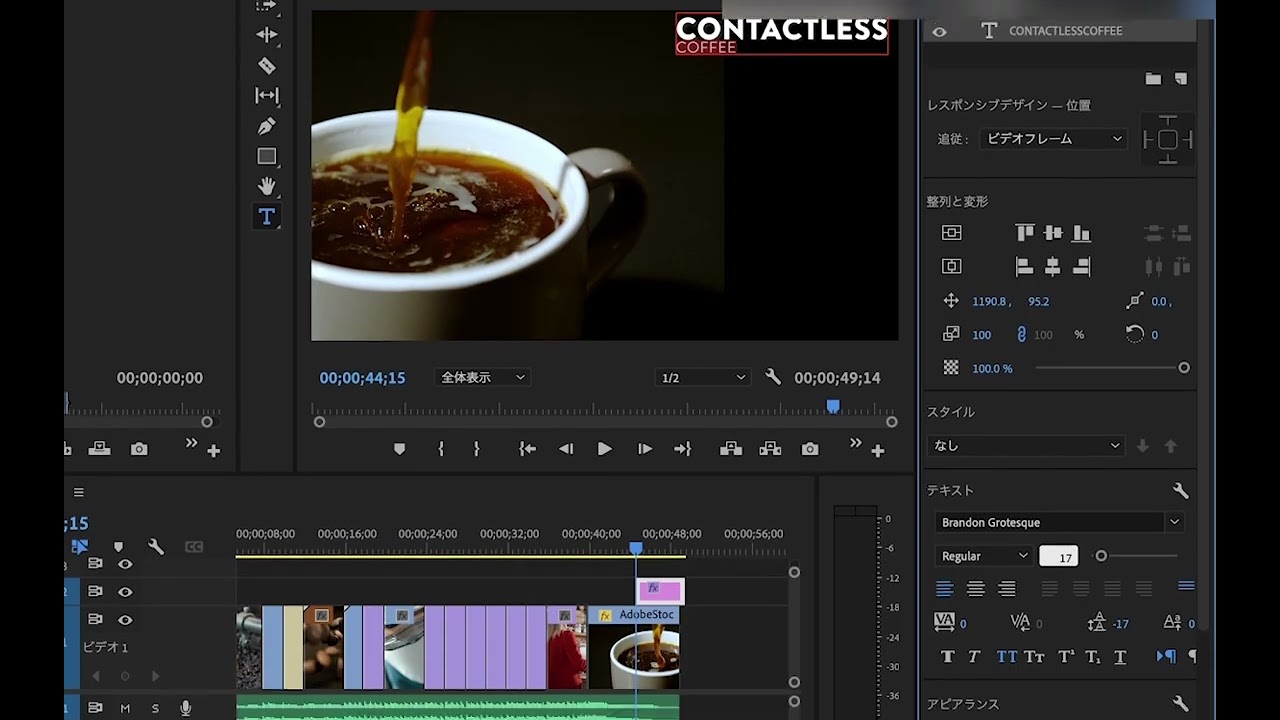
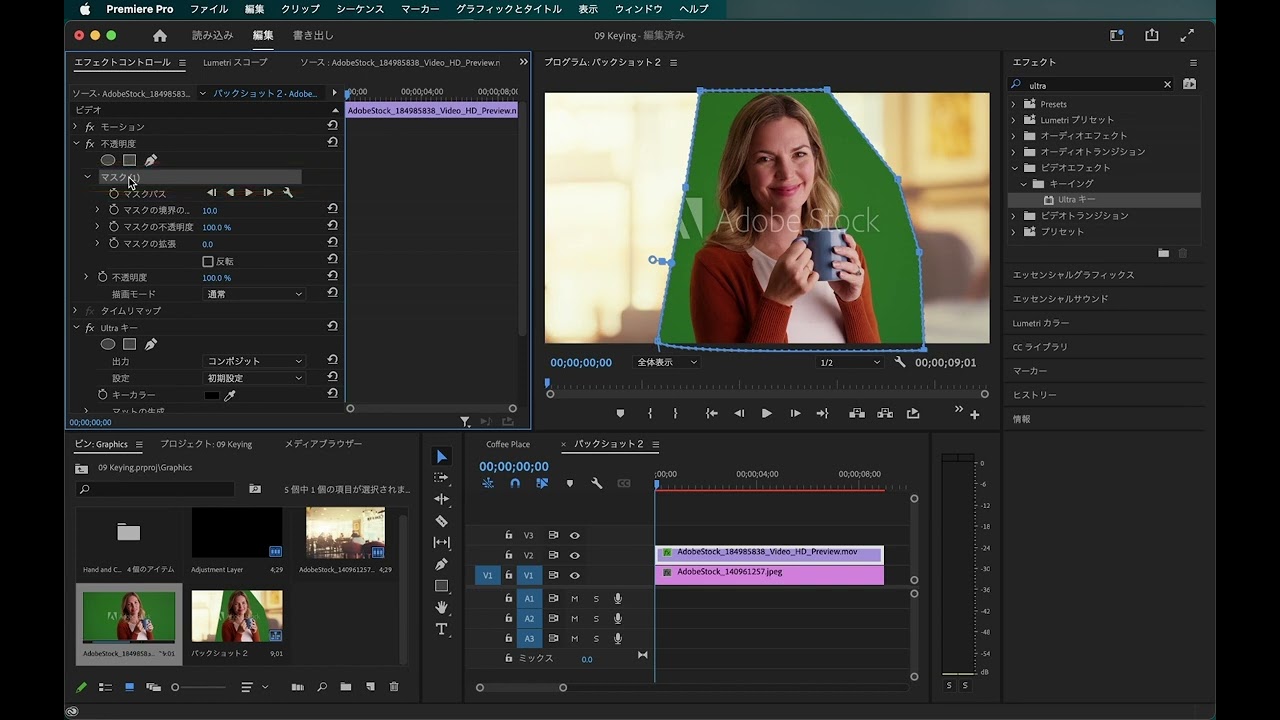
- Adjust clip properties using control points.
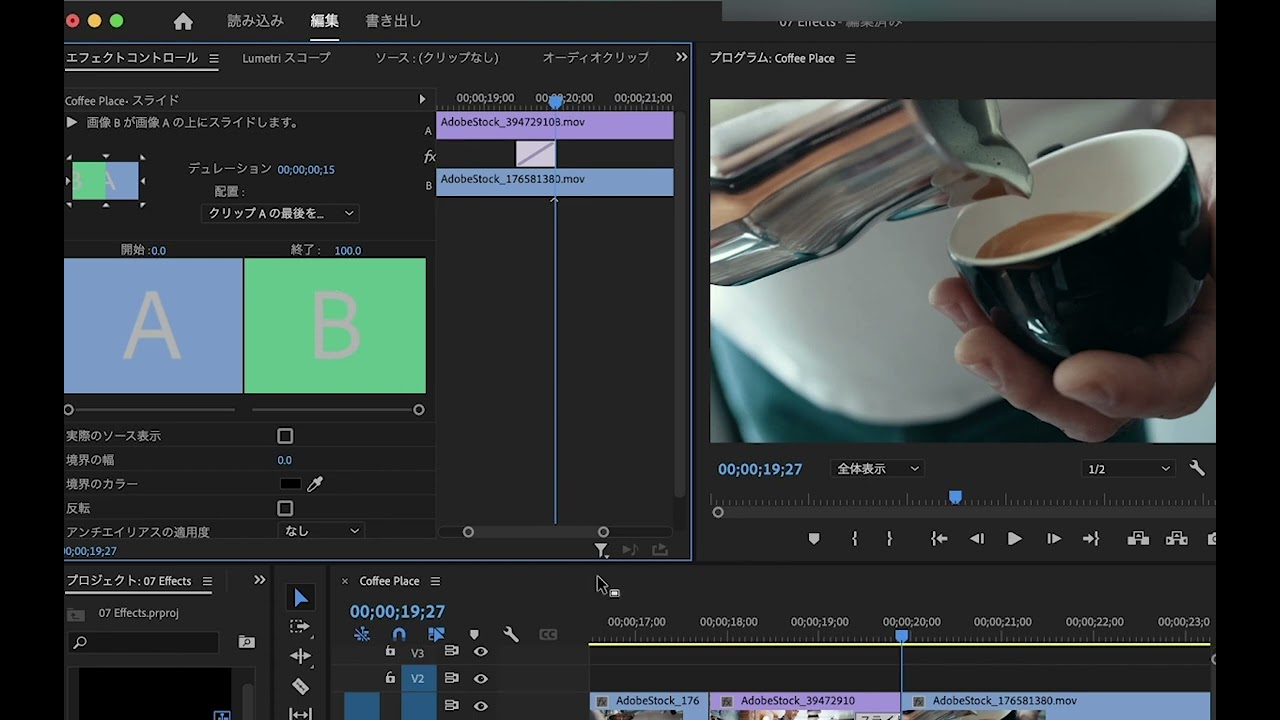
- Use the effects panel for precise positioning.
- Undo changes easily with keyboard shortcuts.





 AdChoice