
Adobe Trainer (Japanese-2)
Adobe Certified Trainer

プロジェクト設定とインターフェイス
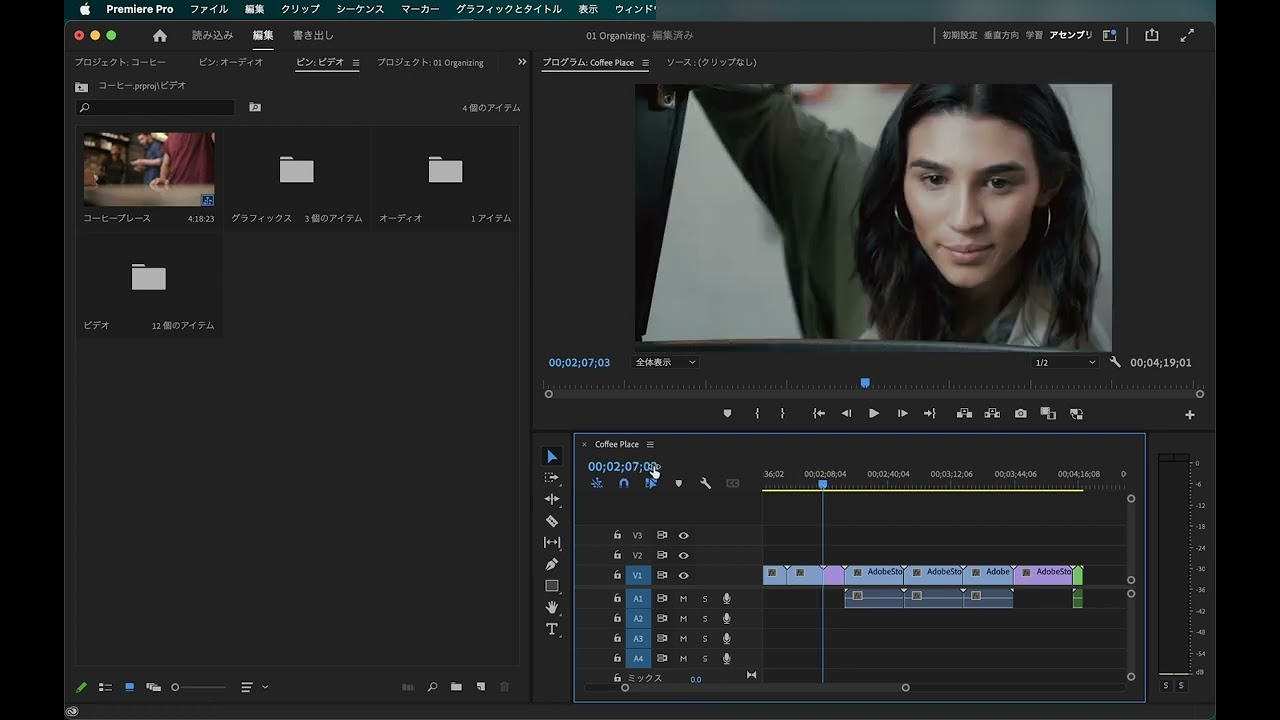
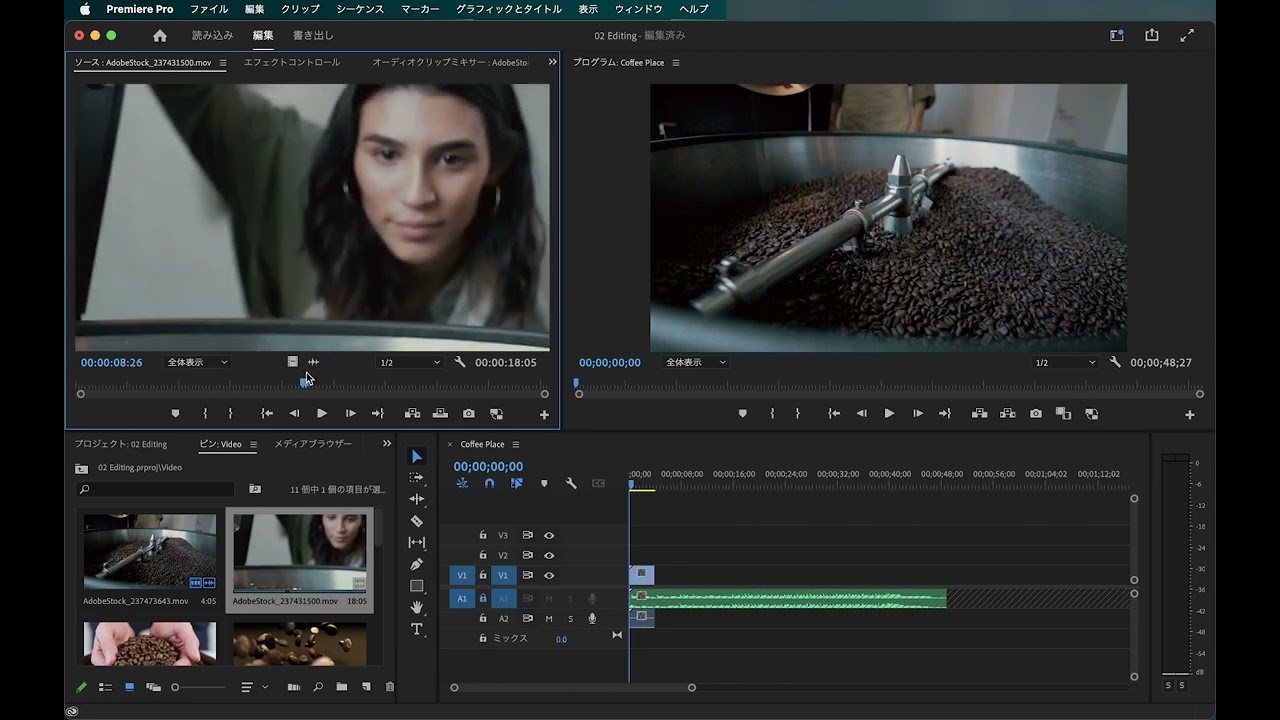
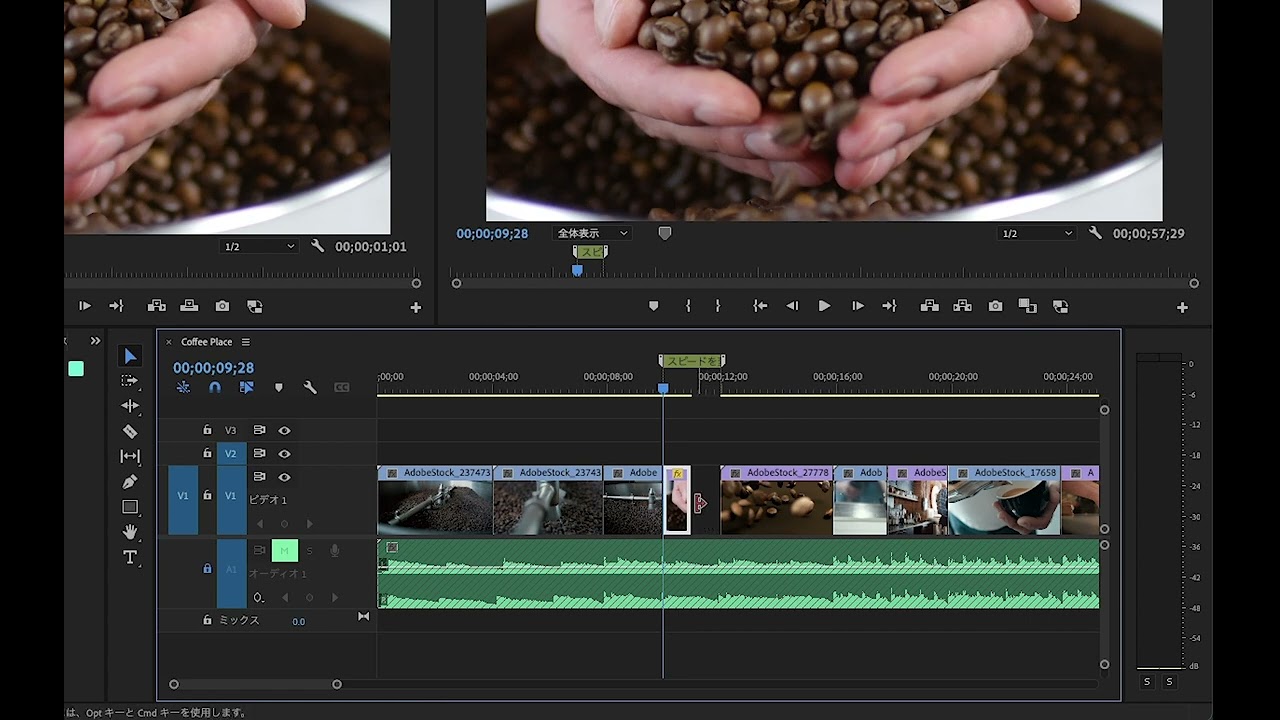
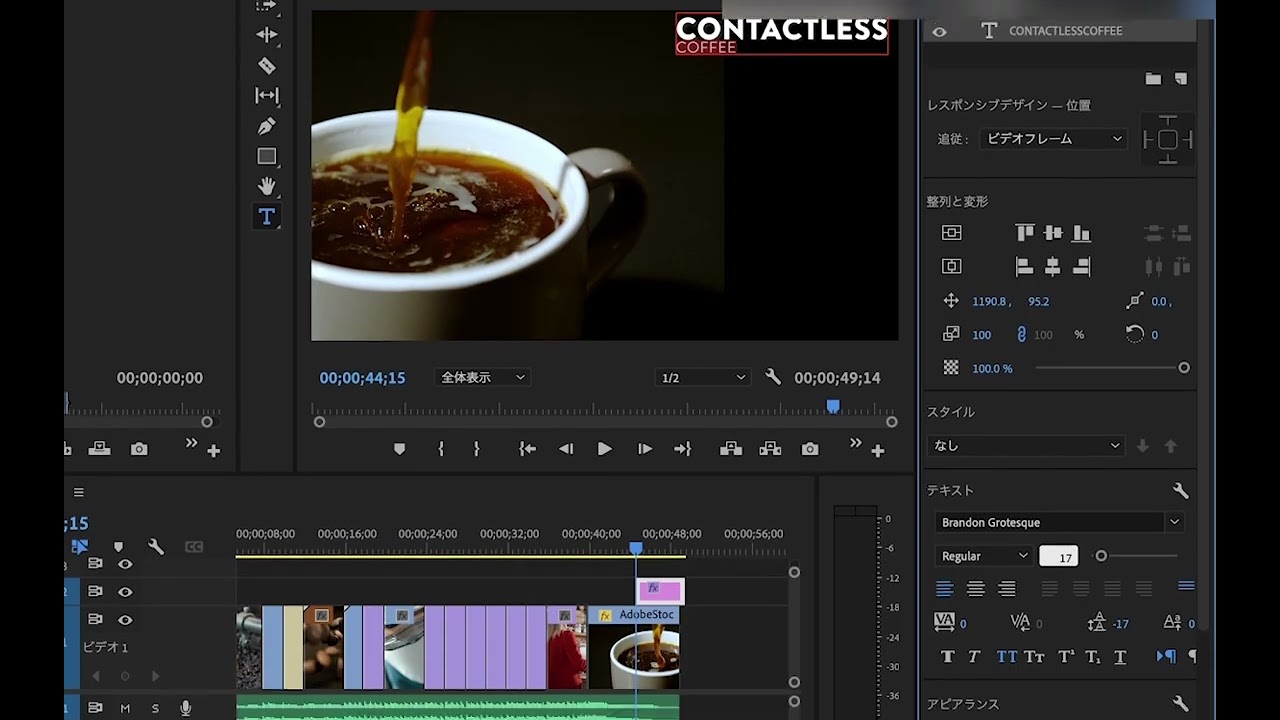
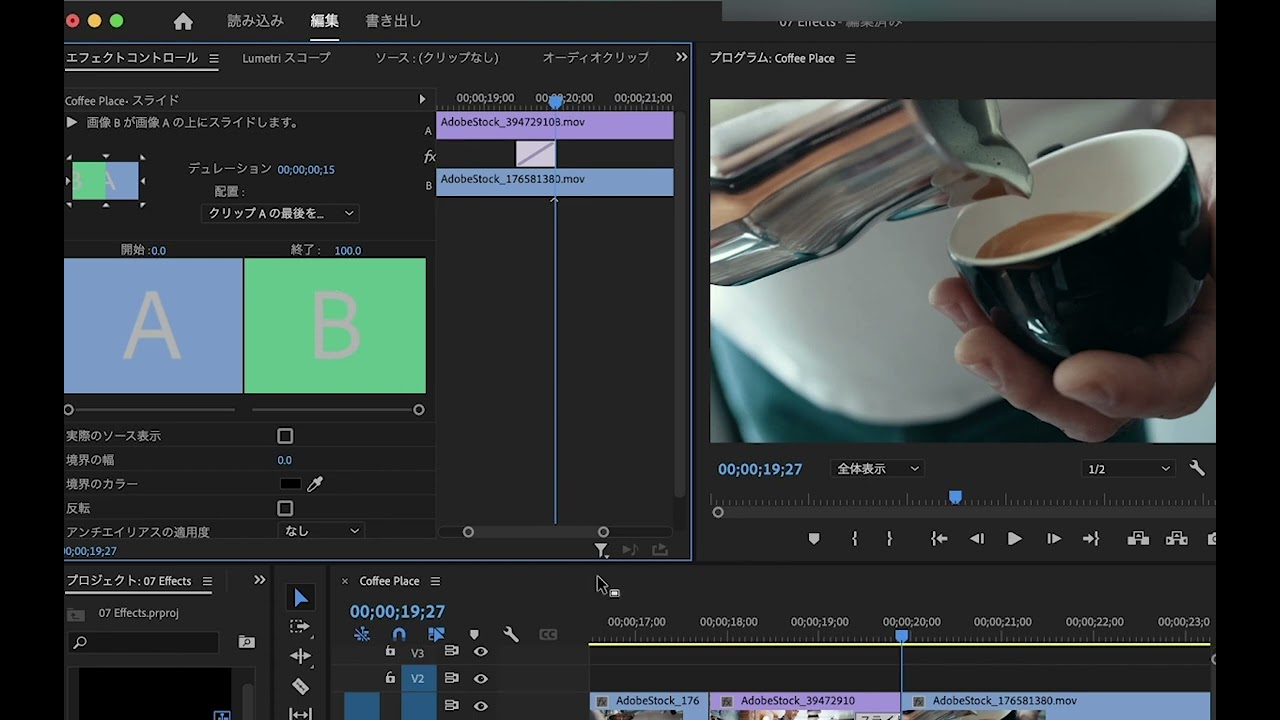
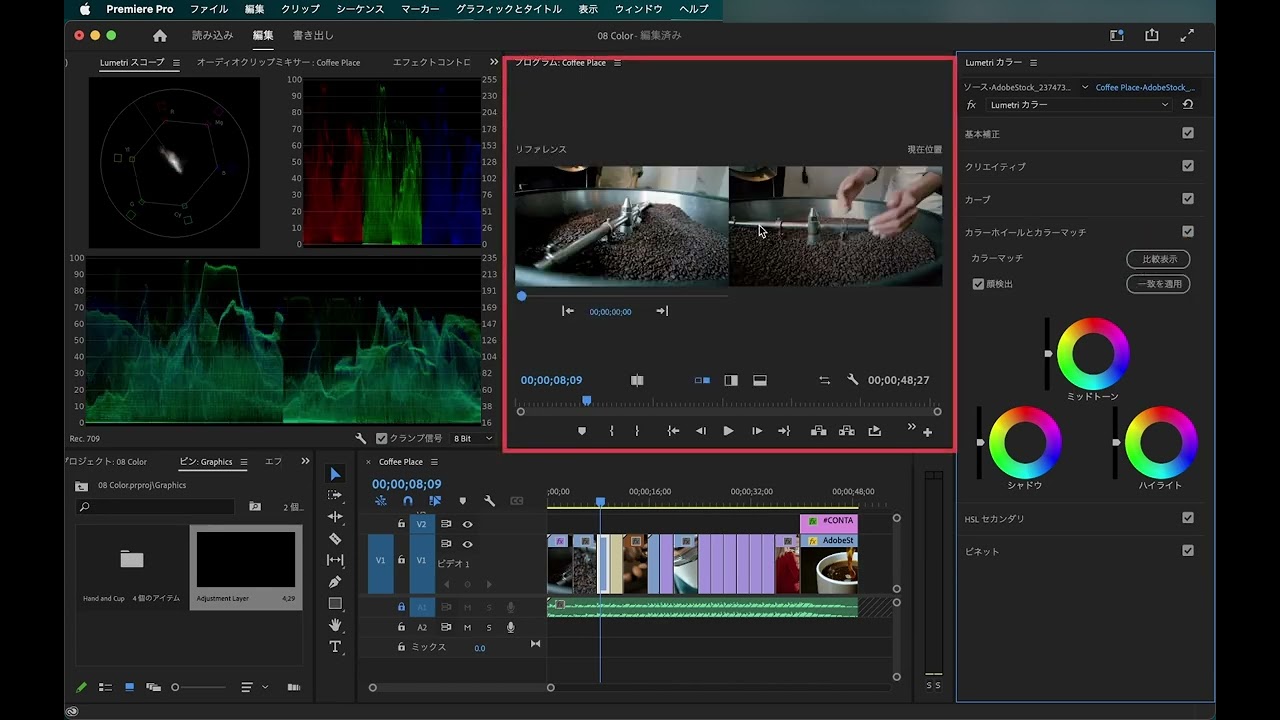
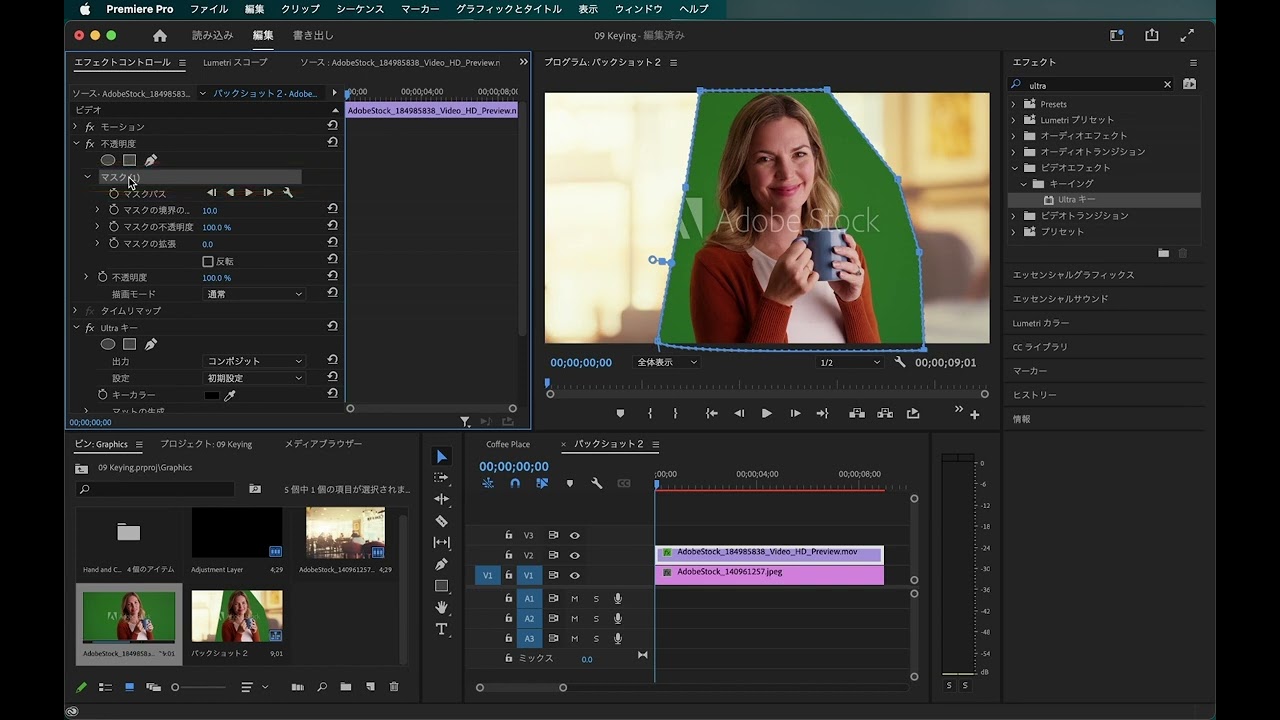
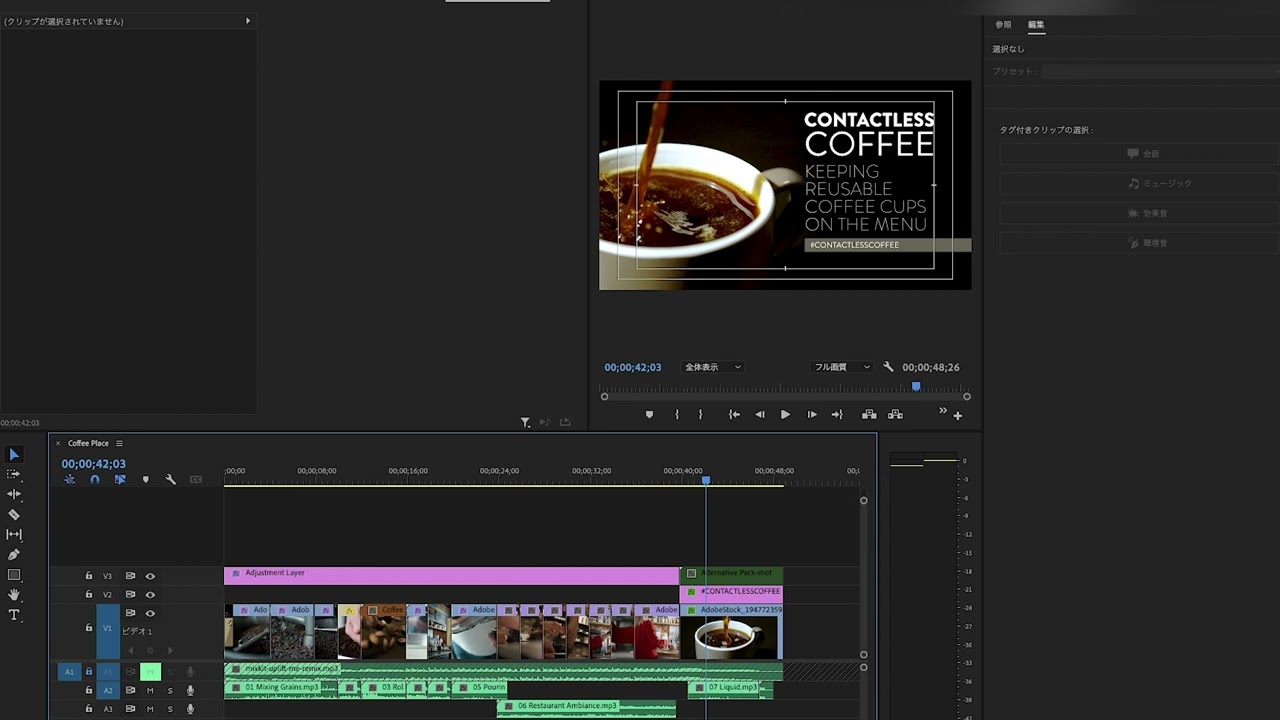
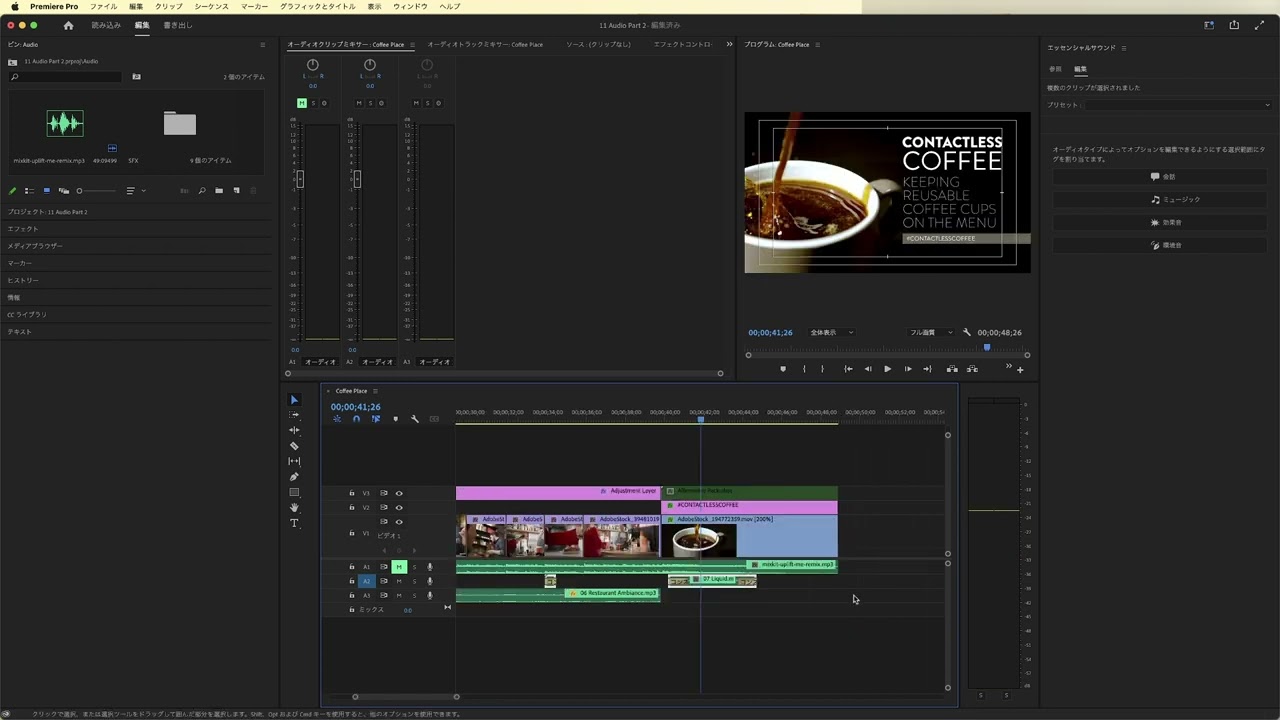
プロジェクトを作成し、ビデオクリップをPremiere Proにインポートする方法をステップバイステップで学びます。Premiere Proのインターフェースの紹介、ユーザーインターフェースの操作方法やワークスペースをカスタマイズ化などを通して編集ワークフローのニーズを習得します。
This summary is AI generated
Learning Outcomes:
- Set up Premiere Pro interface effectively.
- Create and manage new projects.
- Customize and save workspace layouts.
Level: Intermediate
Skills you'll gain:
Premiere Pro, Project Management, Workspace Customization, Video Editing
Key Insights
- Launch Premiere Pro with default settings using option key.
- Create new projects by selecting appropriate workflows.
- Import footage and organize project files efficiently.
- Customize workspace by dragging and resizing panels.
- Save custom workspace layouts for future use.
- Use safe margins and guides for screen composition.
- Nesting sequences allows for better project organization.
- Adjust sequence settings to match frame sizes.
- Utilize transparent grids for better visibility of layers.
- Access and manage Photoshop files directly in Premiere Pro.








 AdChoice