
Adobe Trainer (Japanese-2)
Adobe Certified Trainer

This summary is AI generated
Learning Outcomes:
- Understand keyframe functionality in Premiere Pro
- Adjust keyframe properties for animation effects
- Utilize workspace settings for efficient editing
Level: Intermediate
Skills you'll gain:
keyframe, animation, Premiere Pro, editing
Key Insights
- Open the project and switch to the correct workspace.
- Use the stopwatch to set initial keyframes.
- Adjust position values to animate elements on screen.
- Filter properties to display only those with keyframes.
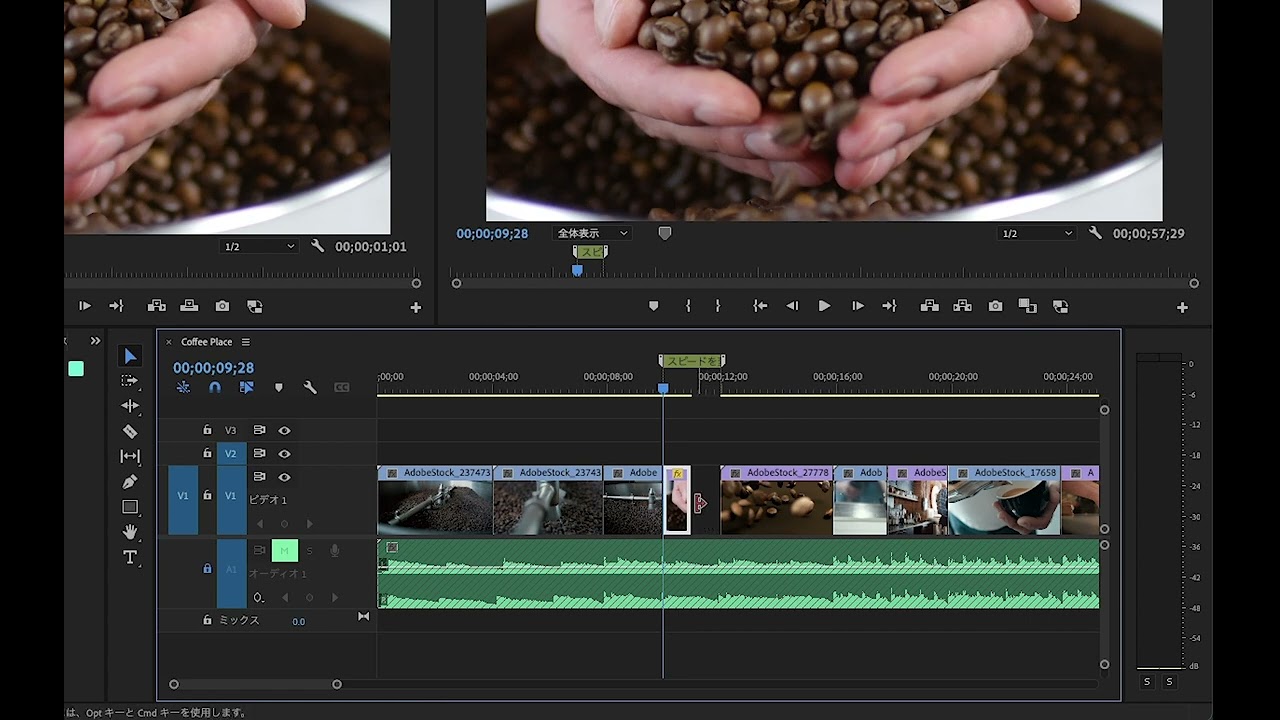
- Select all keyframes to apply speed adjustments.
- Use easing methods to create natural motion.
- Reorder keyframes for desired animation sequence.
- Preview the timeline to check animation flow.










 AdChoice