
Adobe Trainer (Japanese-2)
Adobe Certified Trainer

This summary is AI generated
Learning Outcomes:
- Understand project archiving in Premiere Pro
- Utilize the Project Manager for archiving
- Select appropriate settings for transcoding
Level: Intermediate
Skills you'll gain:
Premiere Pro, Archiving, Transcoding, Project Management
Key Insights
- Open the project file before starting the tutorial.
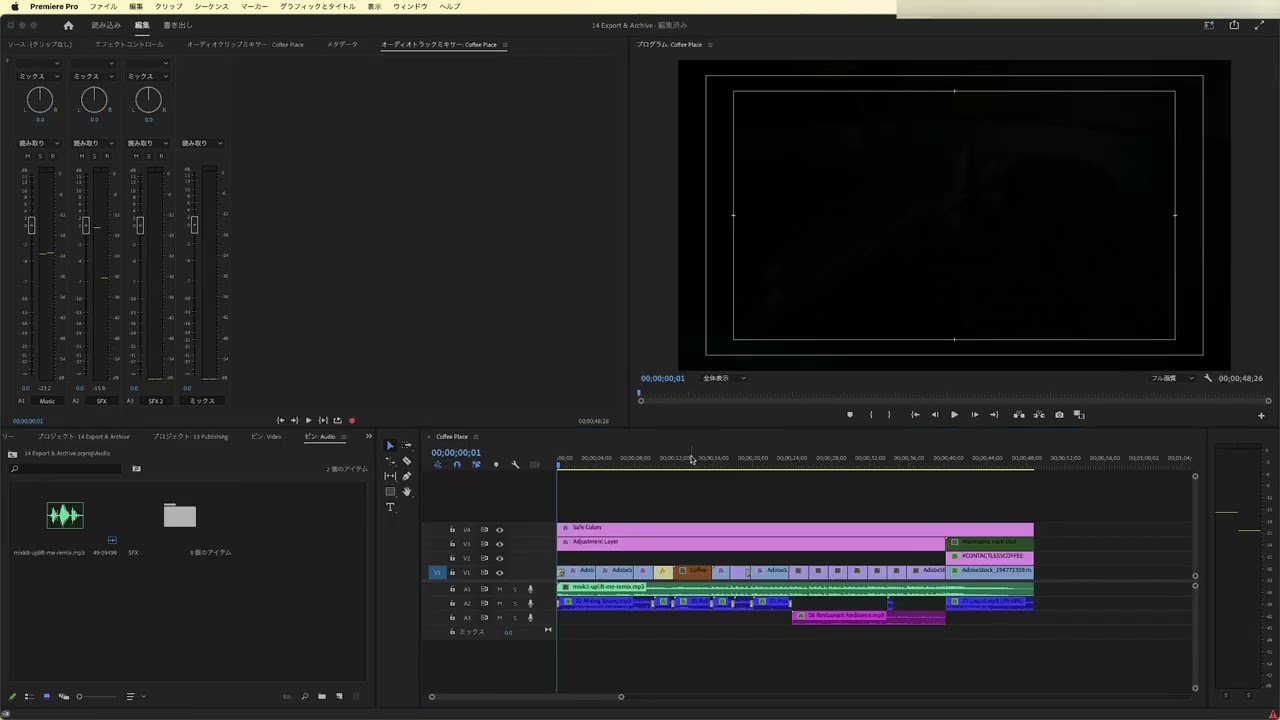
- Ensure the correct sequence is active in Project Manager.
- Select QuickTime format for archiving.
- Choose Apple ProRes 422 LT as the preset.
- Create a new folder named 'Archive' for storage.
- Calculate disk space requirements before archiving.
- Exclude unused clips to optimize the project.
- Convert image sequences to clips if necessary.
- Maintain alpha channels when archiving compositions.











 AdChoice