
Adobe Trainer (Japanese-2)
Adobe Certified Trainer

キー
グリーンスクリーンを使用した際の背景を変更する方法を学びます。キーを作成する方法の手順、固定背景を除去して透明にし、背景をビデオクリップに置き換える合成効果を作成する方法を学習します。
This summary is AI generated
Learning Outcomes:
- Create a keying effect using Ultra Key
- Adjust transparency and color settings effectively
- Nest sequences for better project organization
Level: Intermediate
Skills you'll gain:
Premiere Pro, Keying, Masking, Color Correction
Key Insights
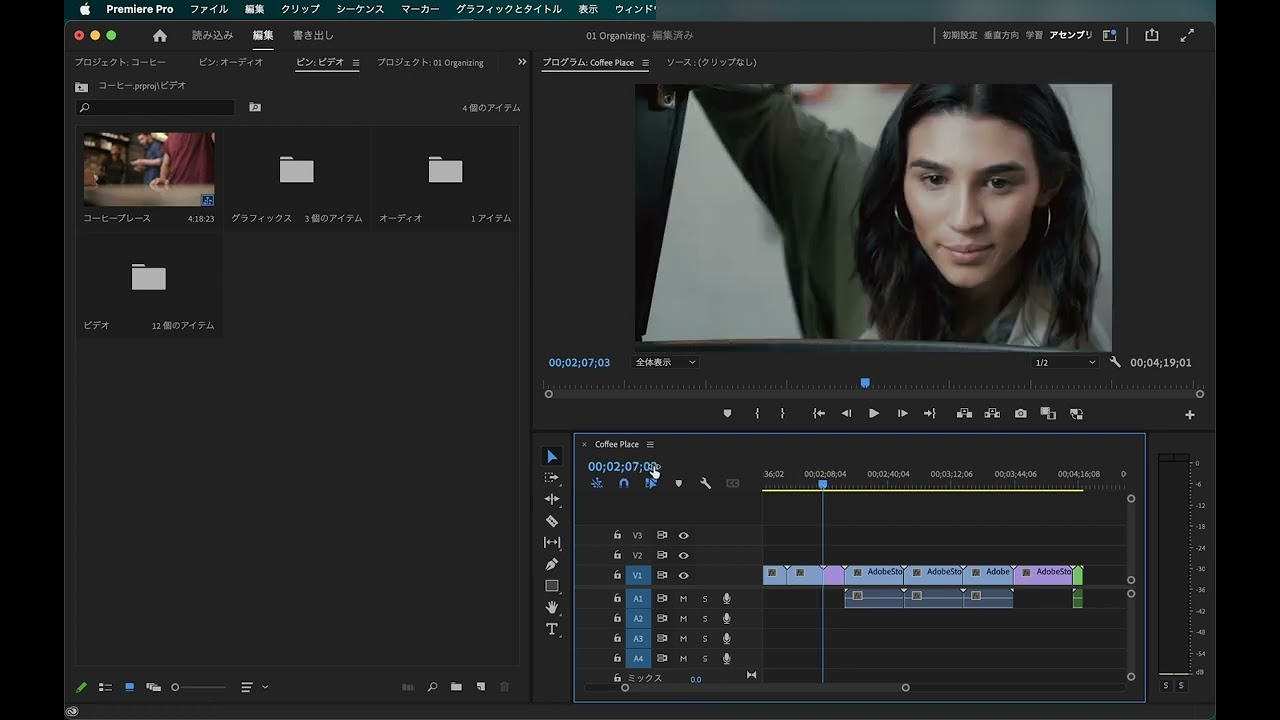
- Change workspace to Effects for better access.
- Import footage by selecting multiple files with Command/Control.
- Use the Ultra Key effect to remove green backgrounds.
- Adjust mask points for precise keying results.
- Utilize alpha channels for clearer visibility of effects.
- Modify sliders for highlights and shadows to refine keying.
- Nest sequences to keep project organized and manageable.
- Use color correction tools for better integration of clips.
- Ensure lighting is even on green screens for optimal results.
- Adjust scale and position of clips to enhance visibility.



 AdChoice