
Adobe Trainer (Japanese-2)
Adobe Certified Trainer

クリップ修正
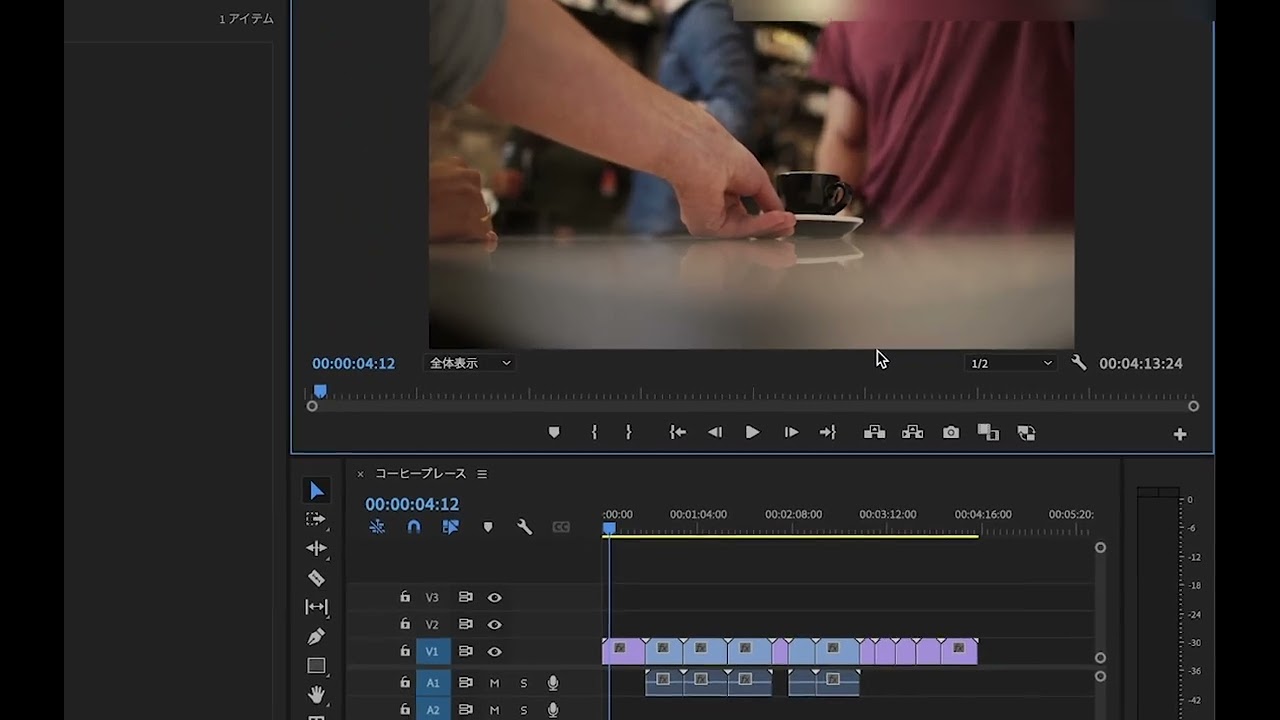
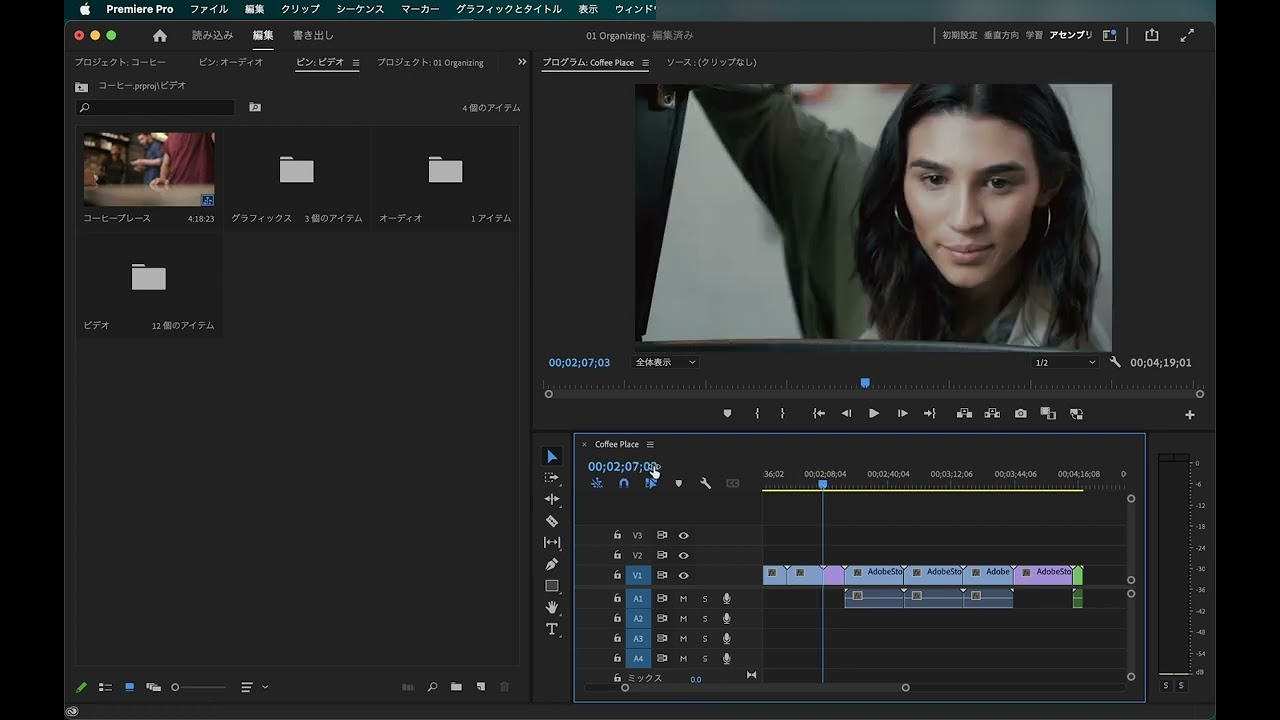
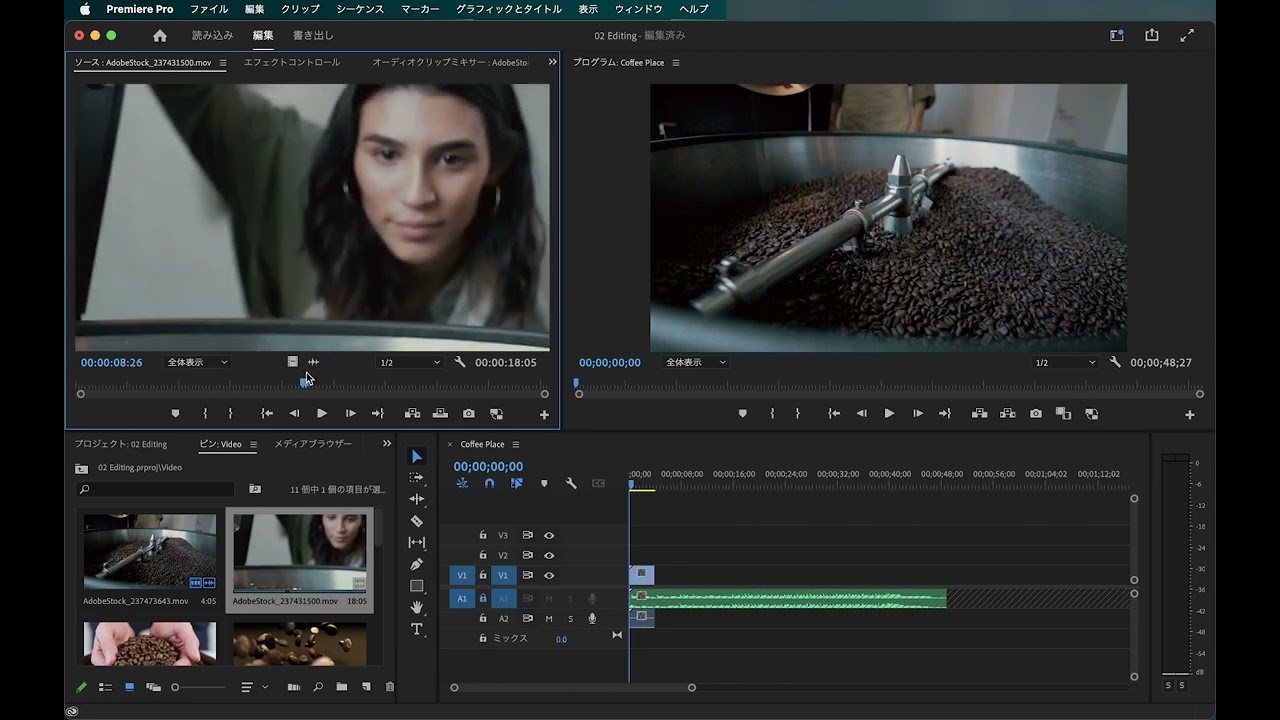
クリップを変更する方法を学びます。マーカーを使用して編集の決定を行う方法、たとえばビデオクリップのスピードを遅くしたり速くしたりする方法について学べます。
This summary is AI generated
Learning Outcomes:
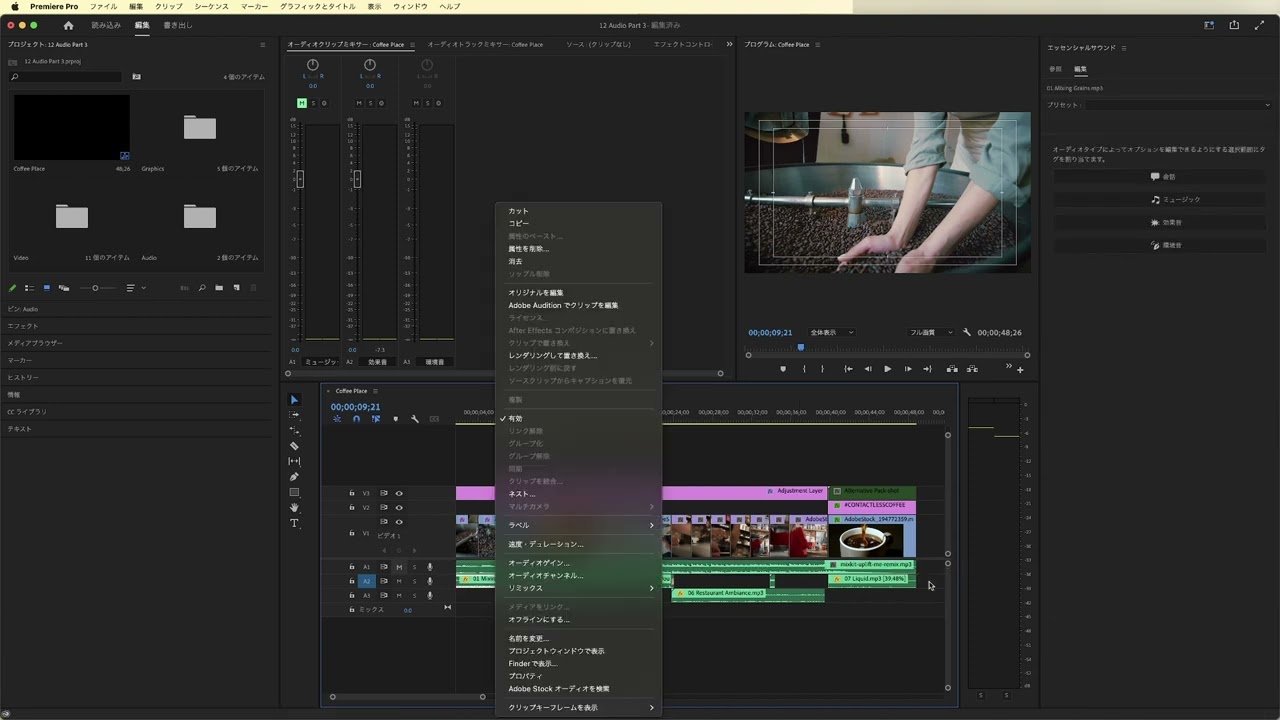
- Mute audio clips effectively.
- Adjust clip speed and duration.
- Utilize markers for better organization.
Level: Intermediate
Skills you'll gain:
Premiere Pro, Editing, Markers, Speed
Key Insights
- Lock tracks to prevent accidental edits.
- Use the marker panel for efficient navigation.
- Double-click markers to edit their properties.
- Change clip speed by right-clicking on the clip.
- Adjust clip length after changing speed.
- Use color labels for better clip organization.
- Markers facilitate communication among editors.
- Zoom in and out for precise editing.









 AdChoice