
Adobe Trainer (Japanese-2)
Adobe Certified Trainer

ワークフロー編集
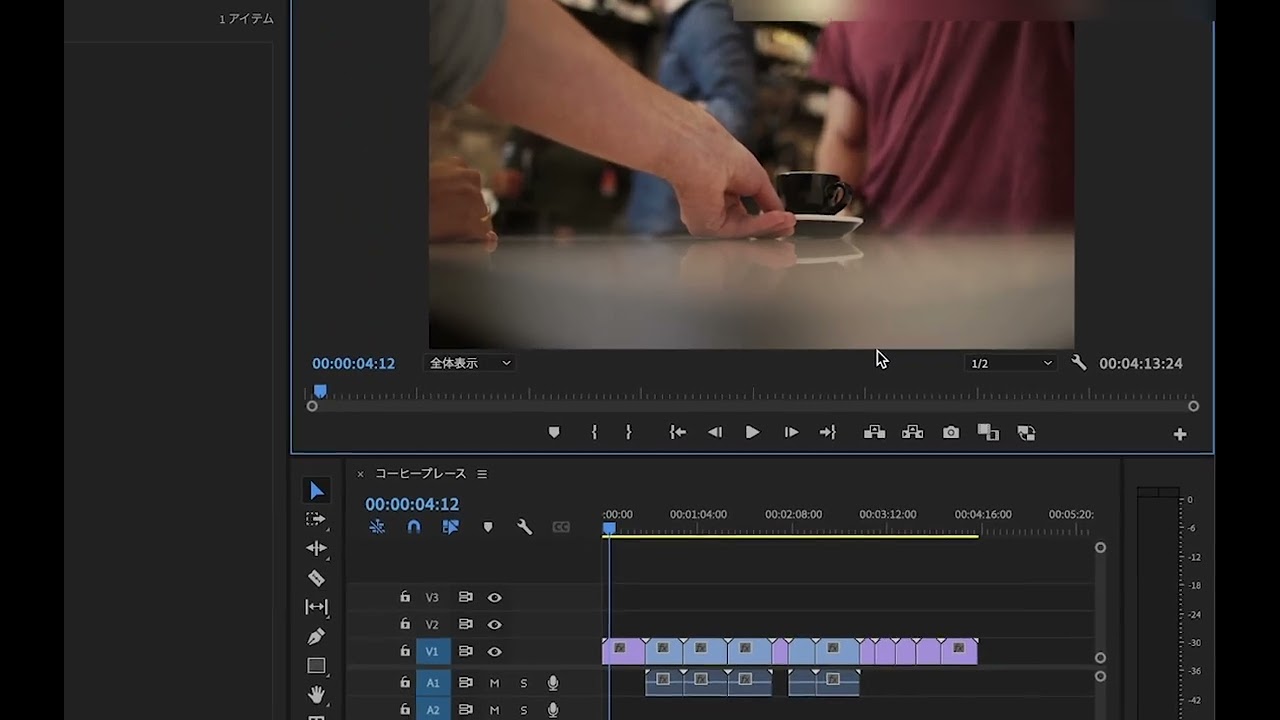
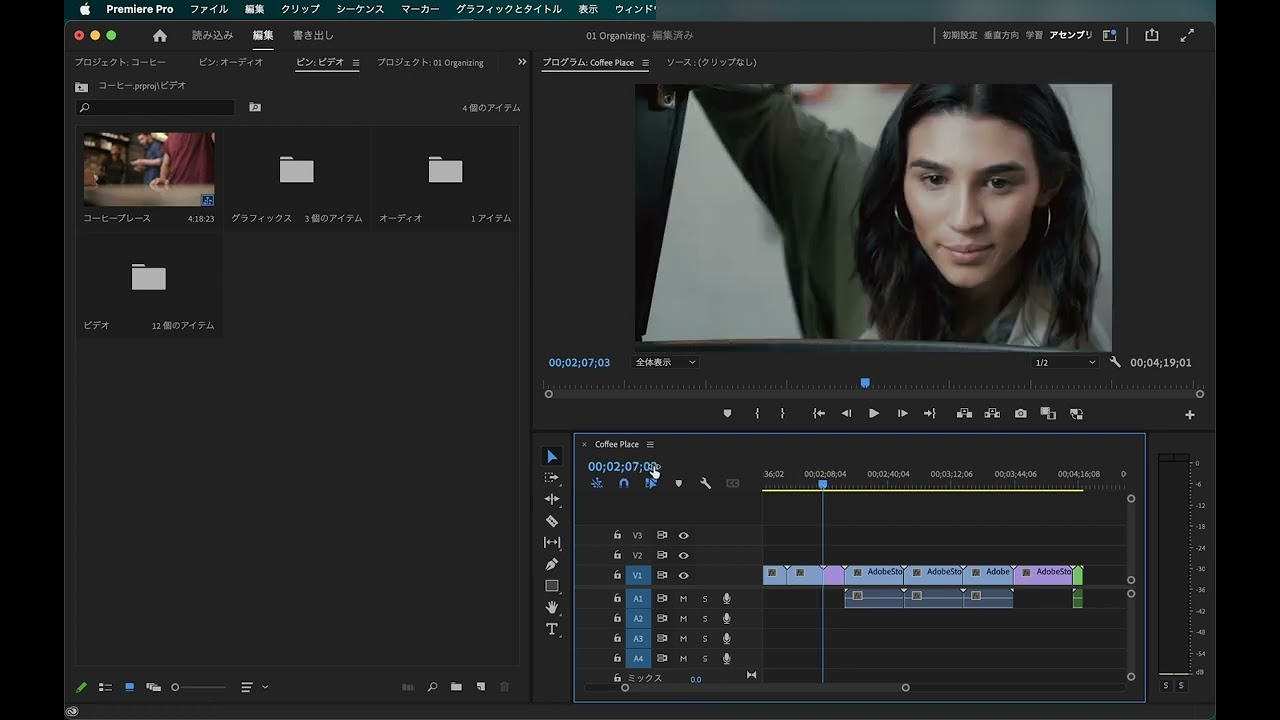
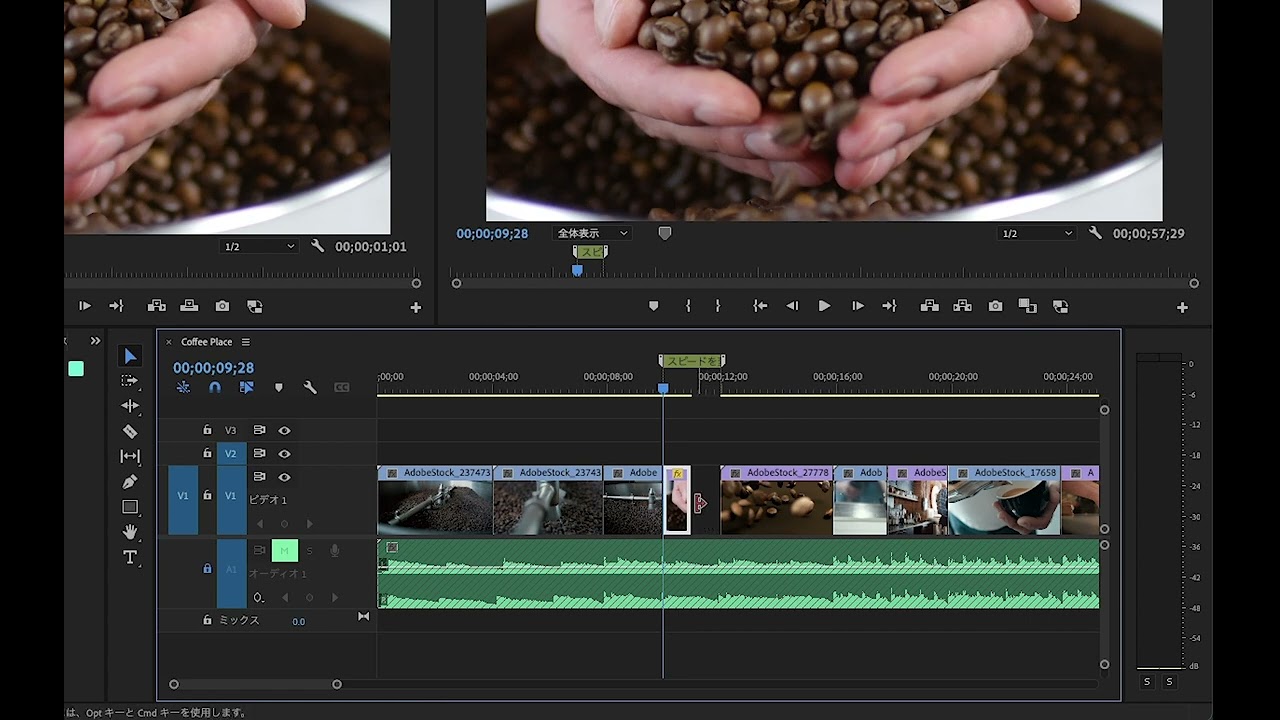
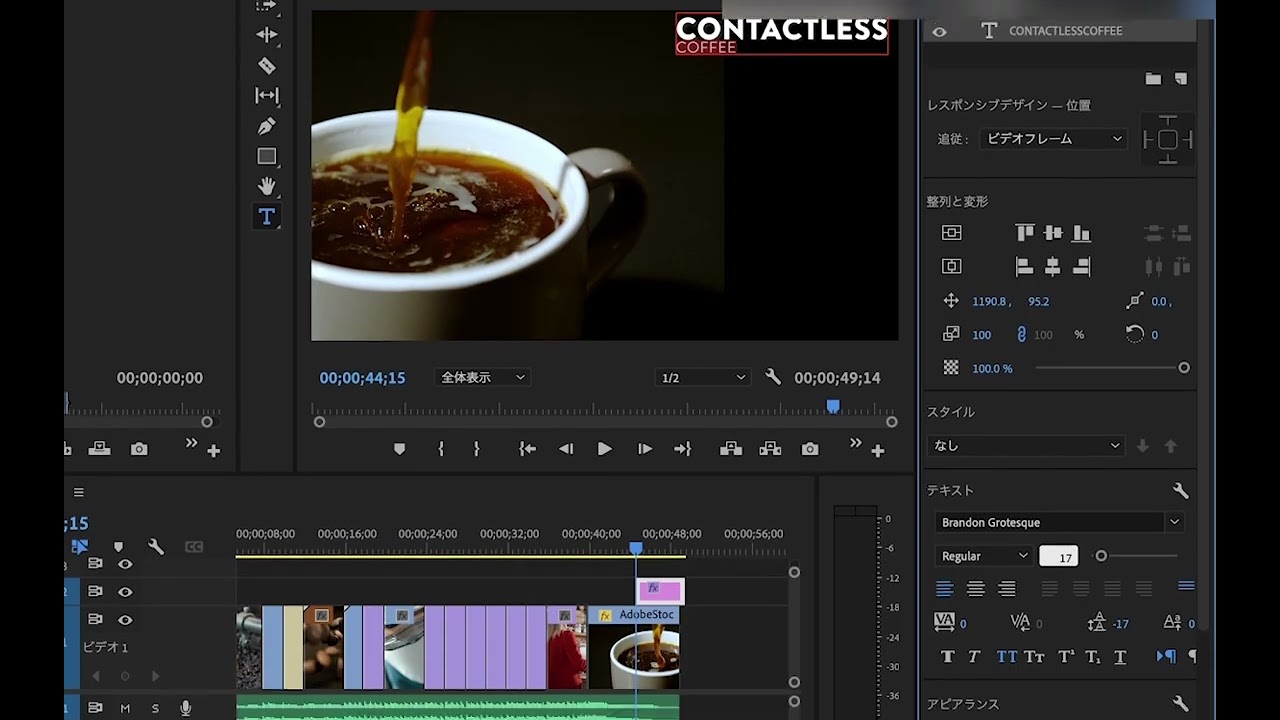
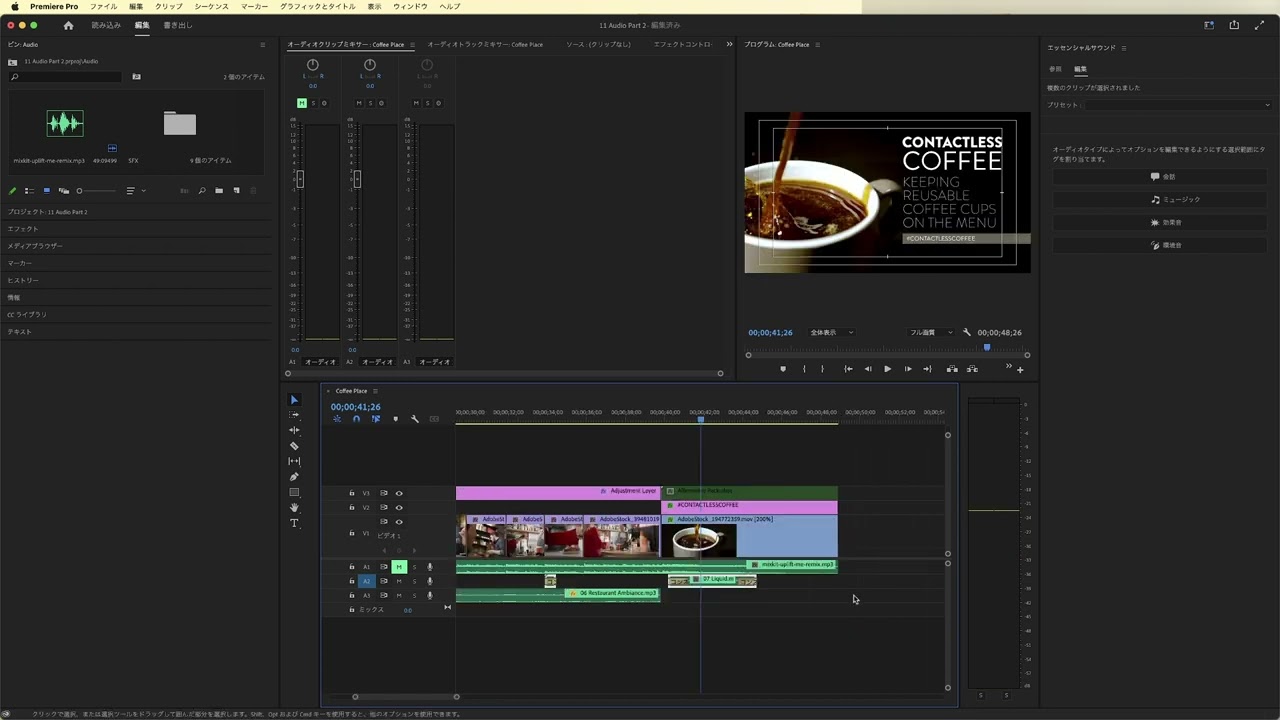
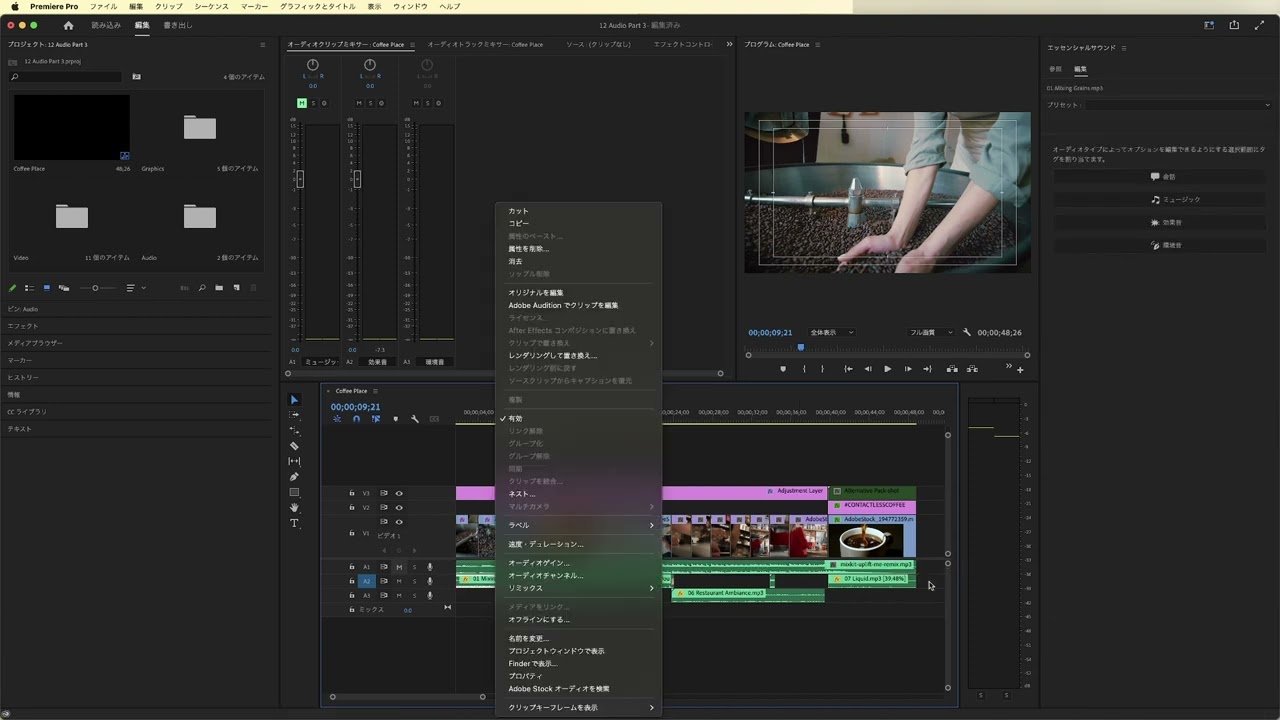
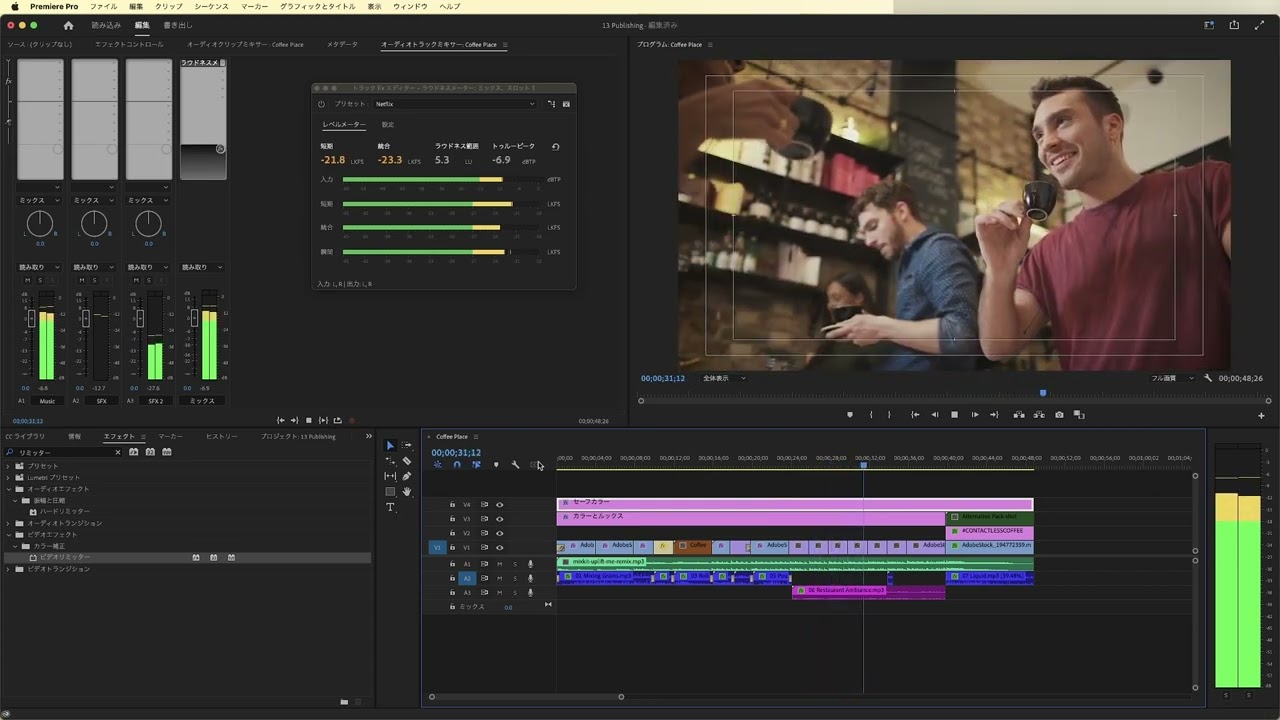
Adobe Premiere Proで編集する方法を学びます。ビデオにオーディオベッドを追加する方法や、Premiere Proのタイムラインにクリップを追加する方法について紹介します。また、クリップにインポイントとアウトポイントを設定してビデオクリップを編集する方法も説明します。
This summary is AI generated
Learning Outcomes:
- Set up workspace for efficient editing
- Use shortcuts for quick timeline adjustments
- Create rough cuts for video projects
Level: Intermediate
Skills you'll gain:
Premiere Pro, Editing, Shortcuts, Timeline
Key Insights
- Maximize panels for better visibility using the tilde key.
- Lock audio tracks to prevent accidental edits.
- Use in and out marks to define clip segments.
- Understand the difference between insert and overwrite edits.
- Utilize keyboard shortcuts for faster editing.
- Use lift and extract functions to manage timeline space.
- Clear in and out marks to reset clip selections.
- Preview edits frequently to ensure flow and pacing.







 AdChoice